

First, click on Bookings, and then navigate to Codes.
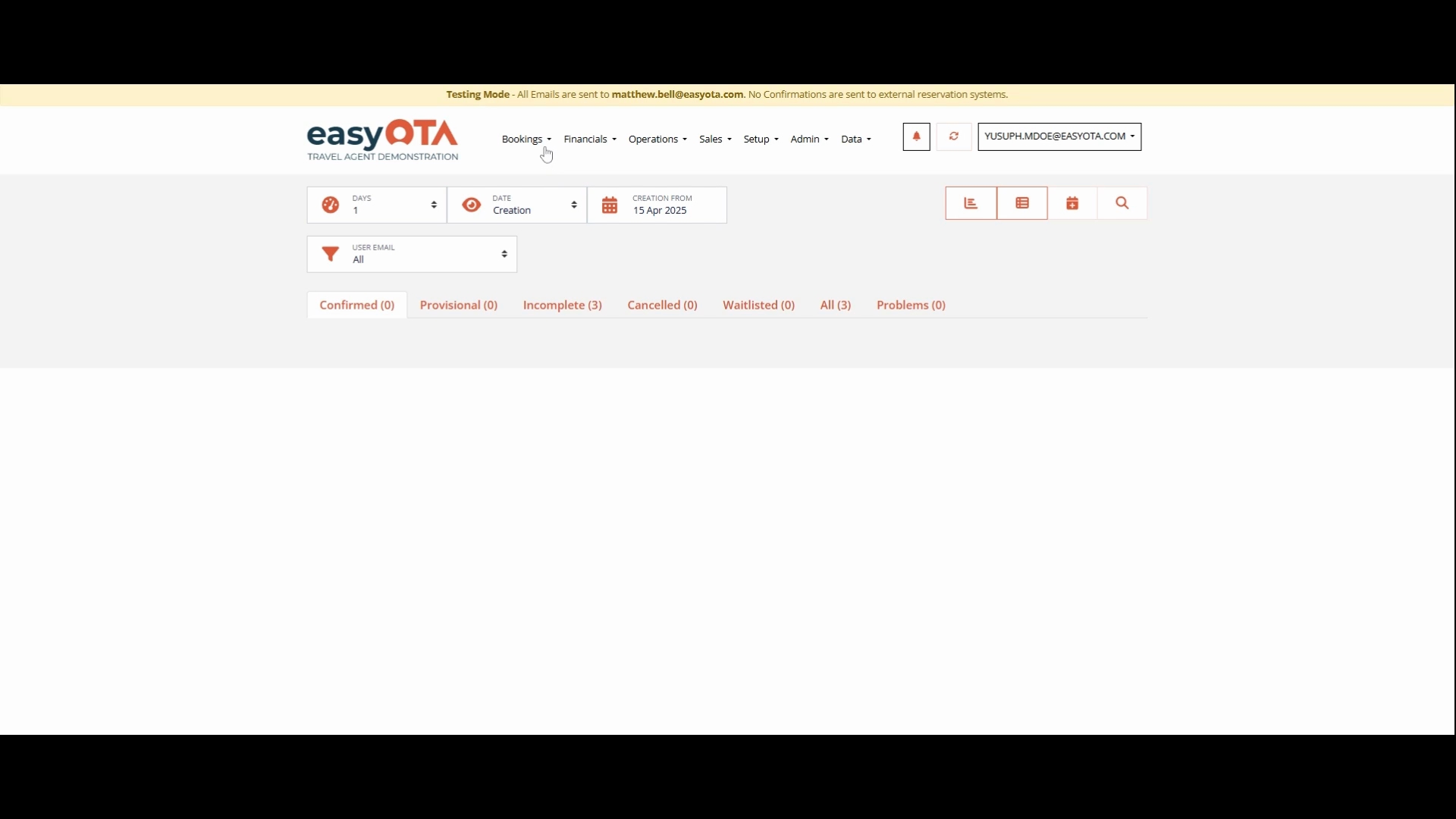
Once the dashboard for Quotes has loaded at the top left, click on Add Quotes.
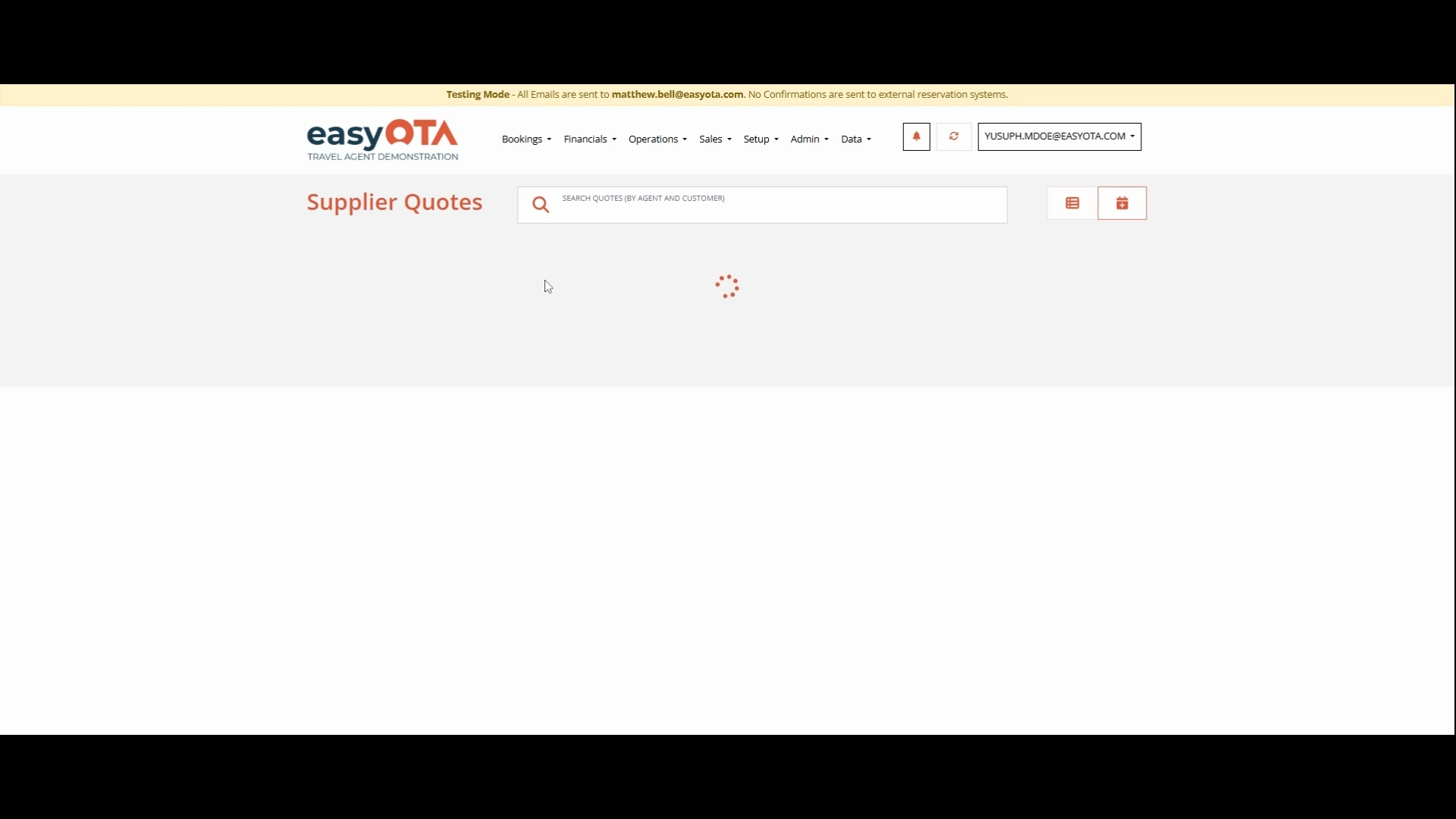
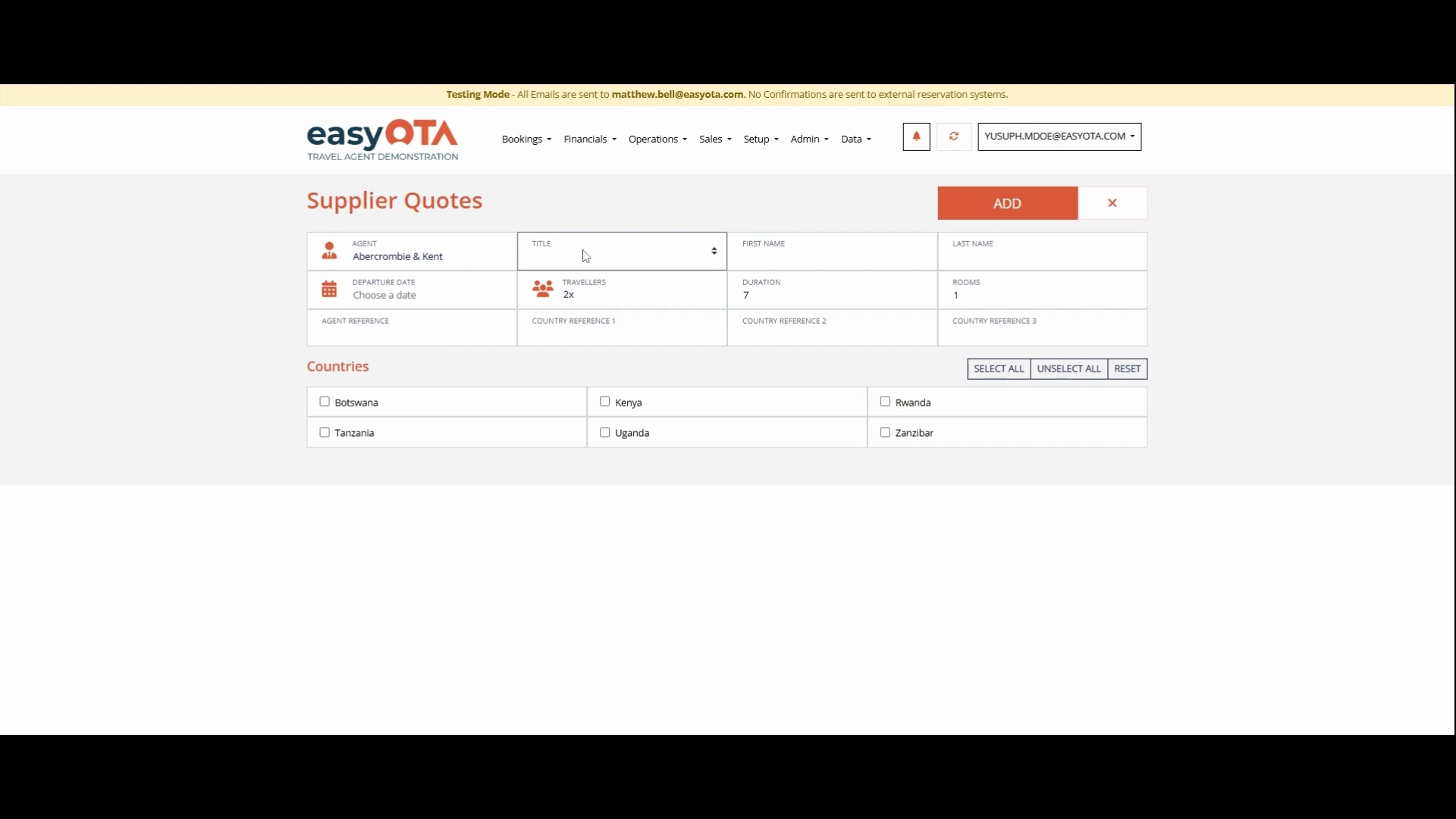
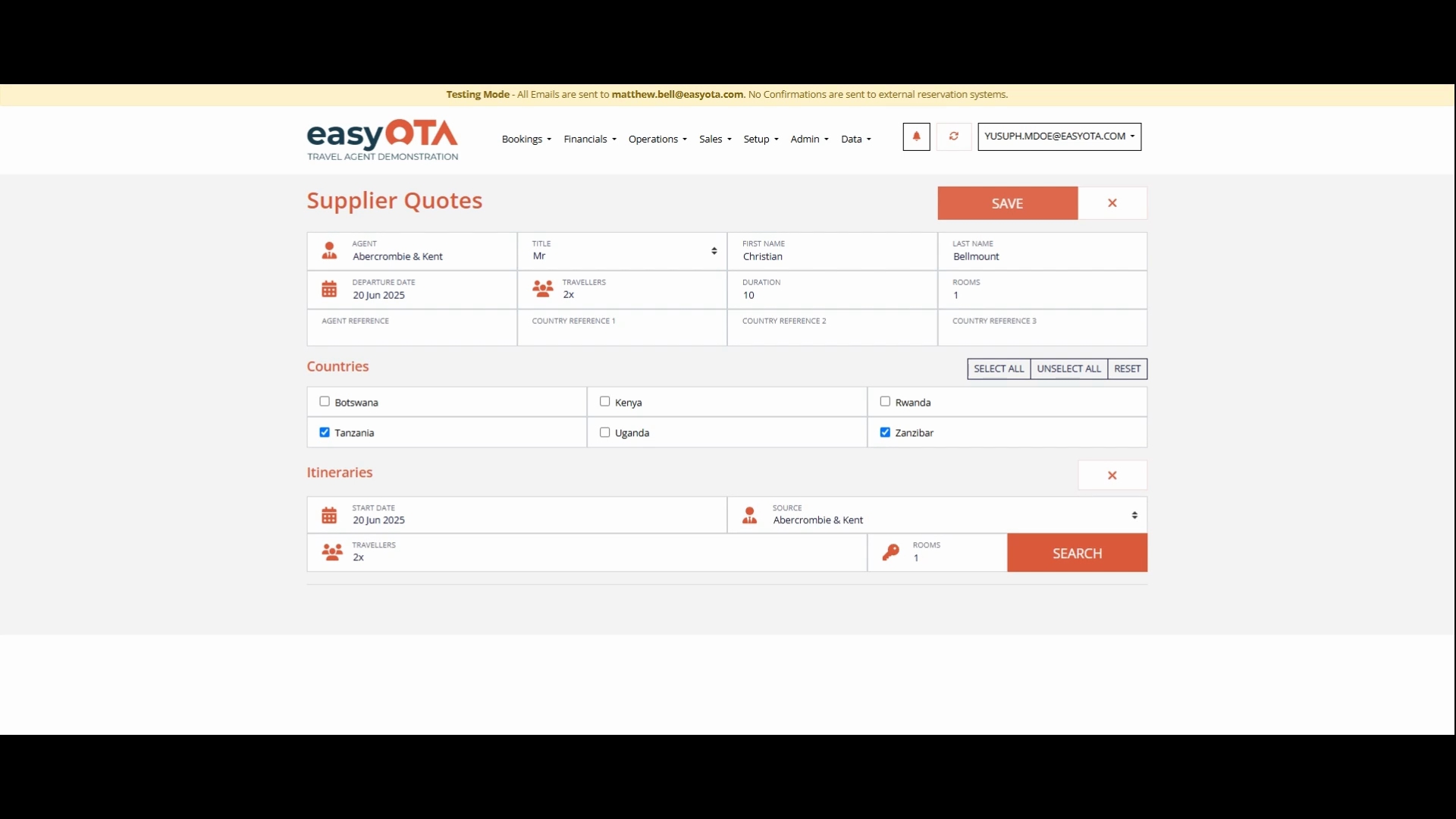
Add the agent's name. In our case, we will use Abba, Combi, and Kent.
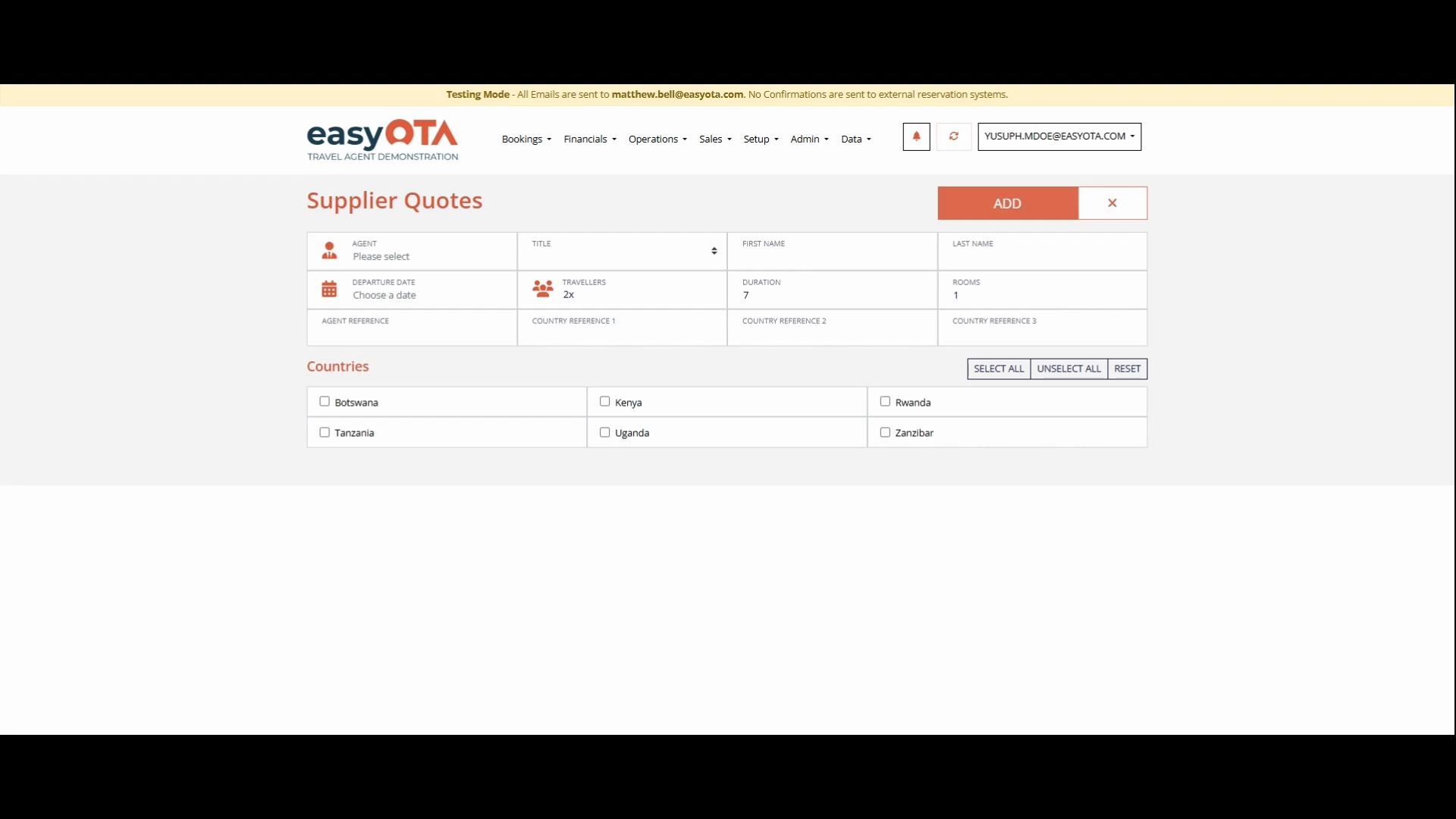
Add the Title.
Add the First and Last Name.
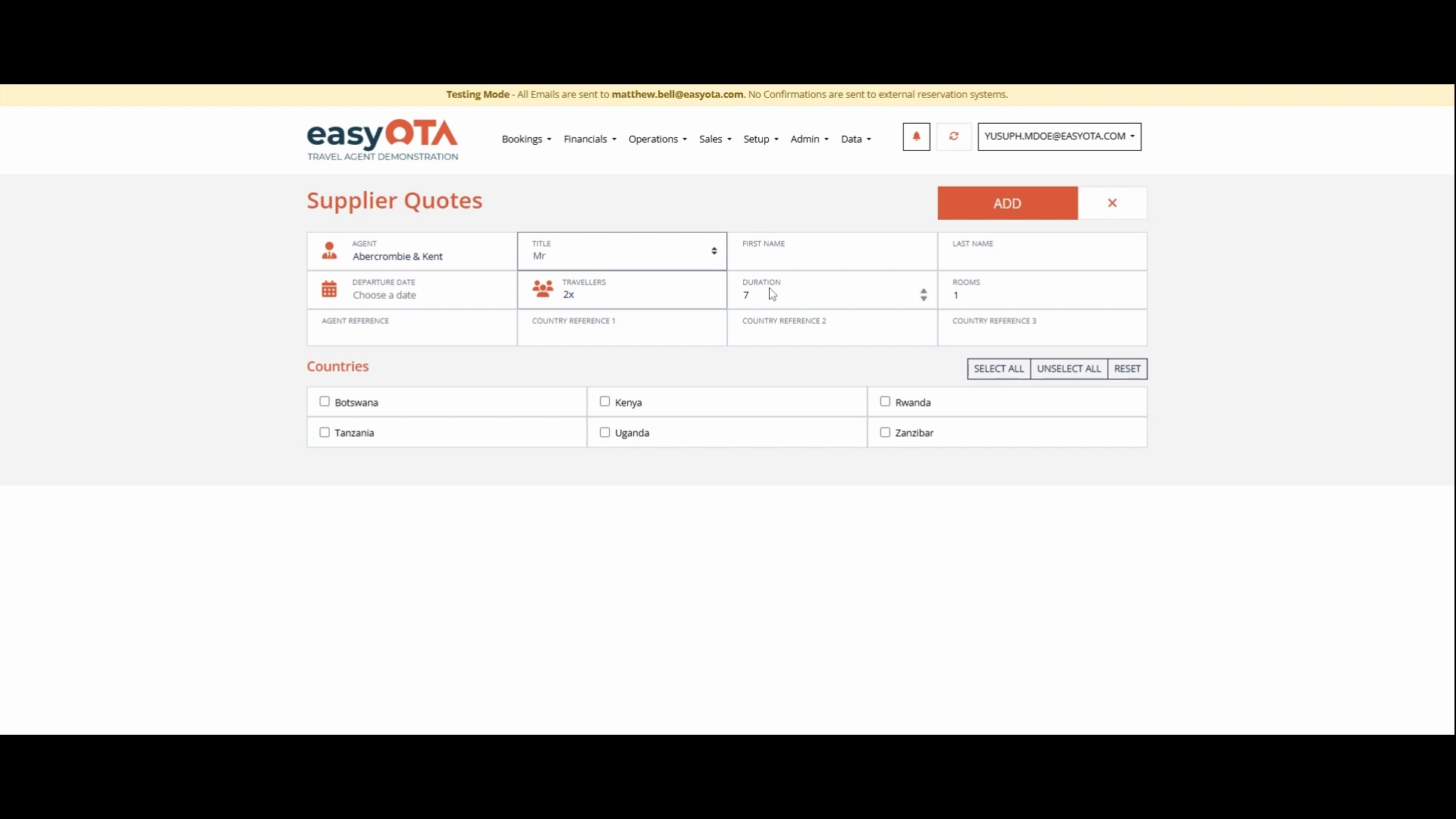
Add the Departure Date.
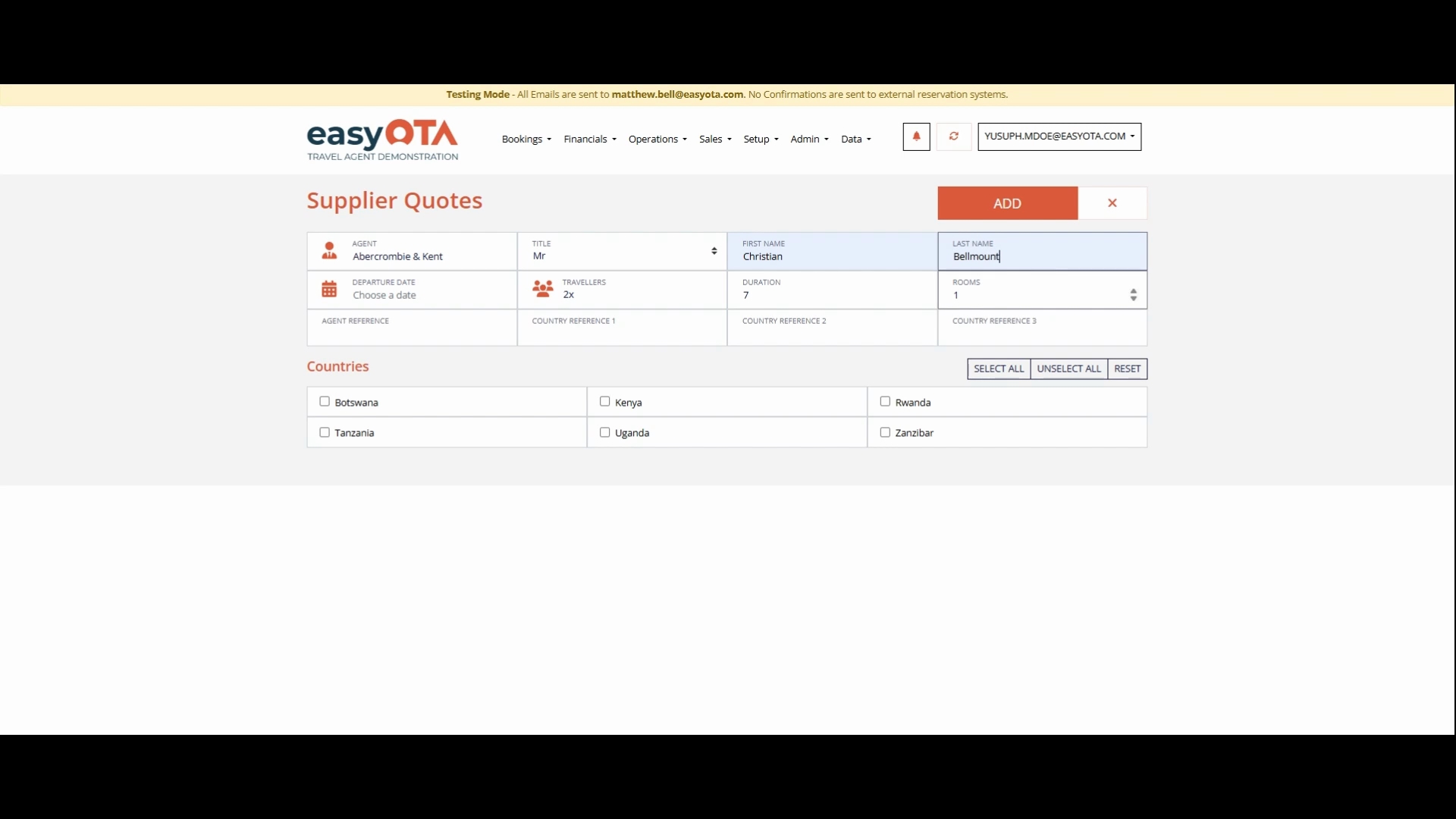
Add the Number of Travelers. In this case, the travelers are two.
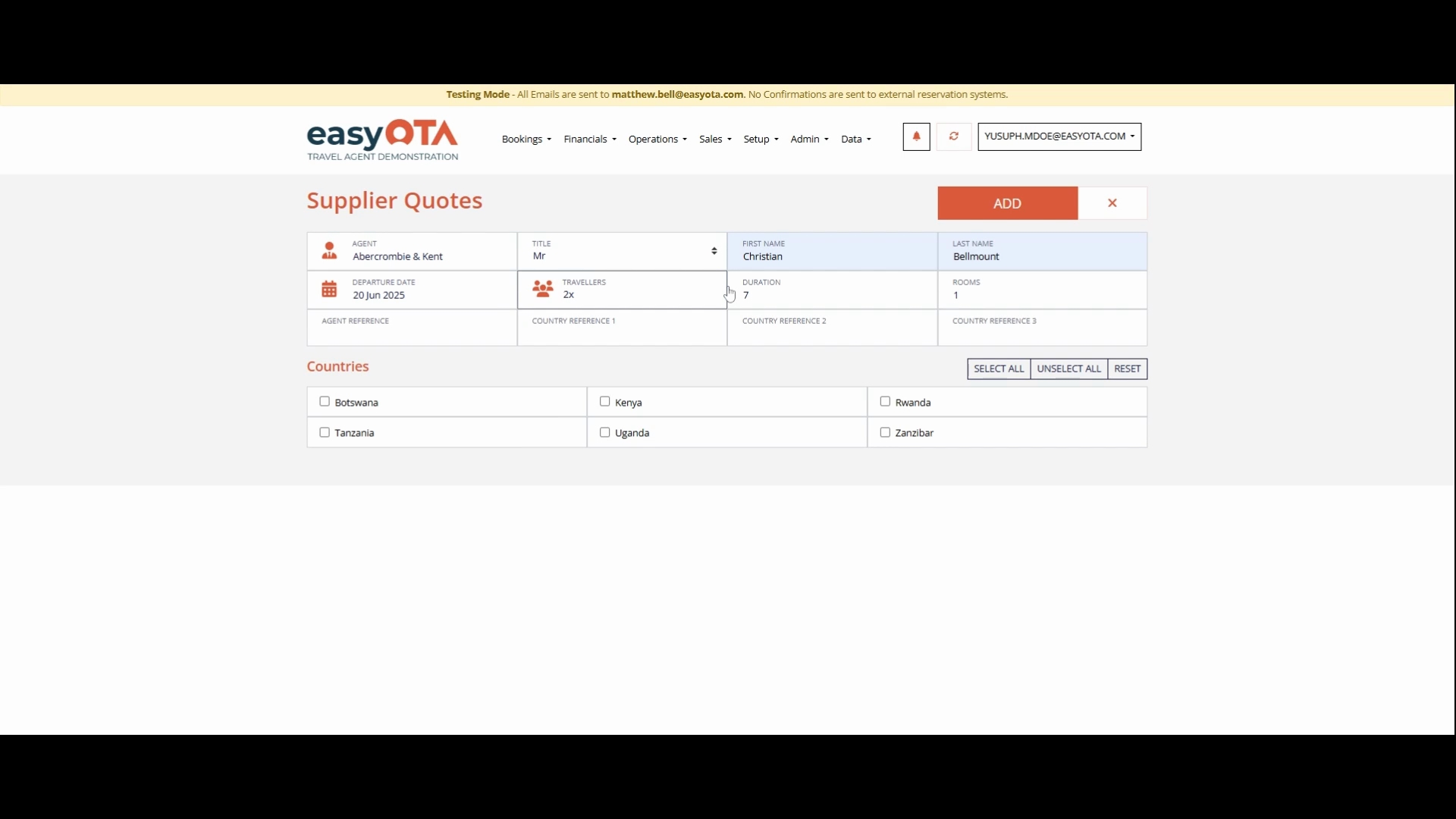
Add the Duration, which will be 10 days.
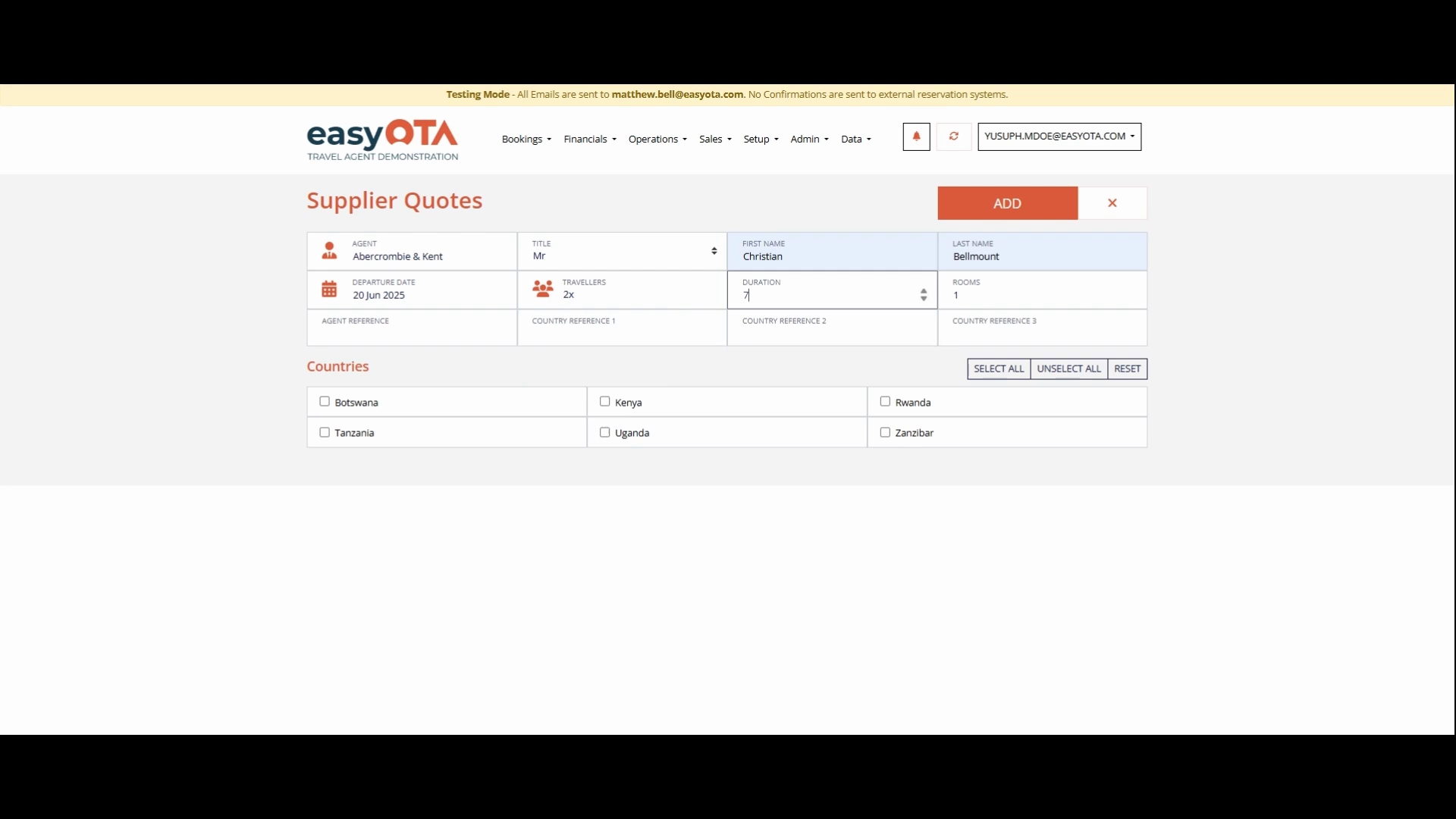
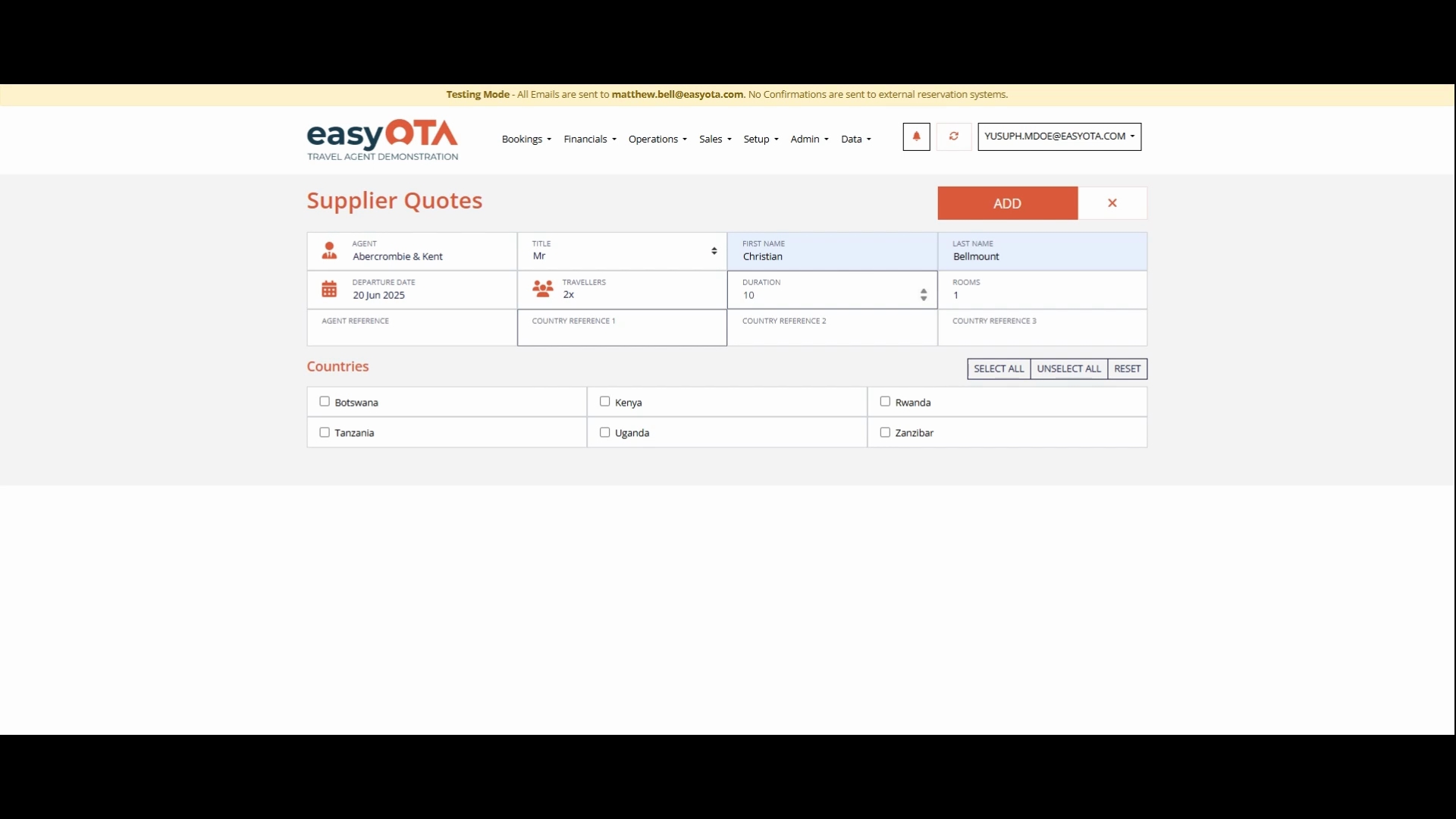
If you have any references, add them below under your agent.
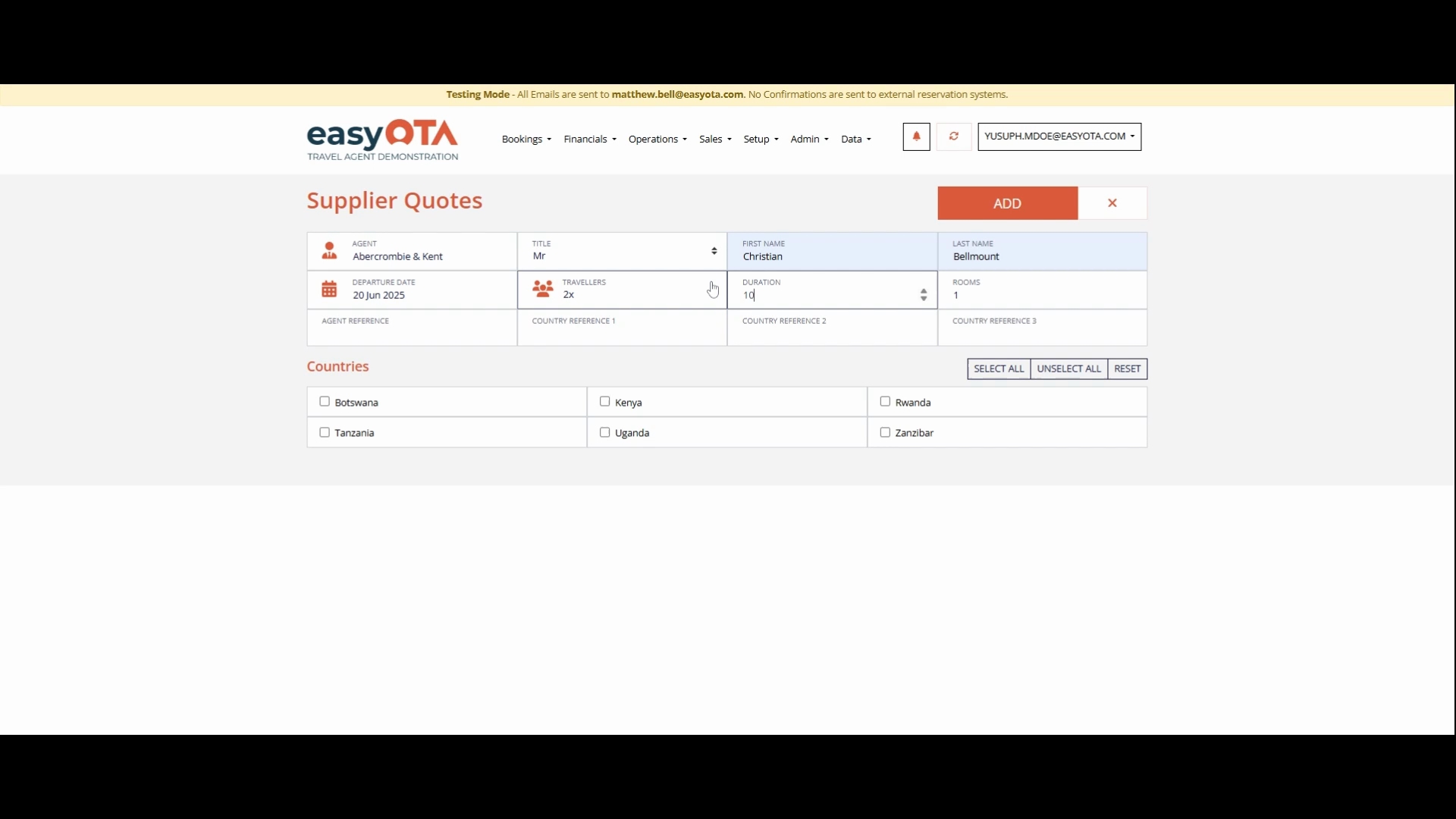
Specify the references such as Country, Country Two, or Country Three.
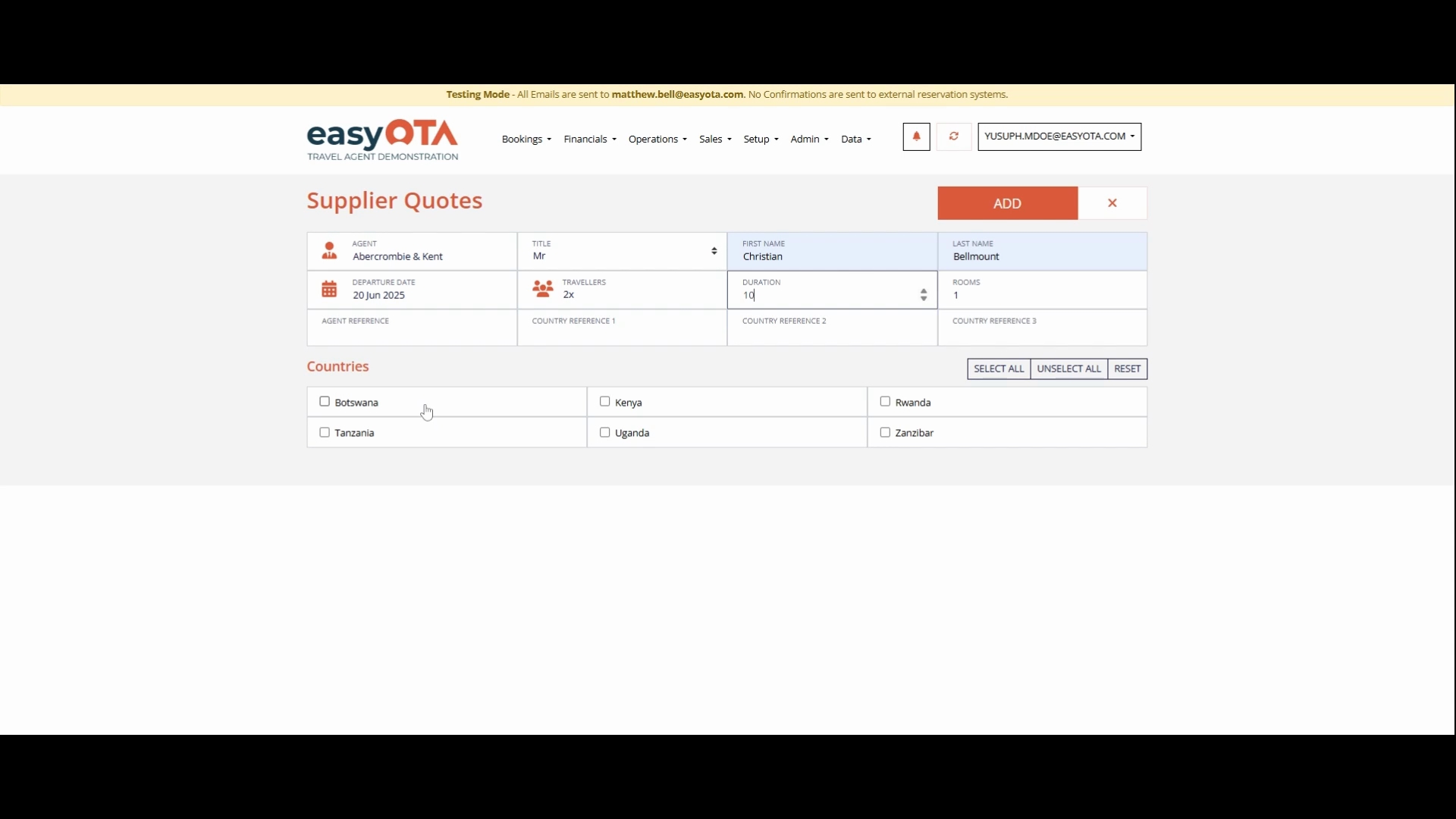
Select the countries that the clients will be visiting for the quotations that you are making. For this example, choose Tanzania and Zanzibar.
Once completed, press the Add button.
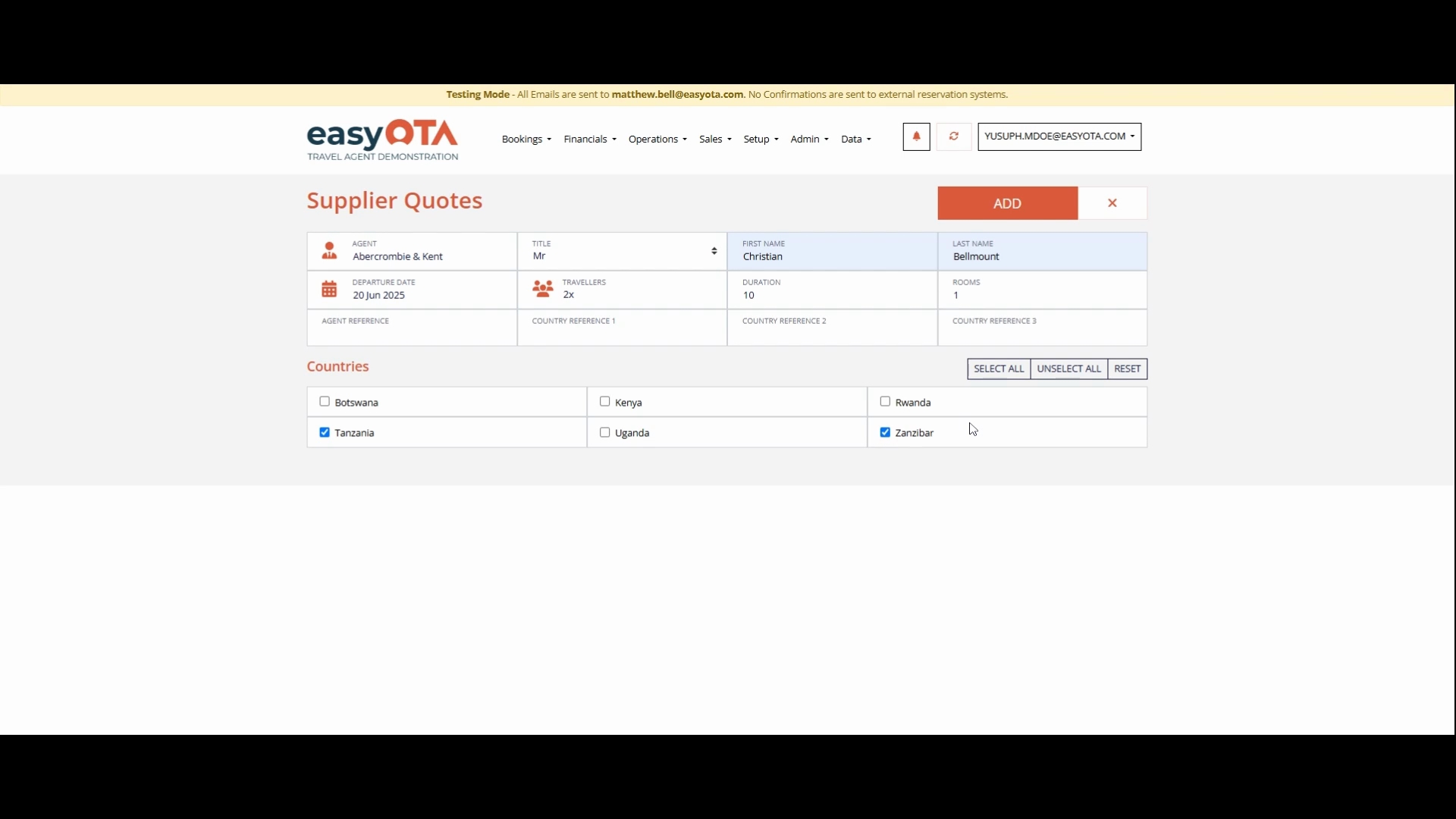
You will see a preview of what you have added in their supplier's code.
Once you're done, press Save to finalize your entry. This is where you have added your first quote by pressing Save.
Following these steps will enable you to successfully create a booking code.
