

This tutorial will guide you through the process of creating an FIT package using the Easy OTA platform.
Begin by setting a name and an image for the package. Click on the Edit button, then click on the name field. For this example, we will name it Big Five Safari.
After naming, you will need to drag an image into the designated area.
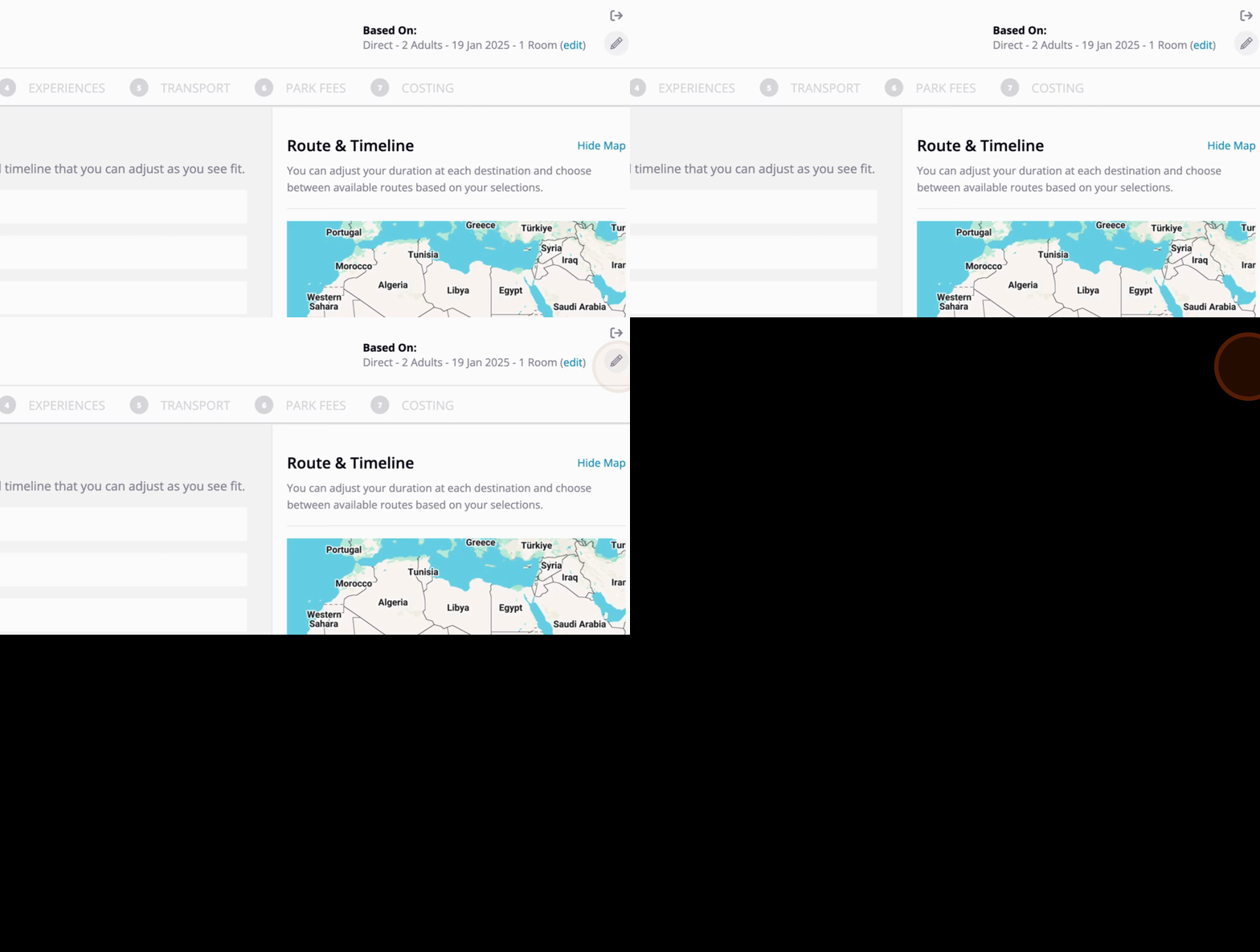
Click on Save to save your progress, and then click on Save again at the bottom of the window.
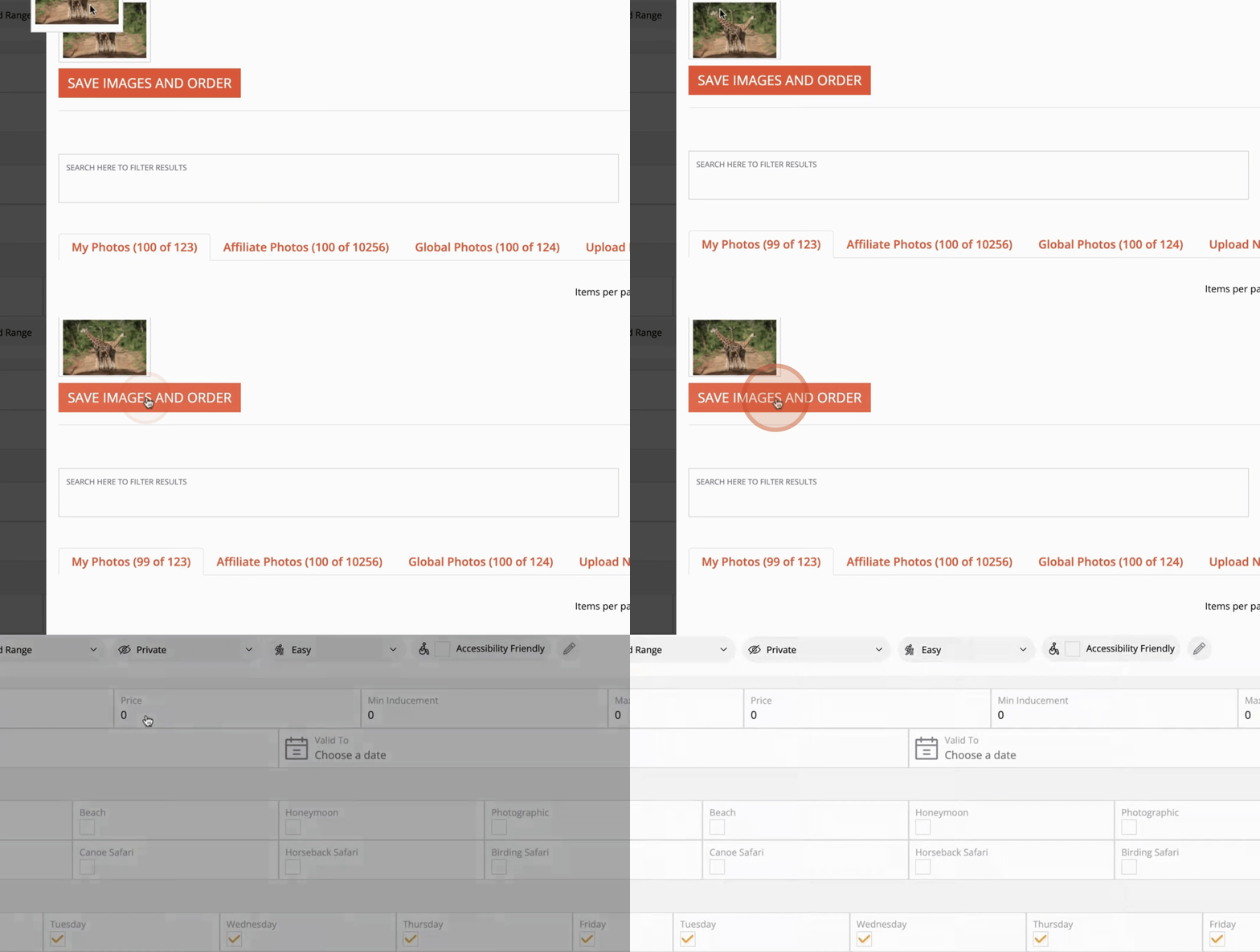
Next, choose the countries that your clients will be visiting. For this example, select Tanzania and click Next.
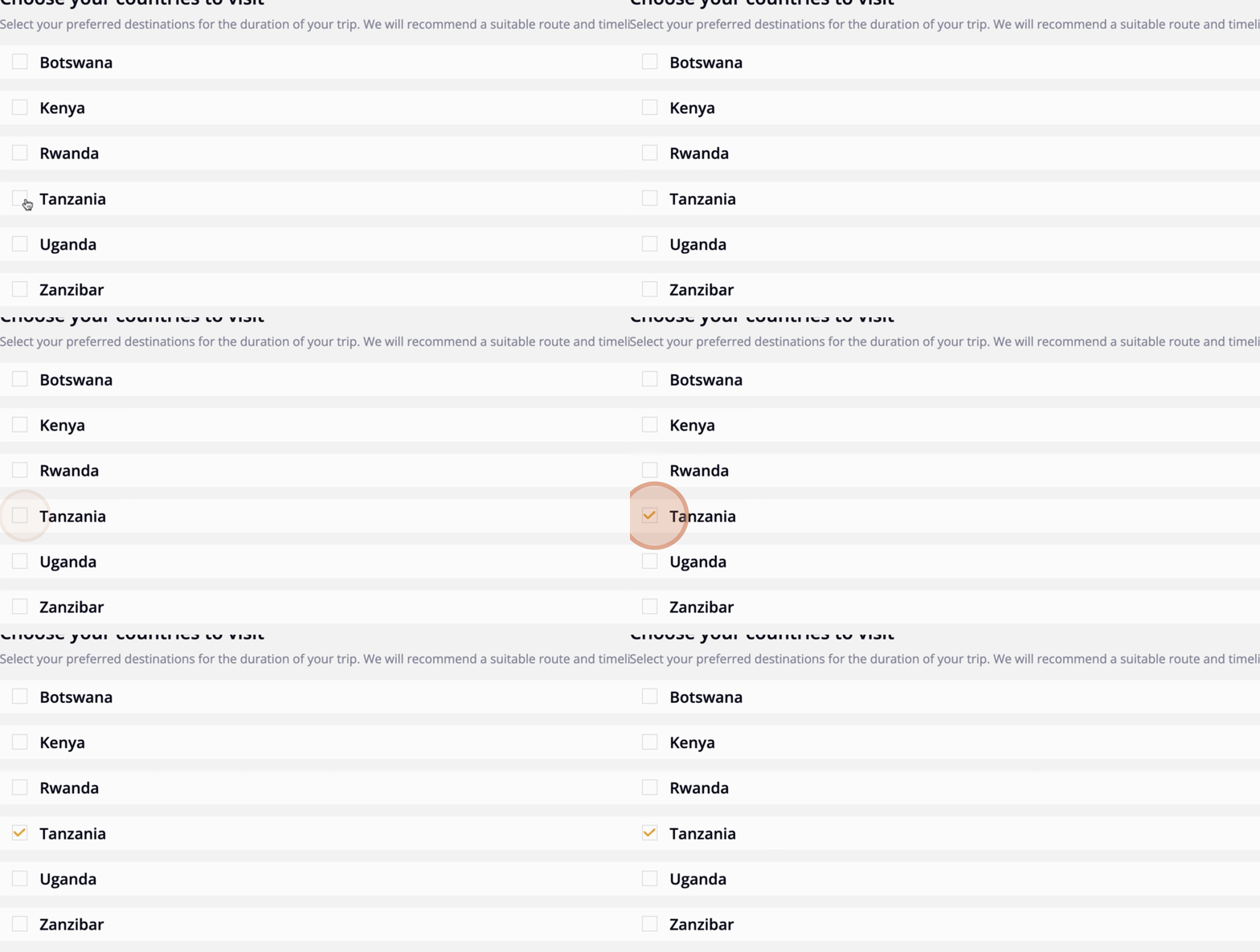
In the following step, select the destinations within the chosen country. We will select Arusha, Lake Manyara, and Serengeti Central.
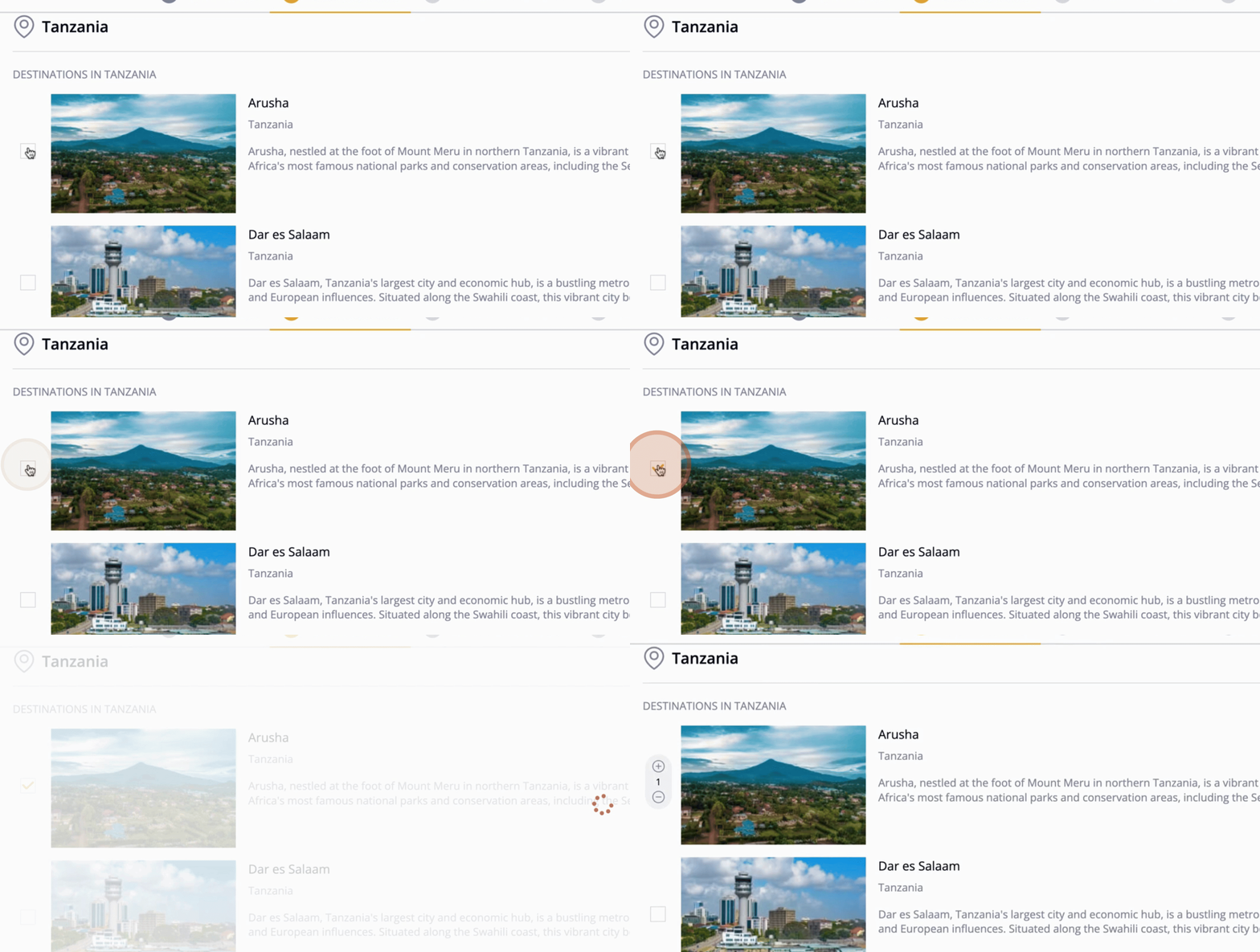
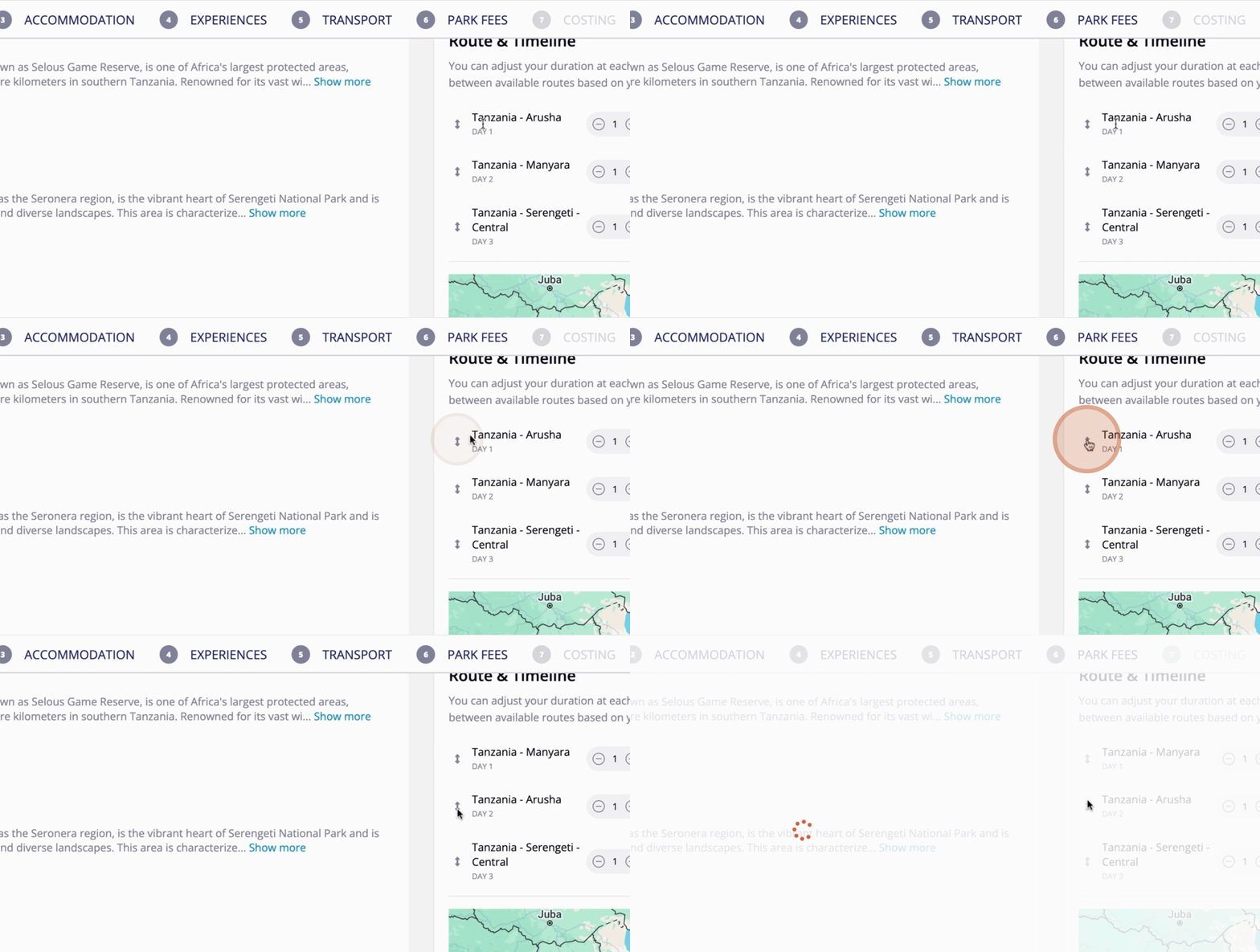
You can reorder destinations and adjust the duration of stay for each. Once satisfied with your route and timeline, click Next.
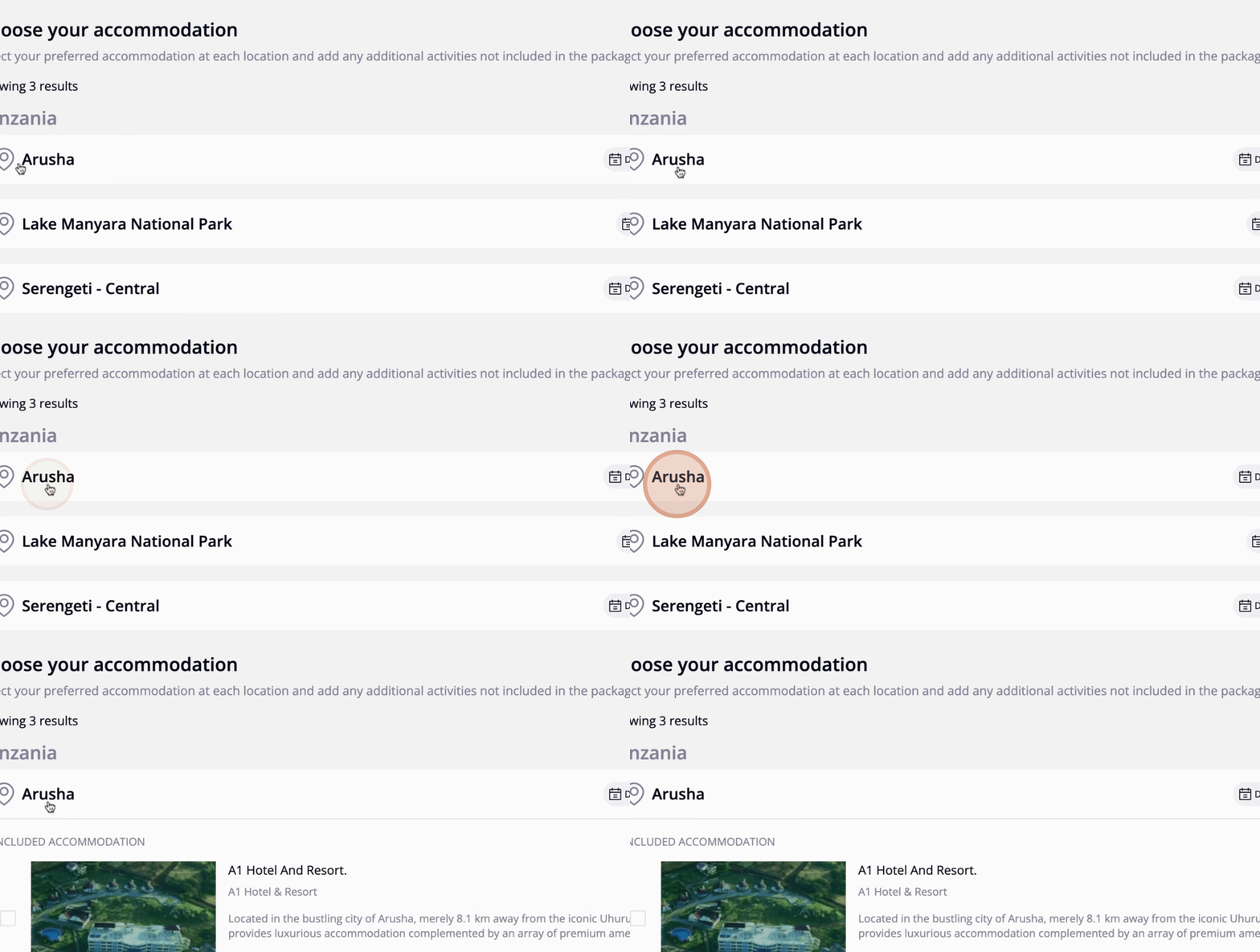
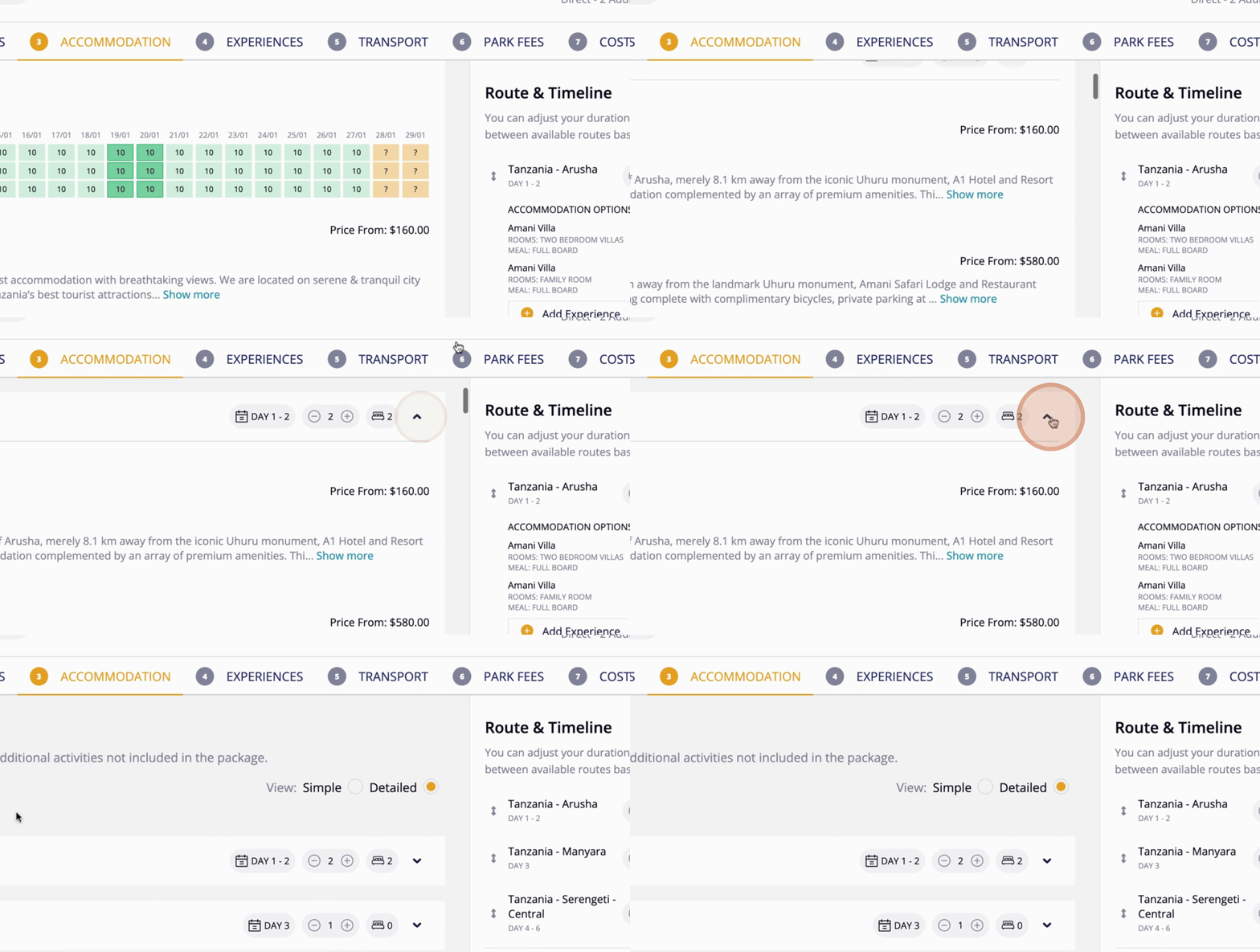
Now, you will choose the accommodation for each destination. Click on Arusha and select Mani Villa. You can also select the accommodation type, such as a family room, standard room, or two-bedroom villa. For this example, we will select a family room.
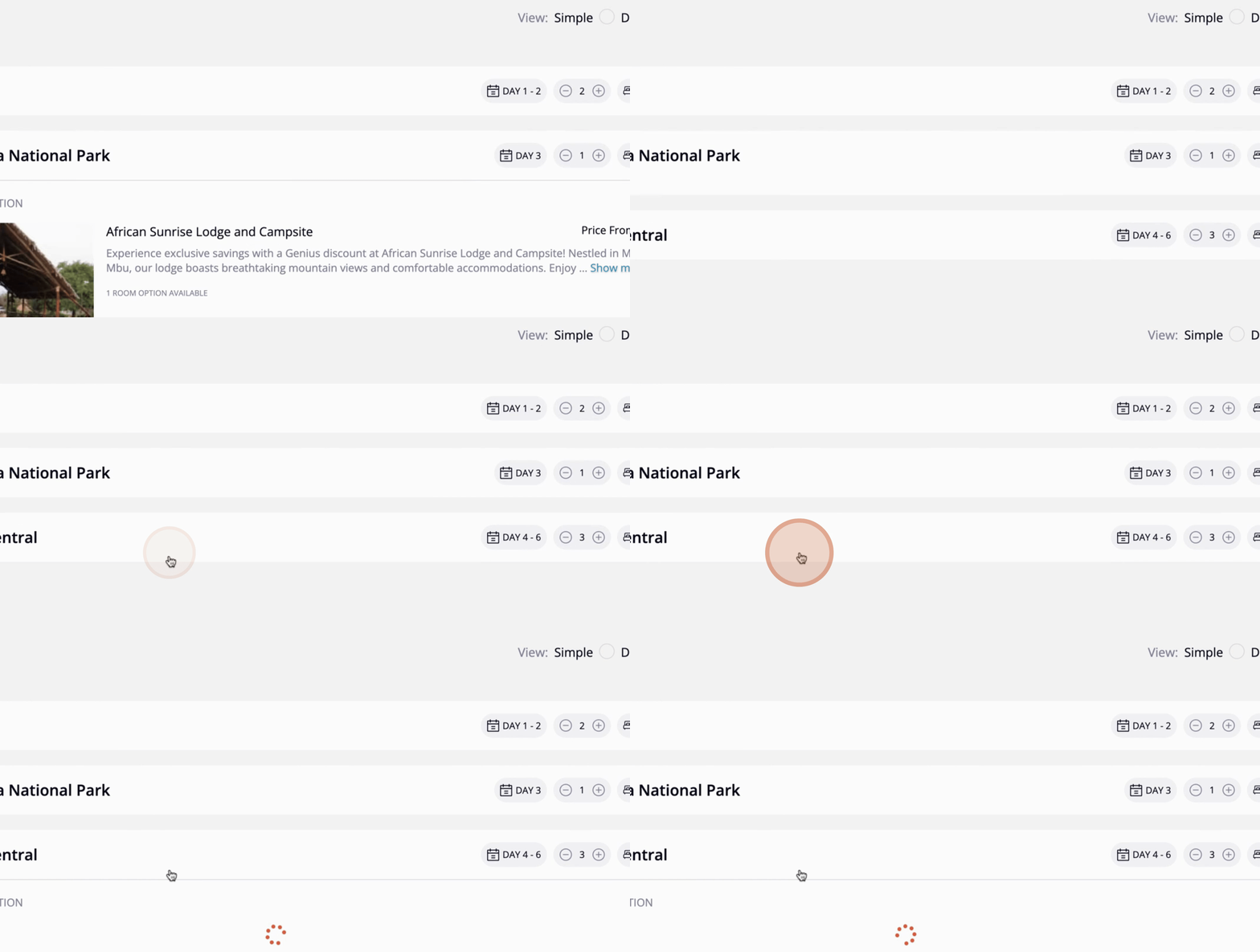
Next, select a hotel for Lake Manyara. Choose the desired option.
Finally, select accommodation for Serengeti, and choose your preferred option. Once you are satisfied with your selections, click Next.
In this step, you will choose the experiences available for each day. You can set experiences as either optional or included. Additionally, specify the arrival and departure times for your clients if applicable.
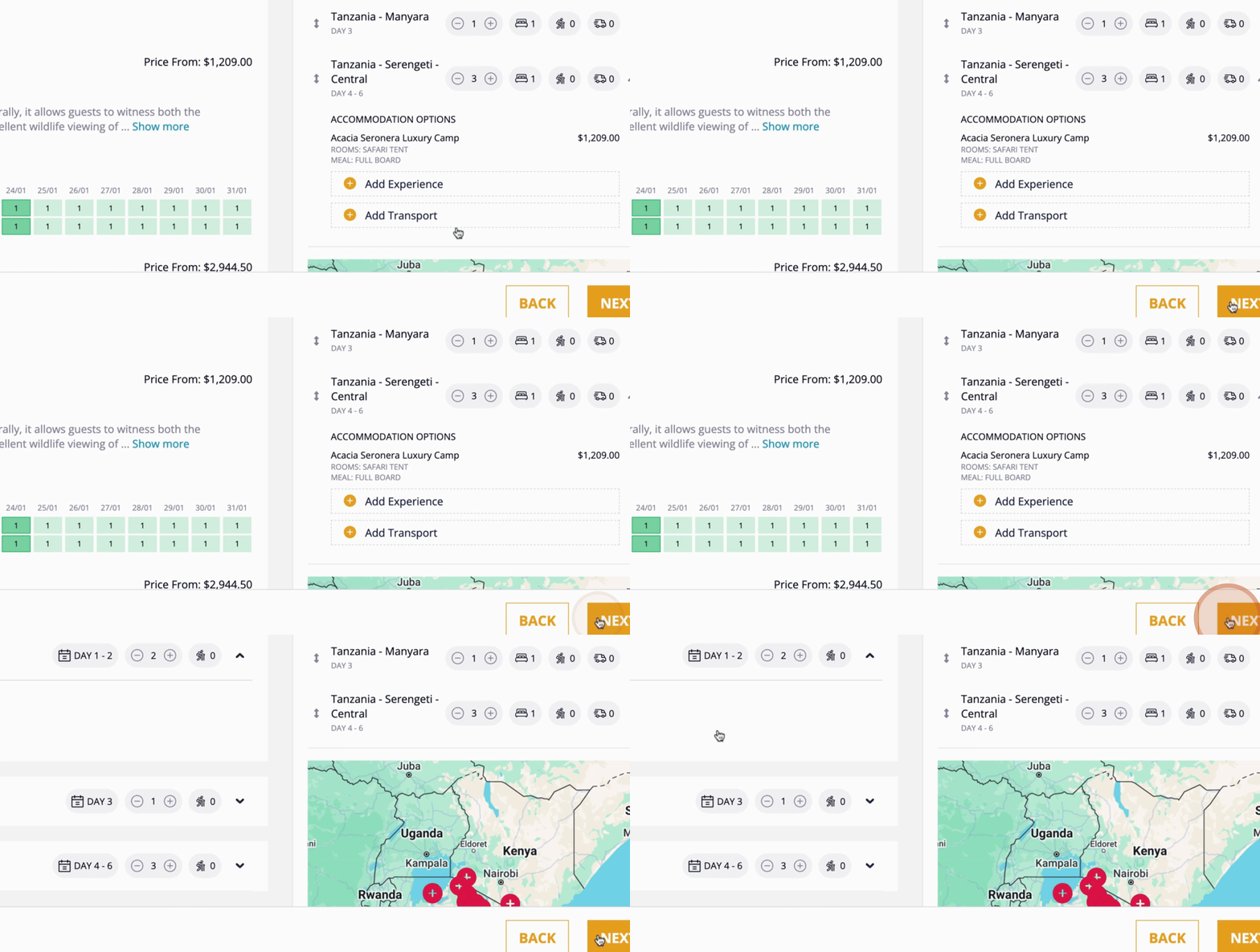
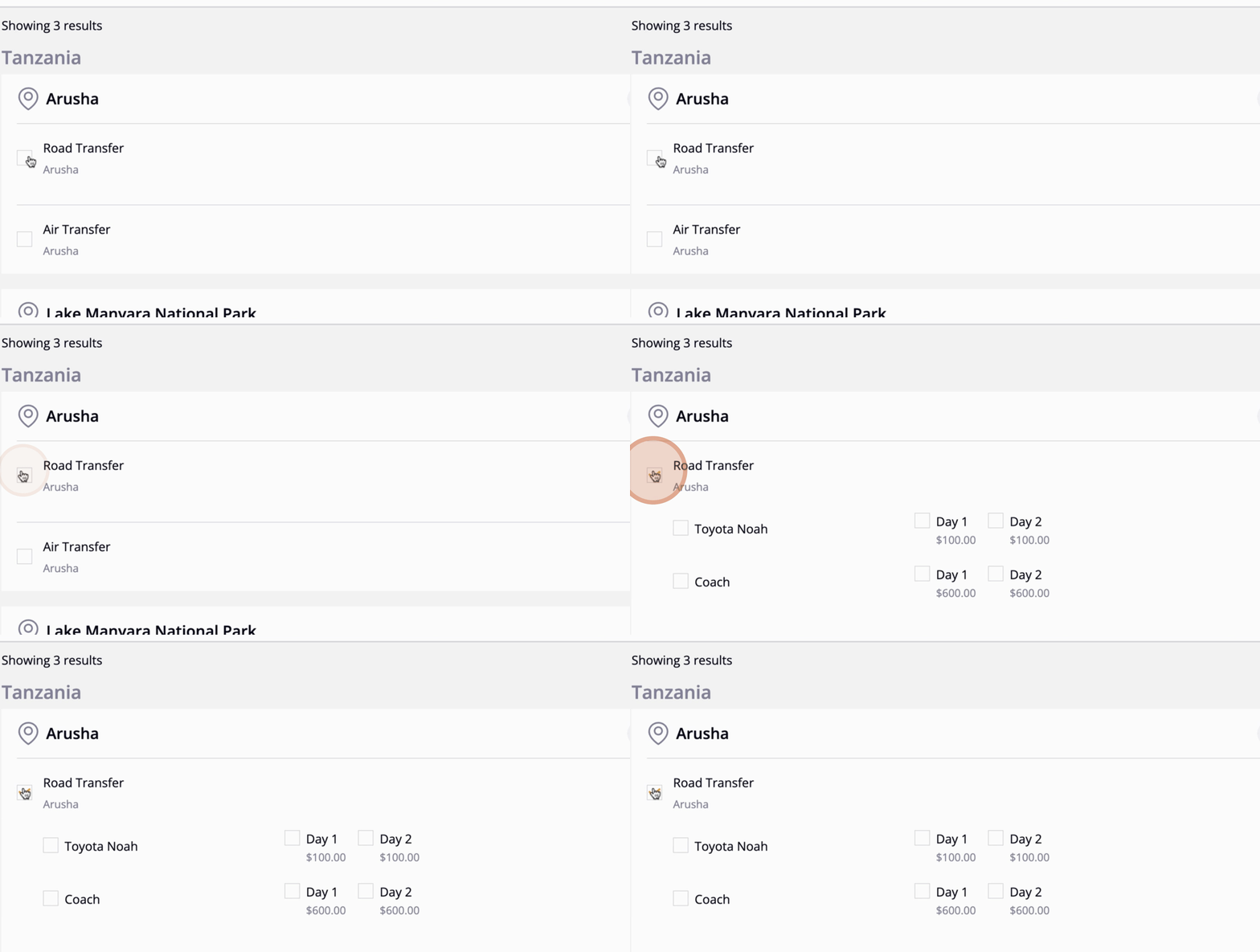
Next, select the transport options between destinations. Choose road transfer and specify the type of transport for each day.
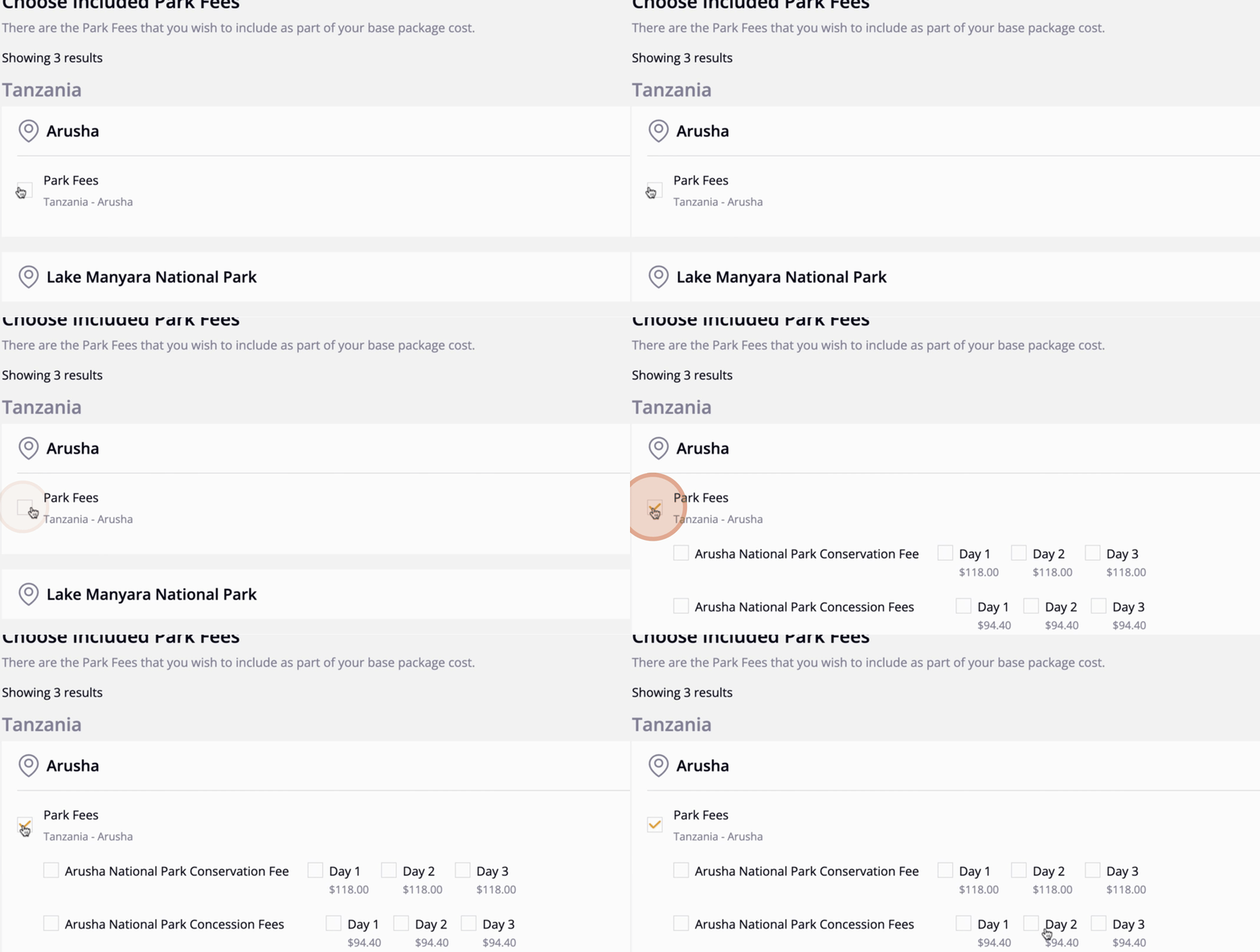
At this stage, you can choose which park fees you would like to include. After making your selections, click Next.
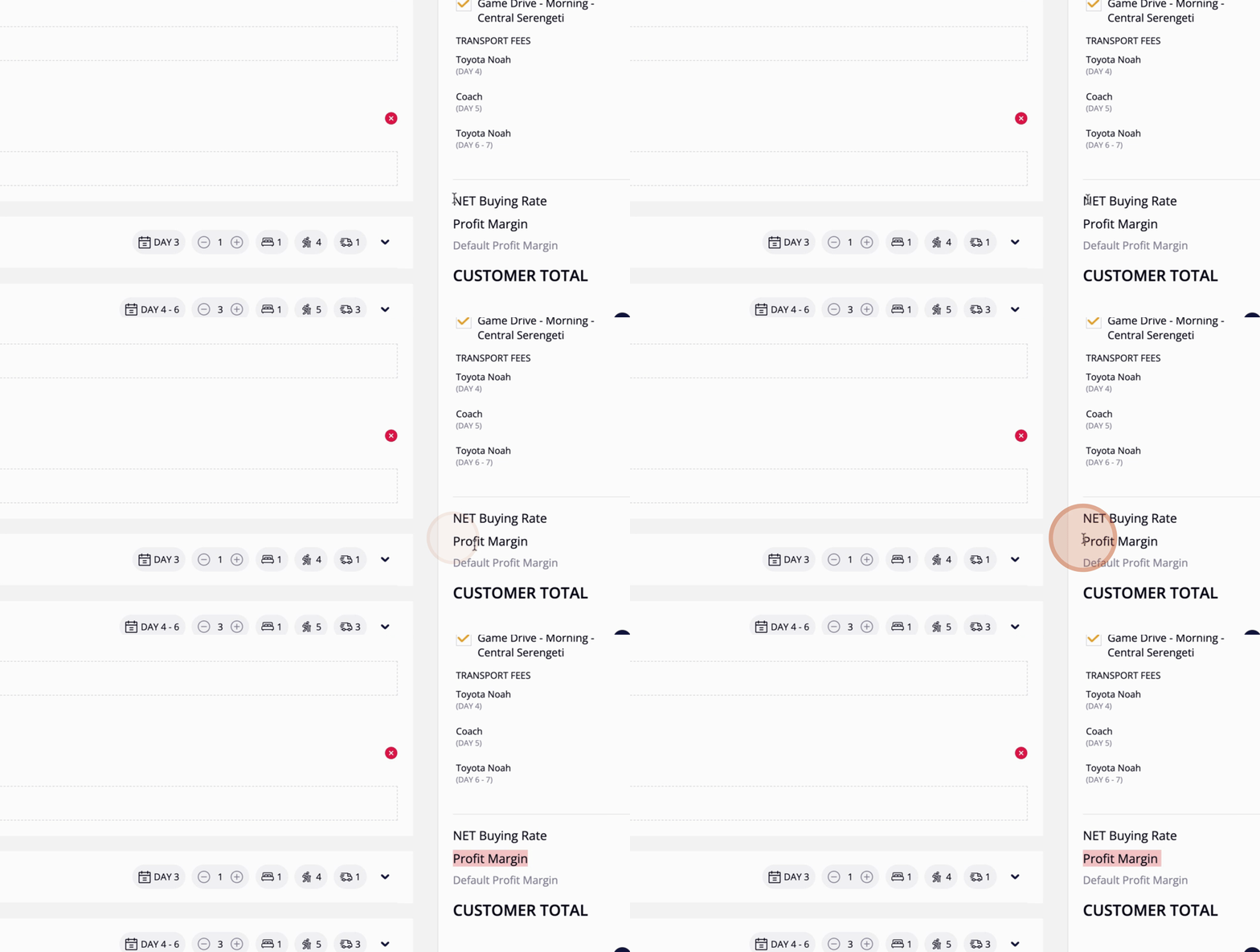
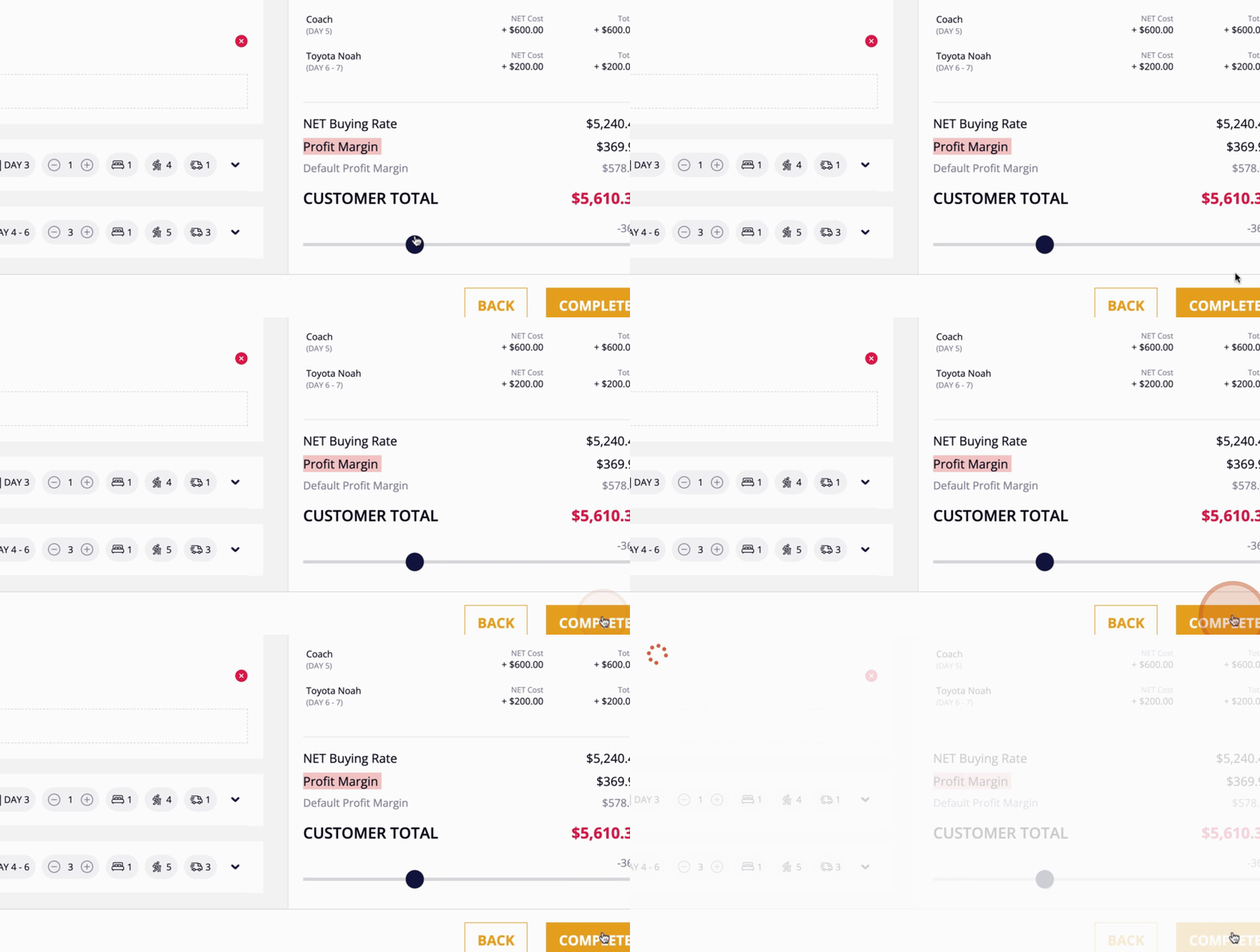
On this page, you can review the pricing details of your package, as well as see the recommended profit margin by Easy OTA. Adjust the profit margin as needed for each case.
Once you have finalized everything, click Complete. You have now successfully created your FIT package!
By following these steps, you will be able to create an FIT package in the Easy OTA platform efficiently.
