


Complete the pop-up with our AI, which will assist you in generating the itinerary. You will be able to choose the language, demographic, and writing style for your itinerary. Once you have made your selections, click on Generate.
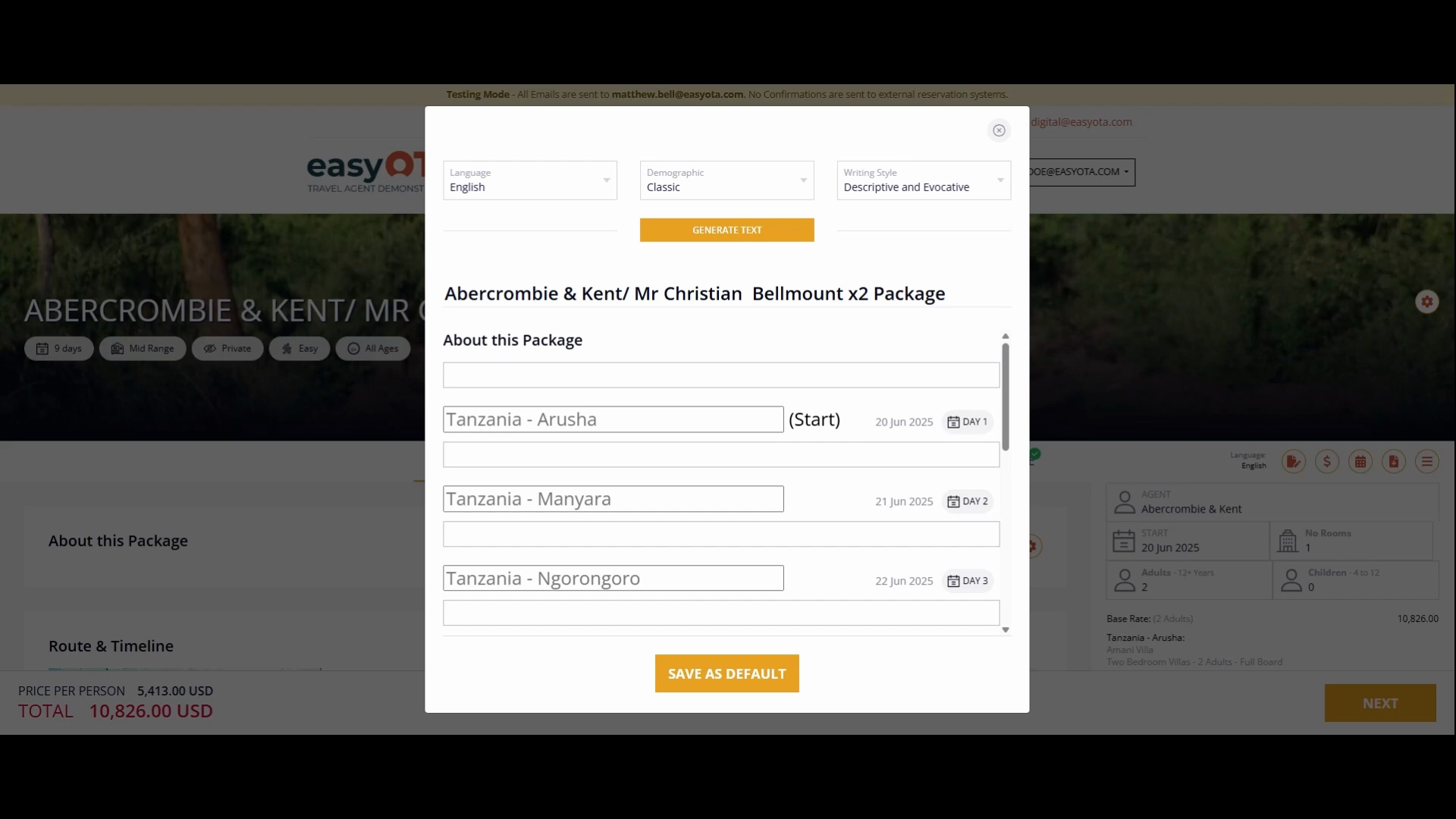
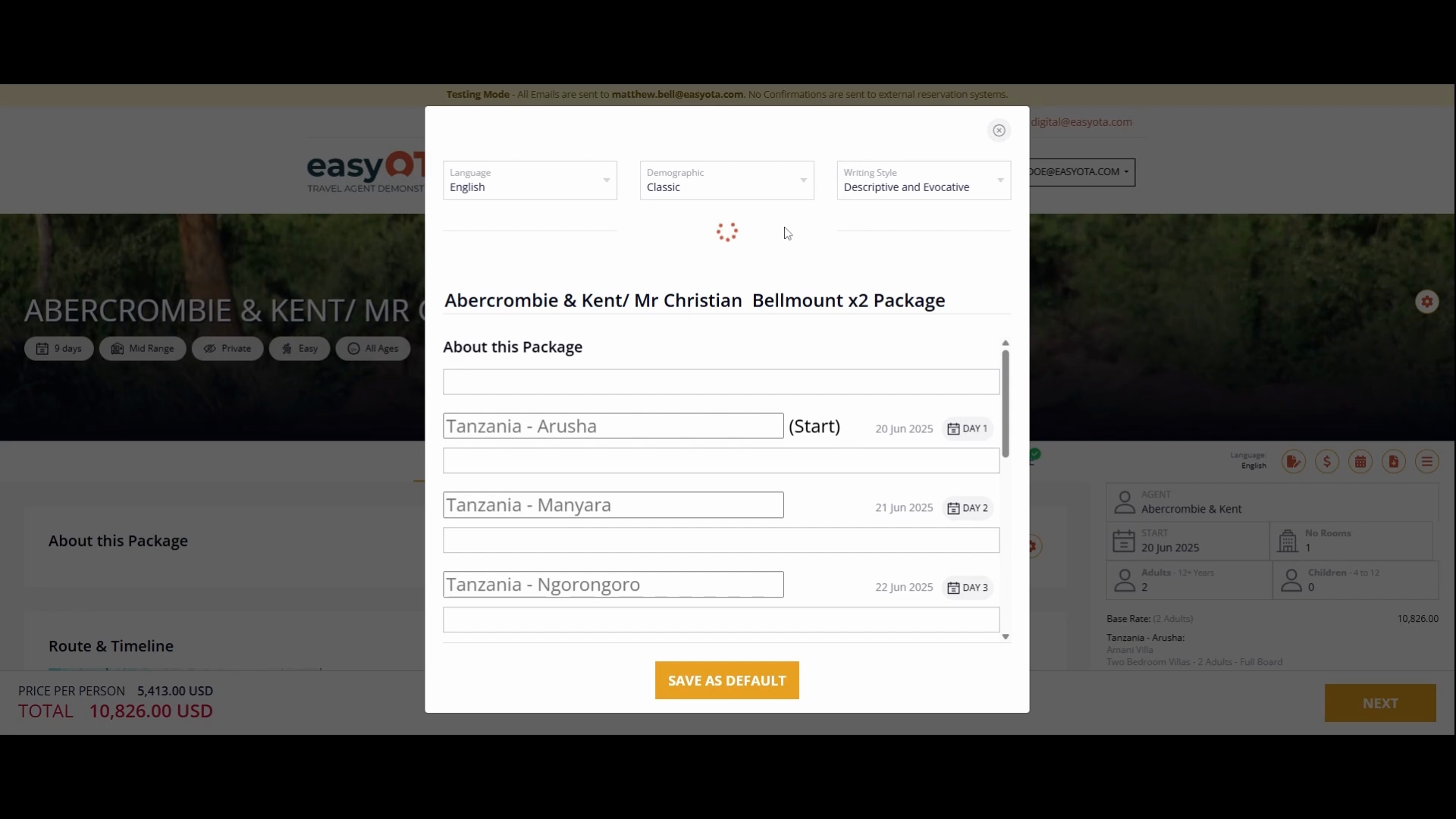
It will take a few seconds to generate the entire itinerary. As you wait, you will see the content being generated on the screen.
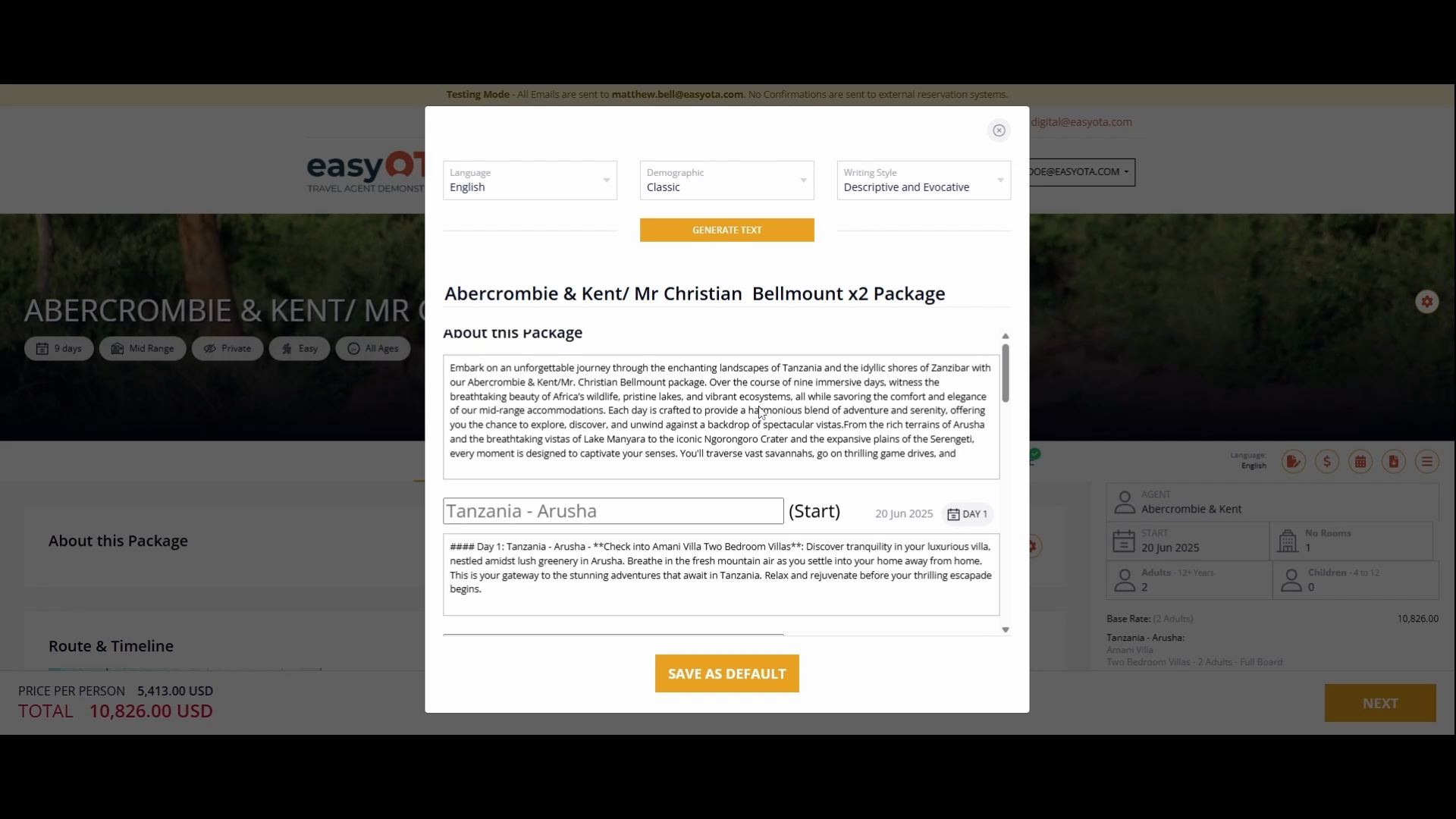
Once the generation is complete, we will save it as the default content. Later, you will have the option to change and edit it to see how it fits your needs. When loaded, you will be able to view your complete itinerary package.
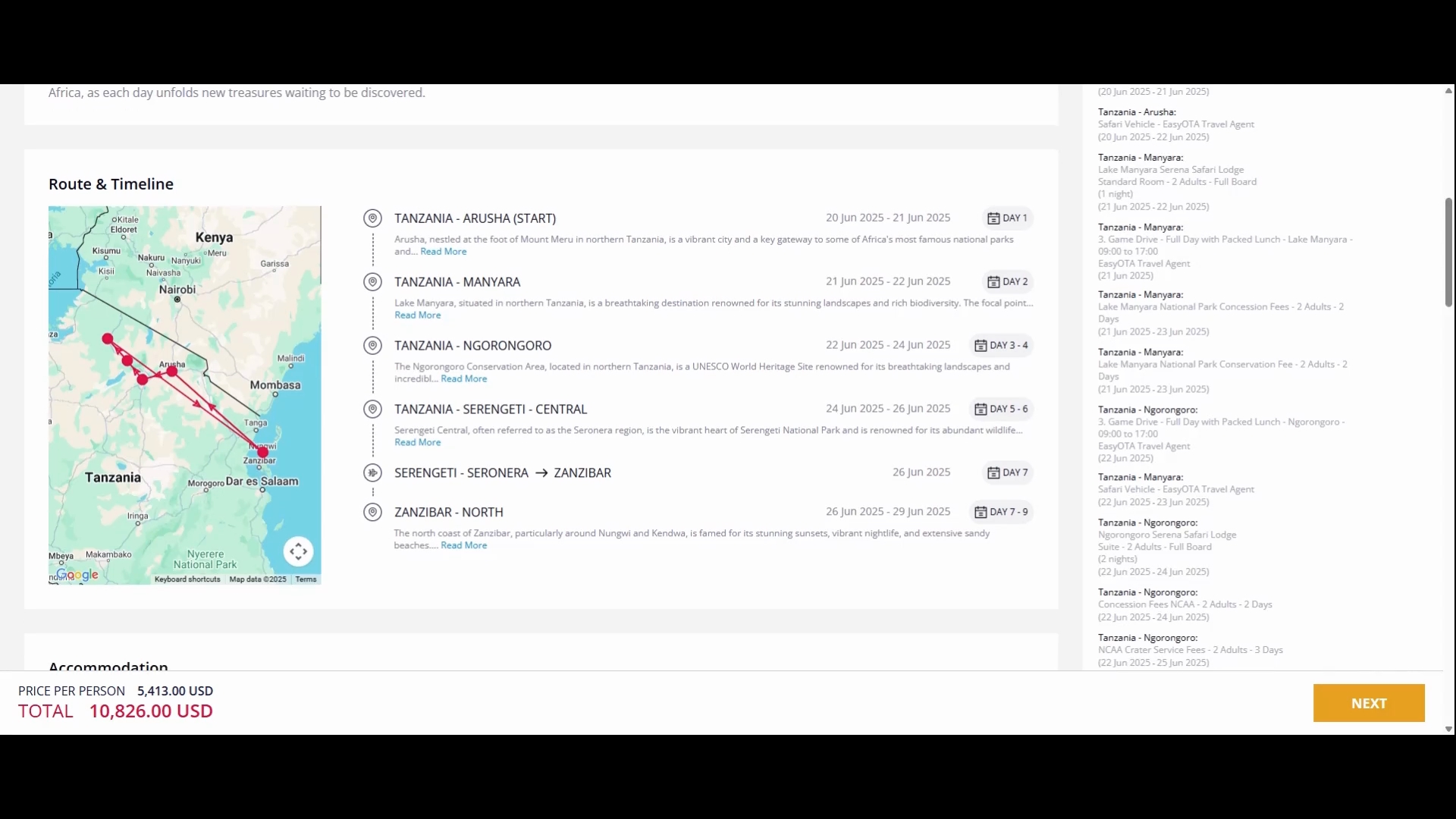
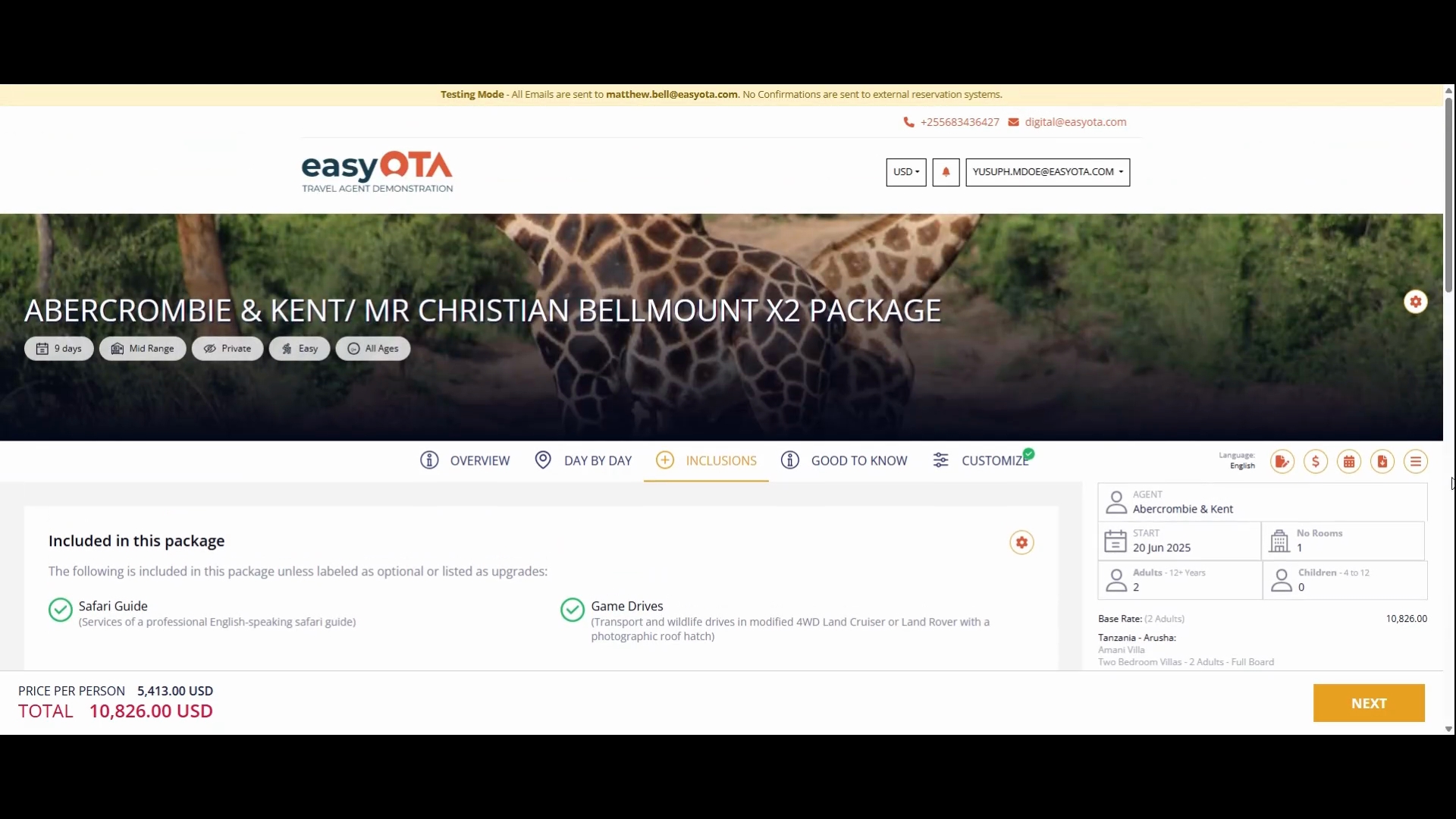
Your itinerary will include a map, the routes to be taken, and the accommodations that have been selected. You can view this information day by day, starting from day one, including all the details of what is included.
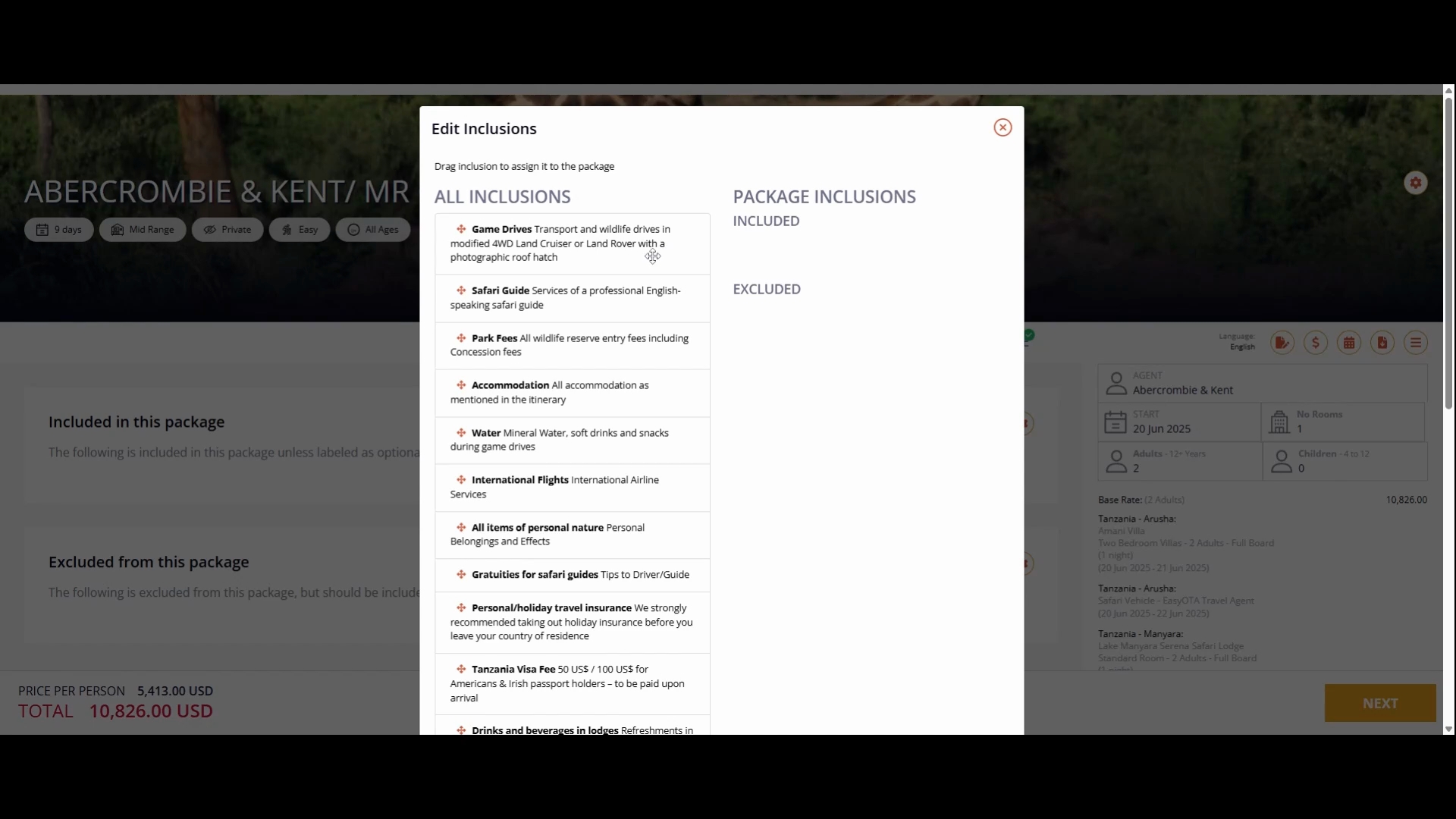
You can drag and drop the includes and excludes simply as demonstrated. Once you finish dragging, drop them, and close the package. The includes will then be added to your itinerary.
On your top left, you will see additional buttons. These will show you how to edit the description, pricing—whether you want to increase or decrease the price—and how to edit the itinerary itself.
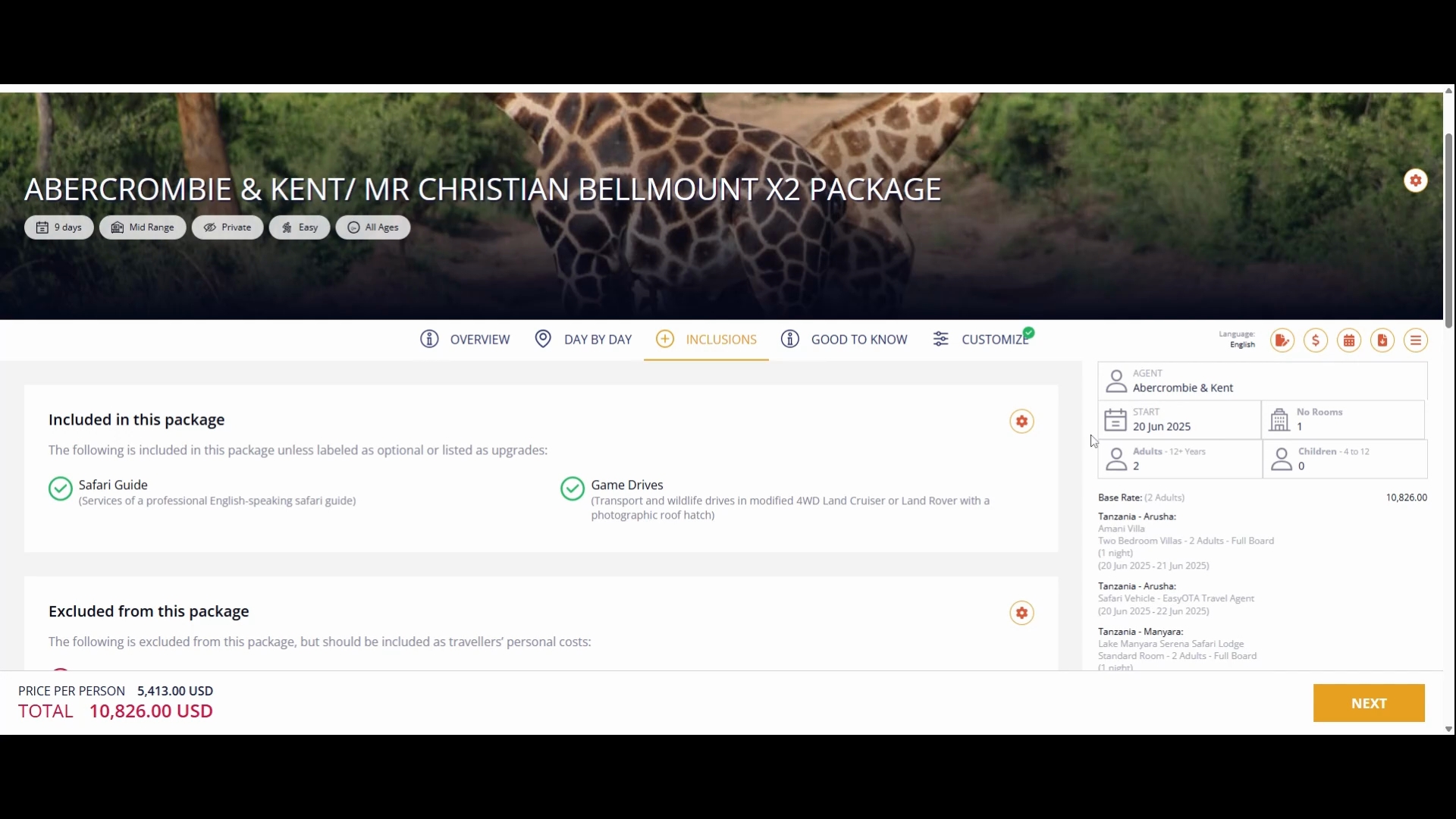
You have the option to download the itinerary as a brochure. Once completed, you can return to the wizard or back to the quotation you have created.
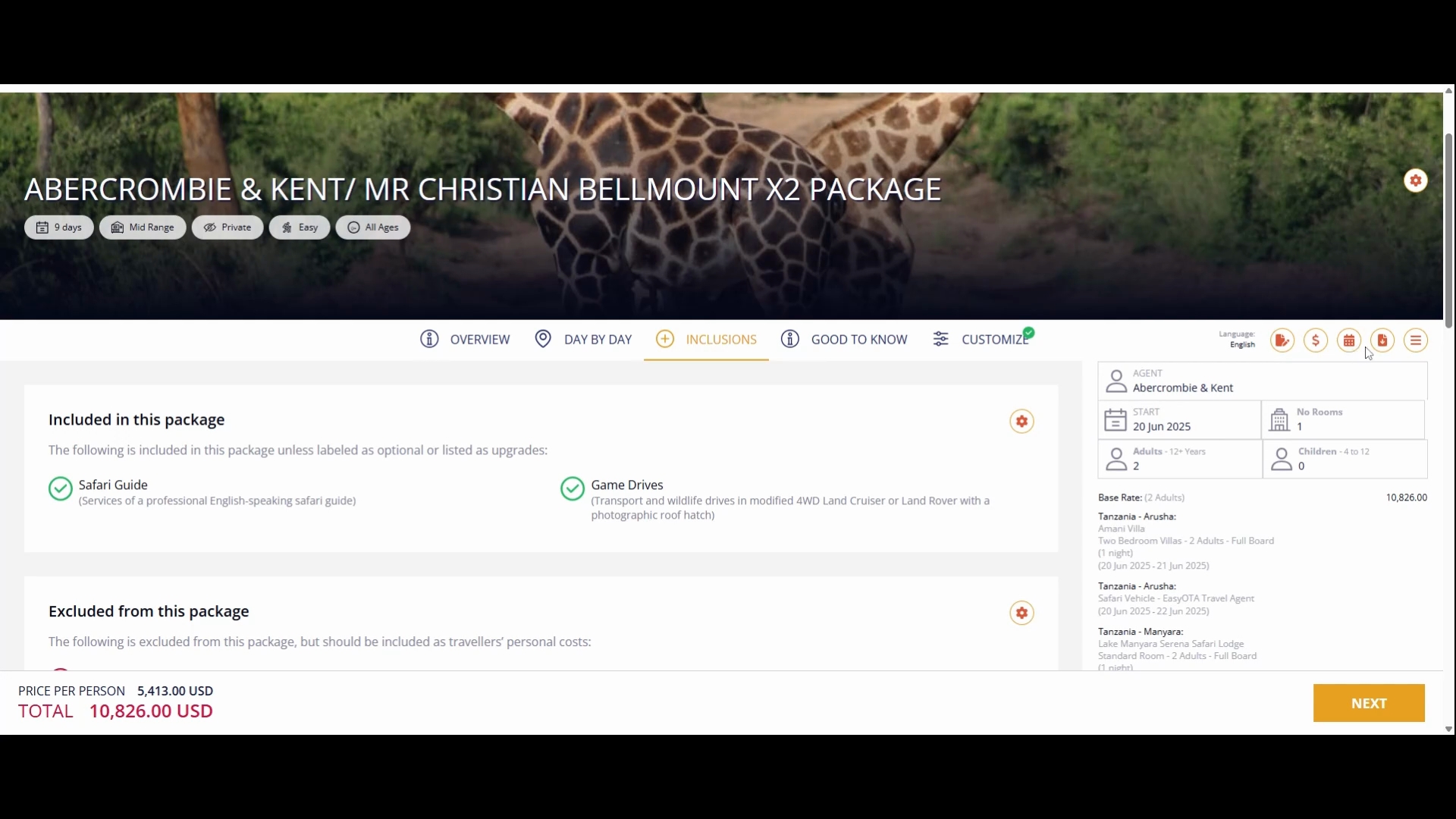
Before going back, be aware that on your left, you can see everything that has been added along with the total prices and a section where you can click to download the brochure to send to your client.
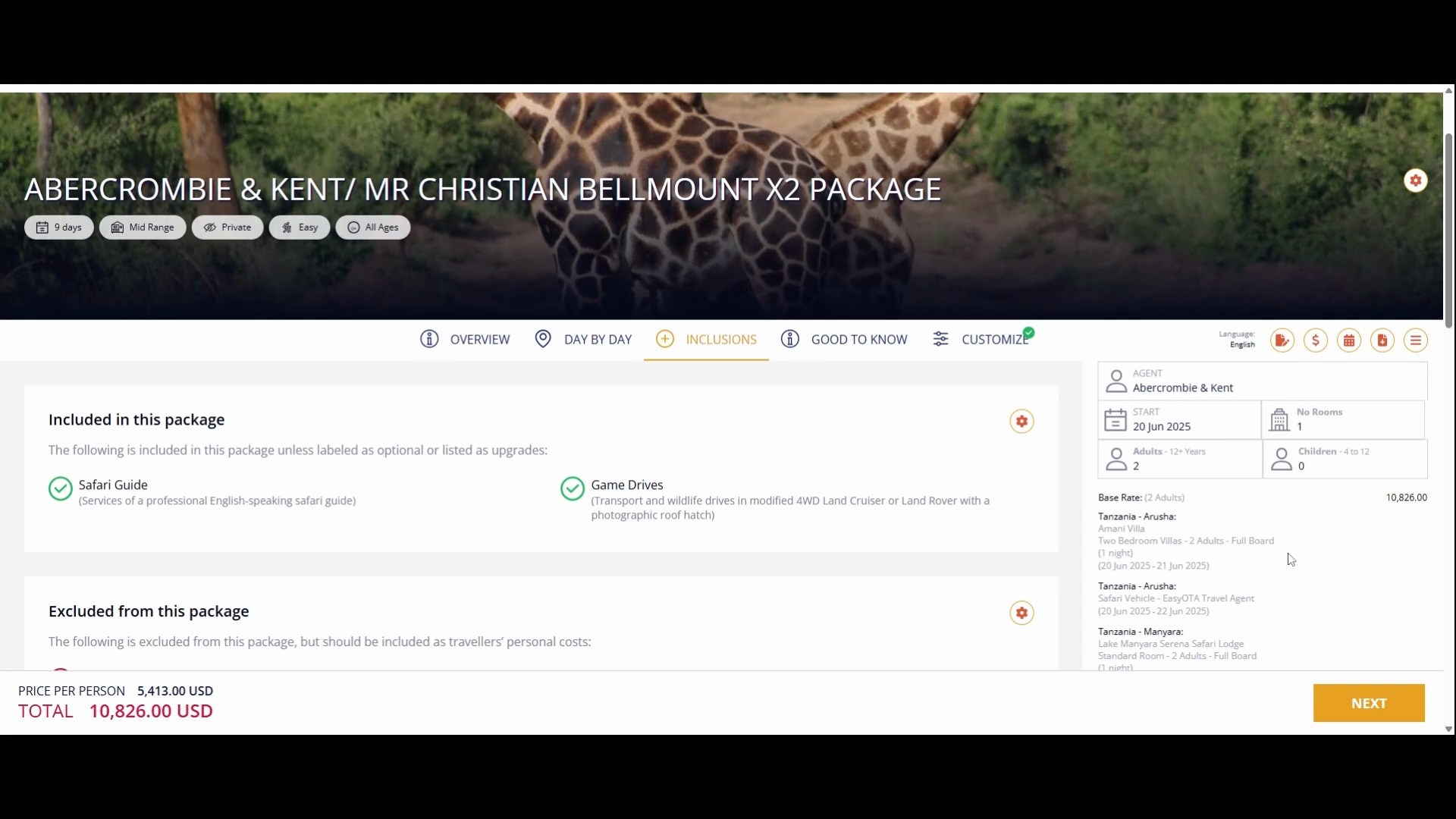
Finally, click our option button to return to the codes so that we can show you the first itinerary we previously created.
By following these steps, you will be equipped to efficiently generate and manage travel itineraries using the AI feature.