


This tutorial will guide you through the process of logging into your Ecota account.
Begin by clicking on the Login button.
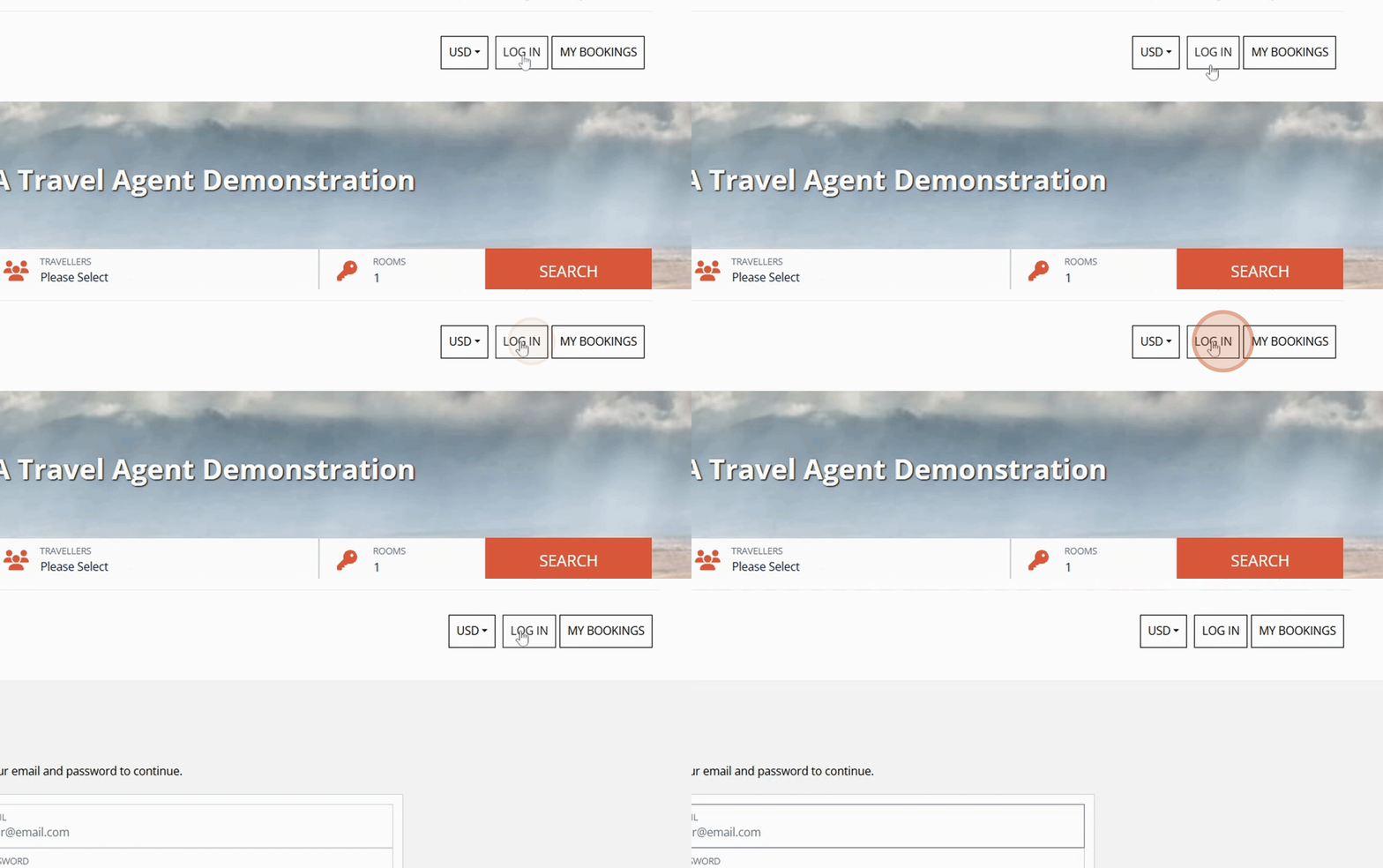
Ensure you have your Email and Password ready.
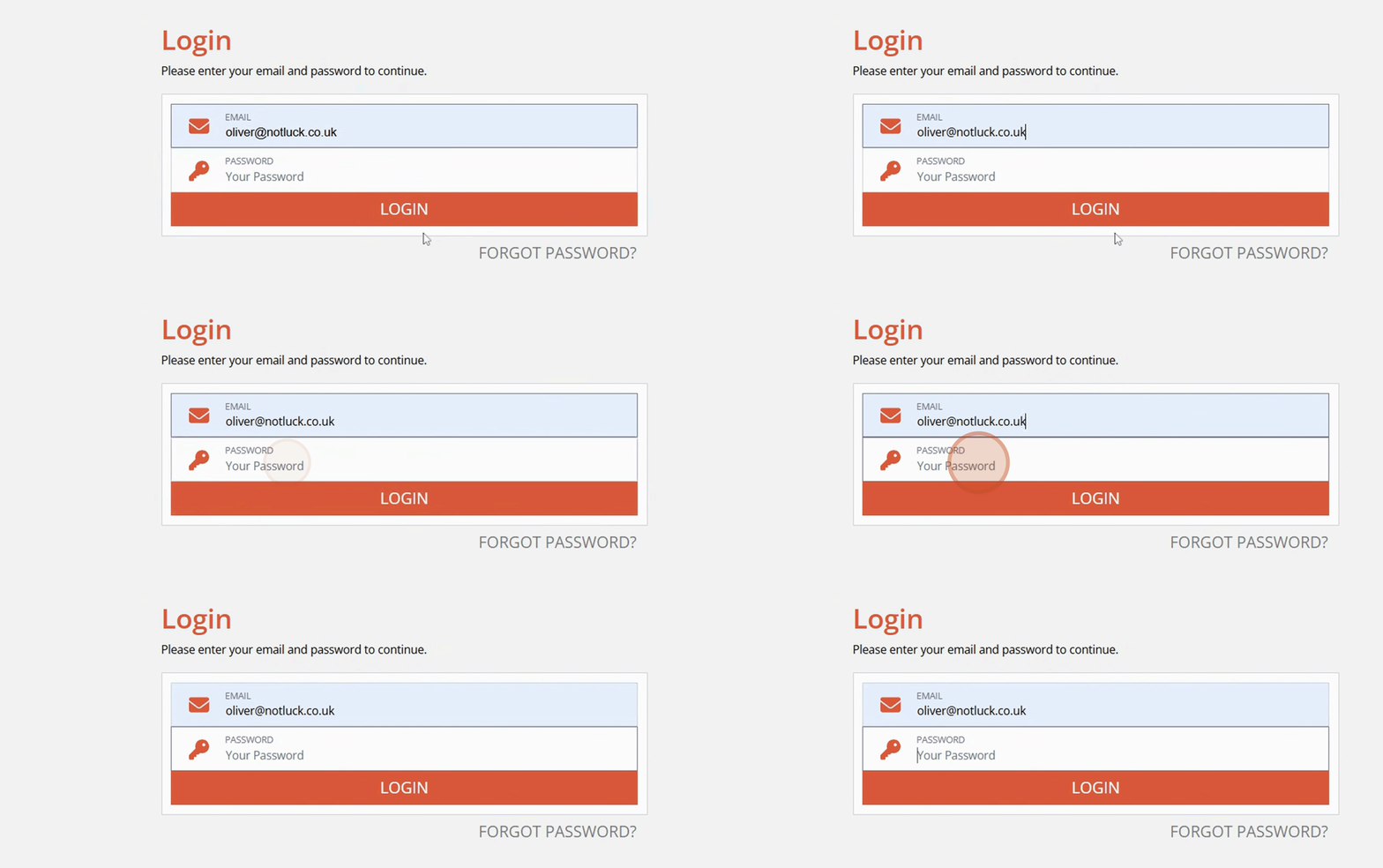
Input your Email and then input your Password.
Finally, click on Login.
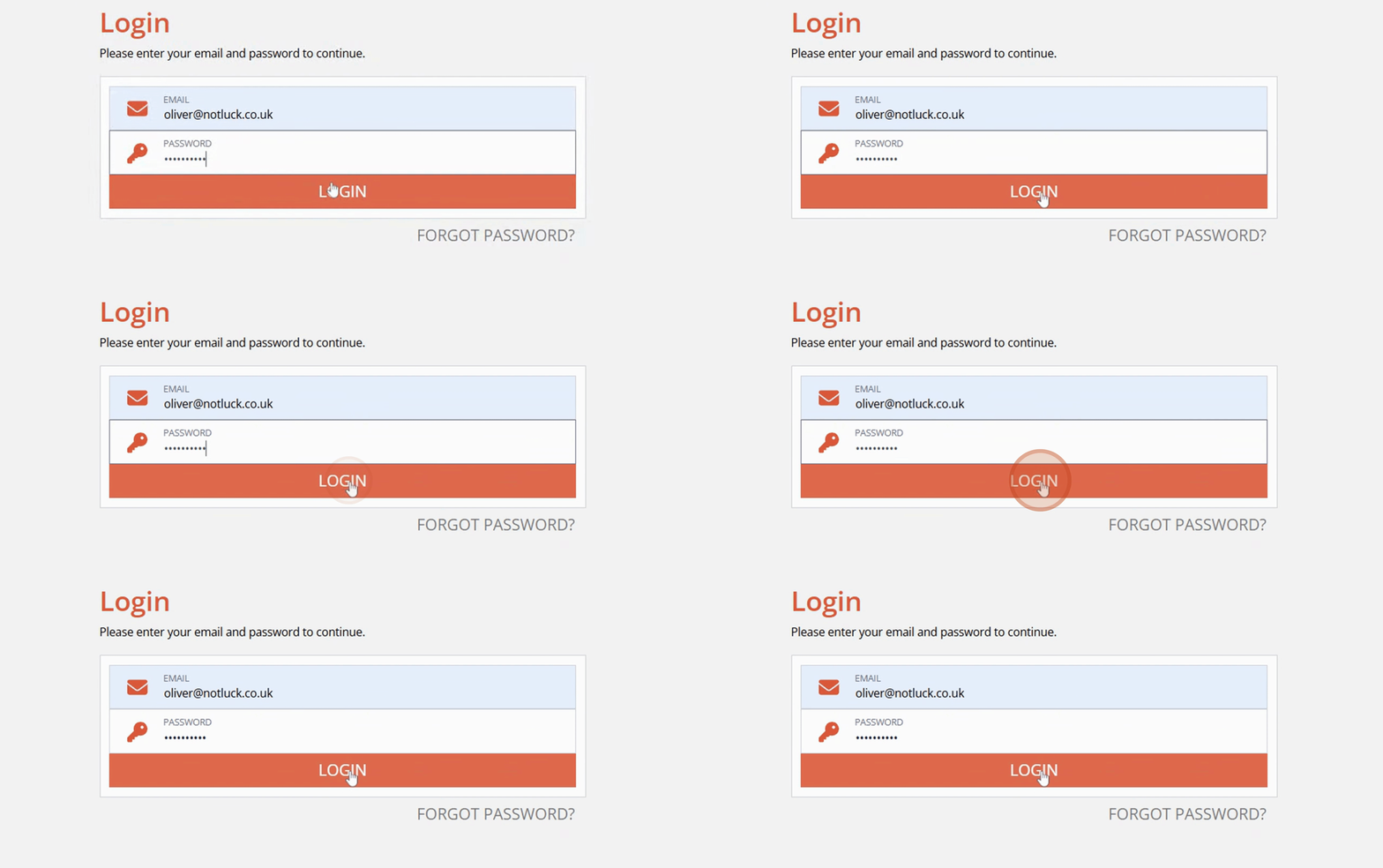
Upon successful login, your current bookings will be displayed.
By following these steps, you will successfully log into your Ecota account.