
Help Center

Welcome to Help Center

F.I.T. Wizard

FIT Packages

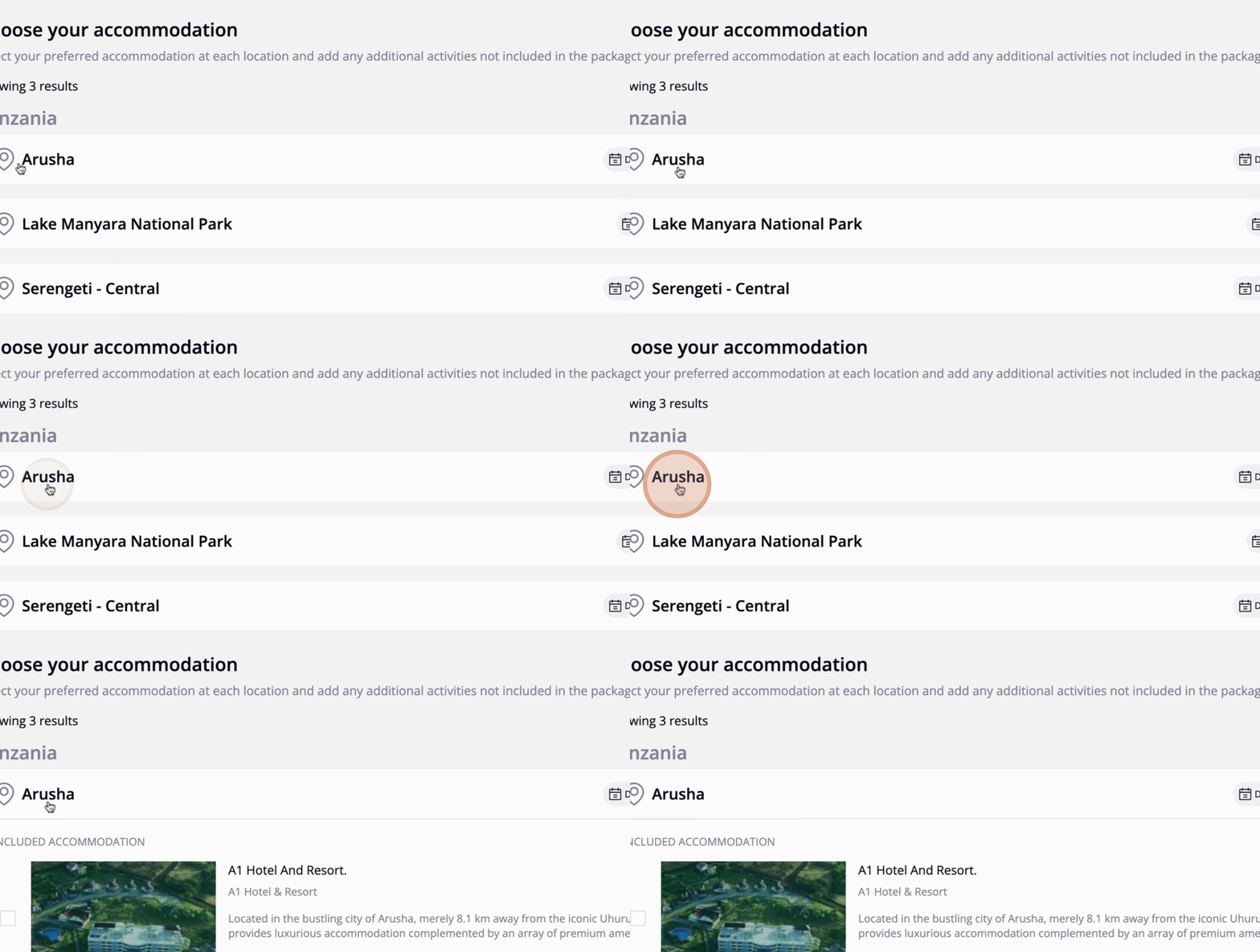
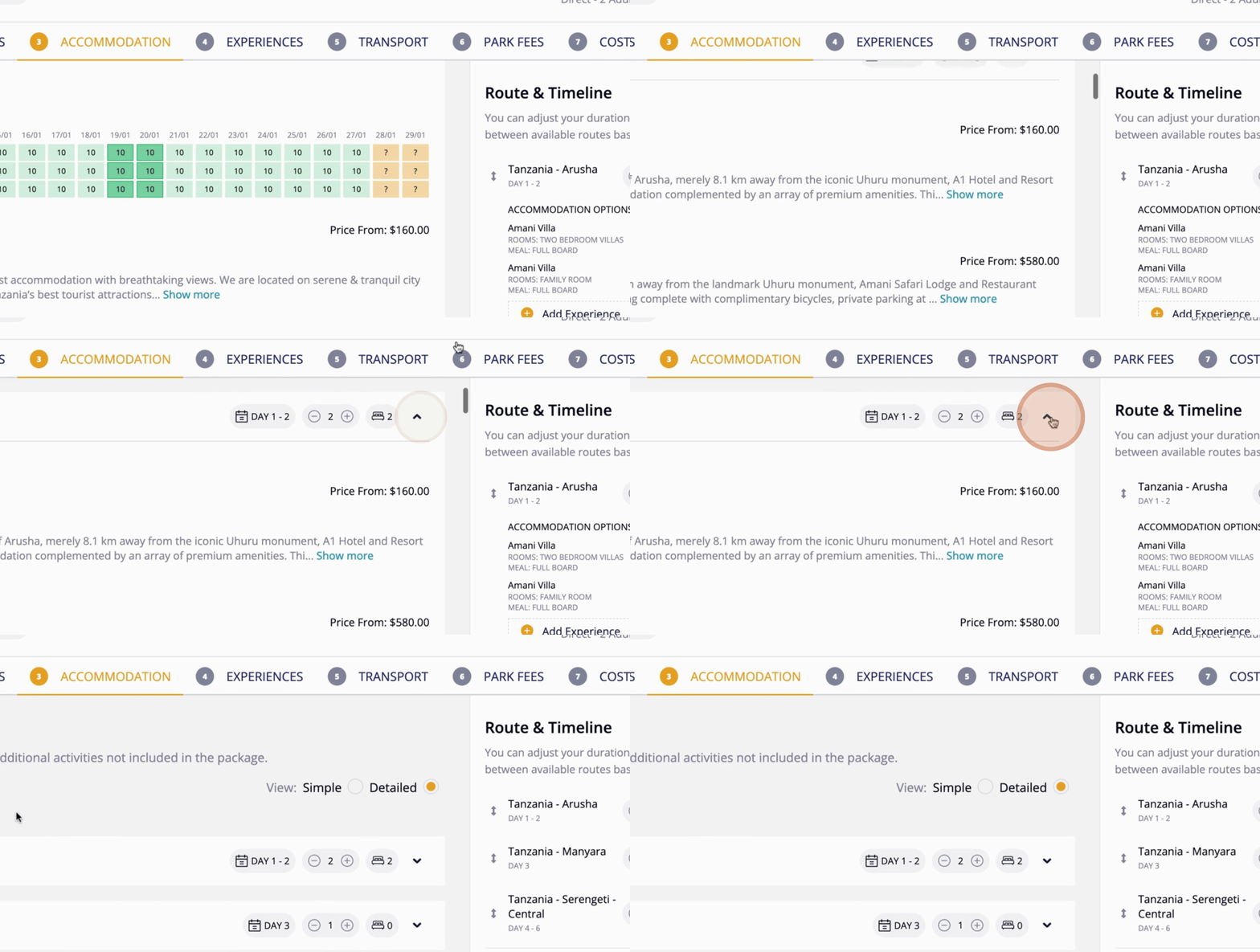
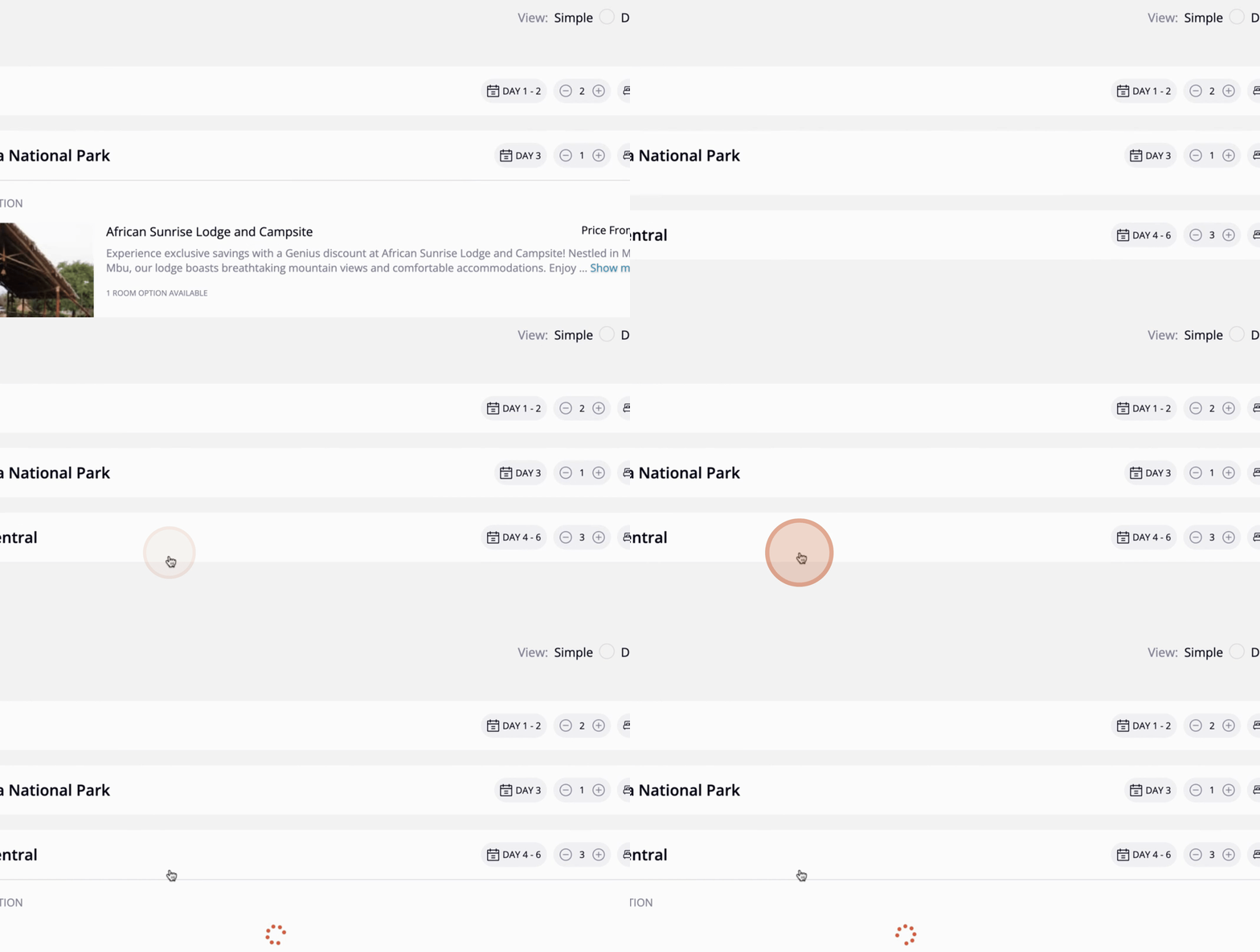
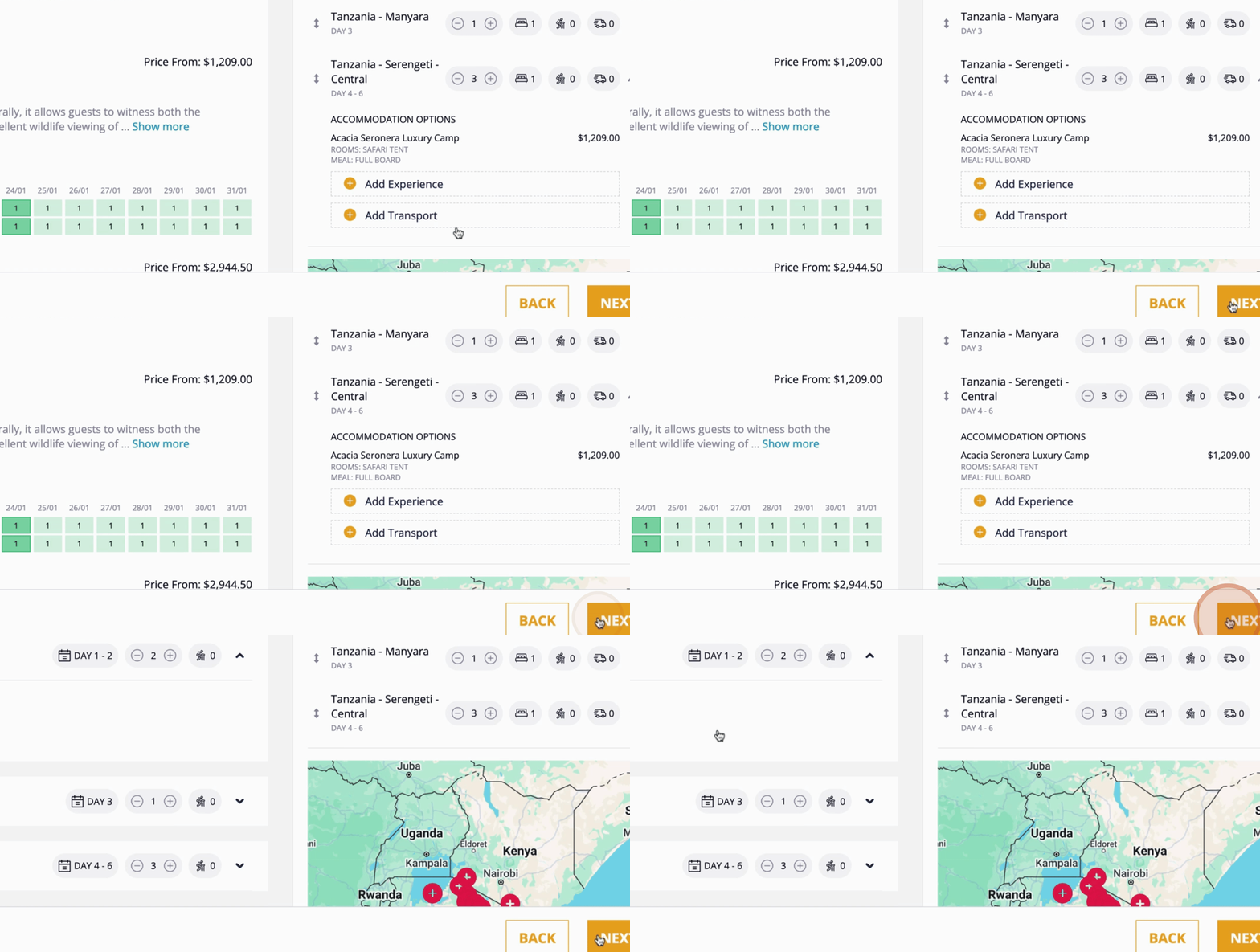
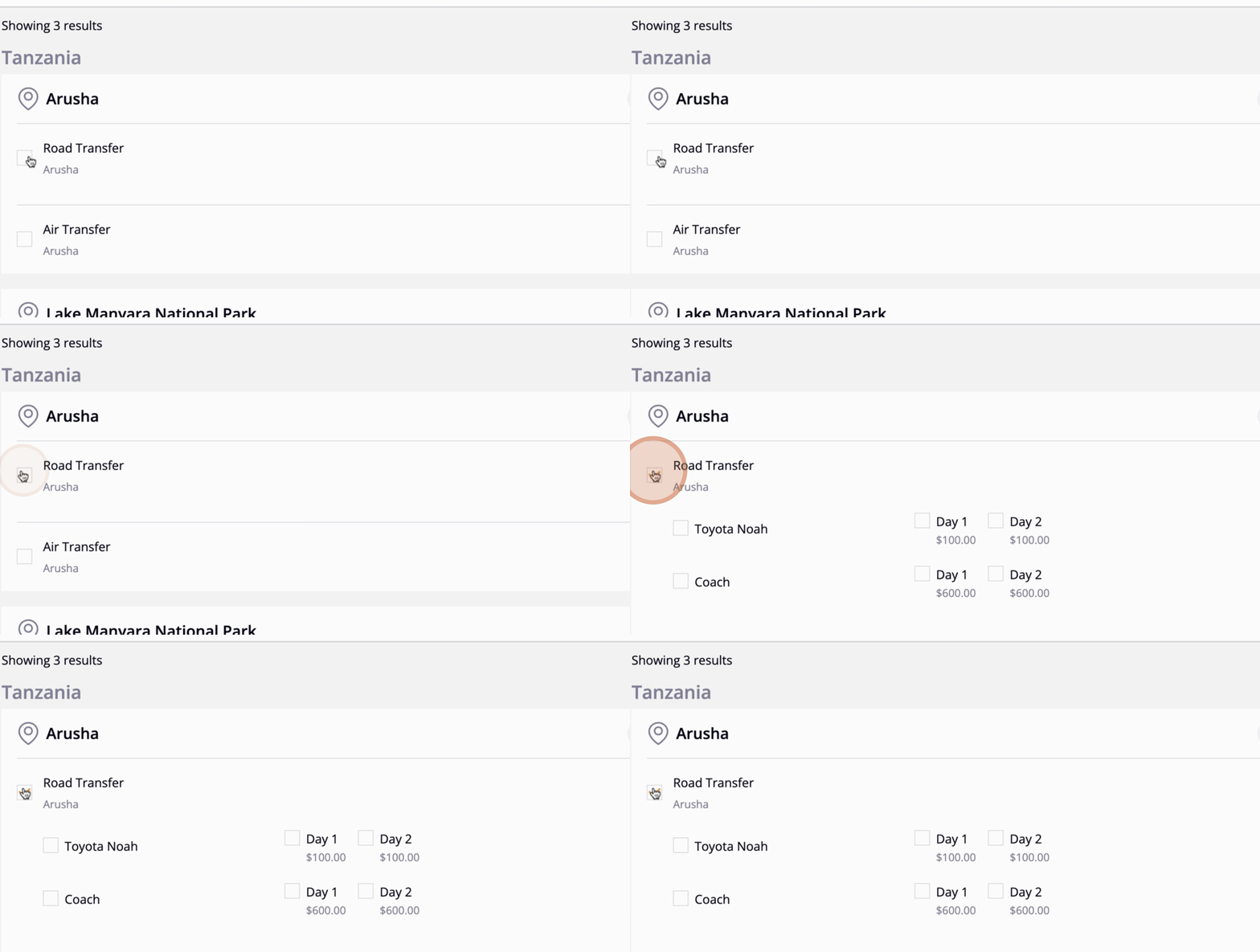
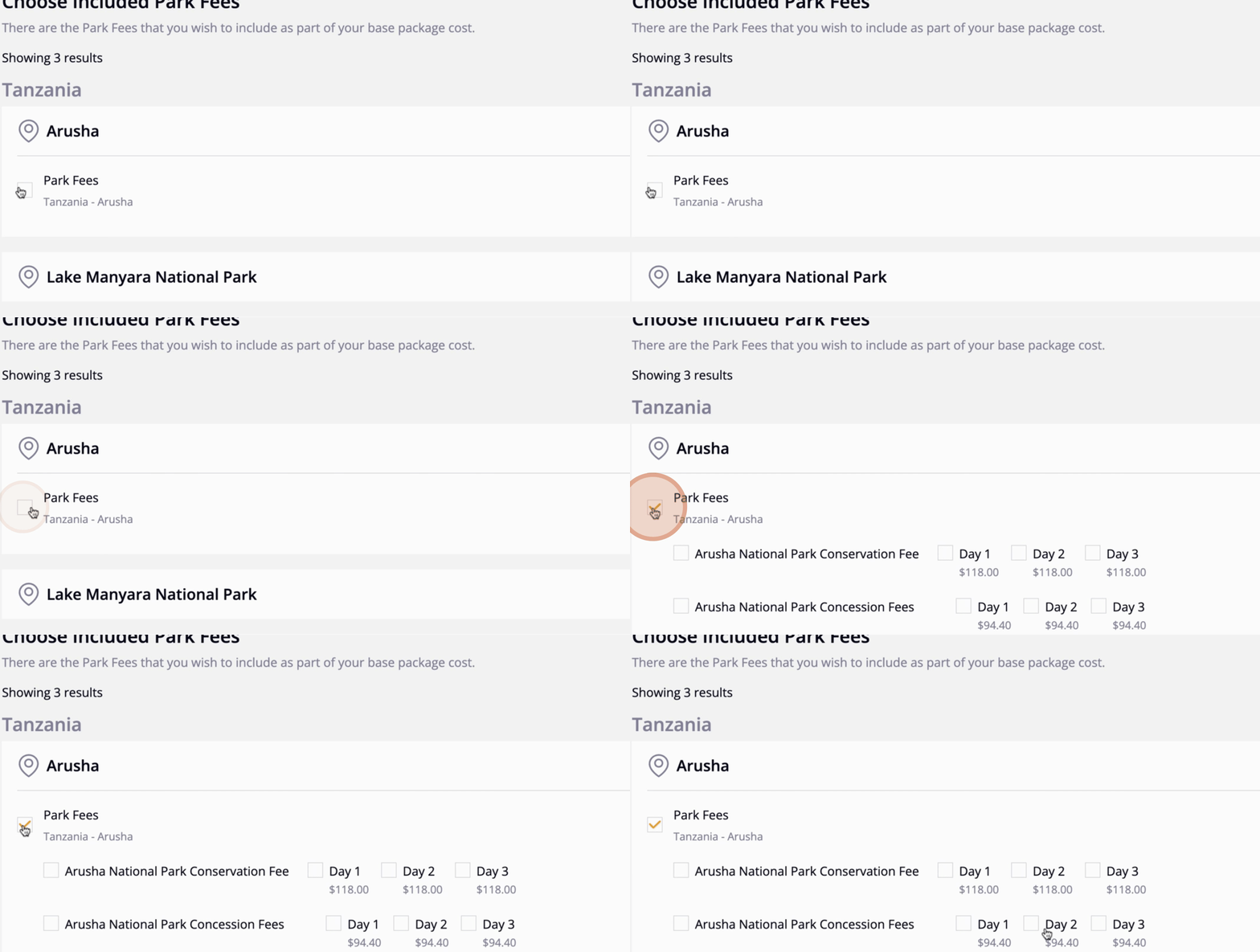
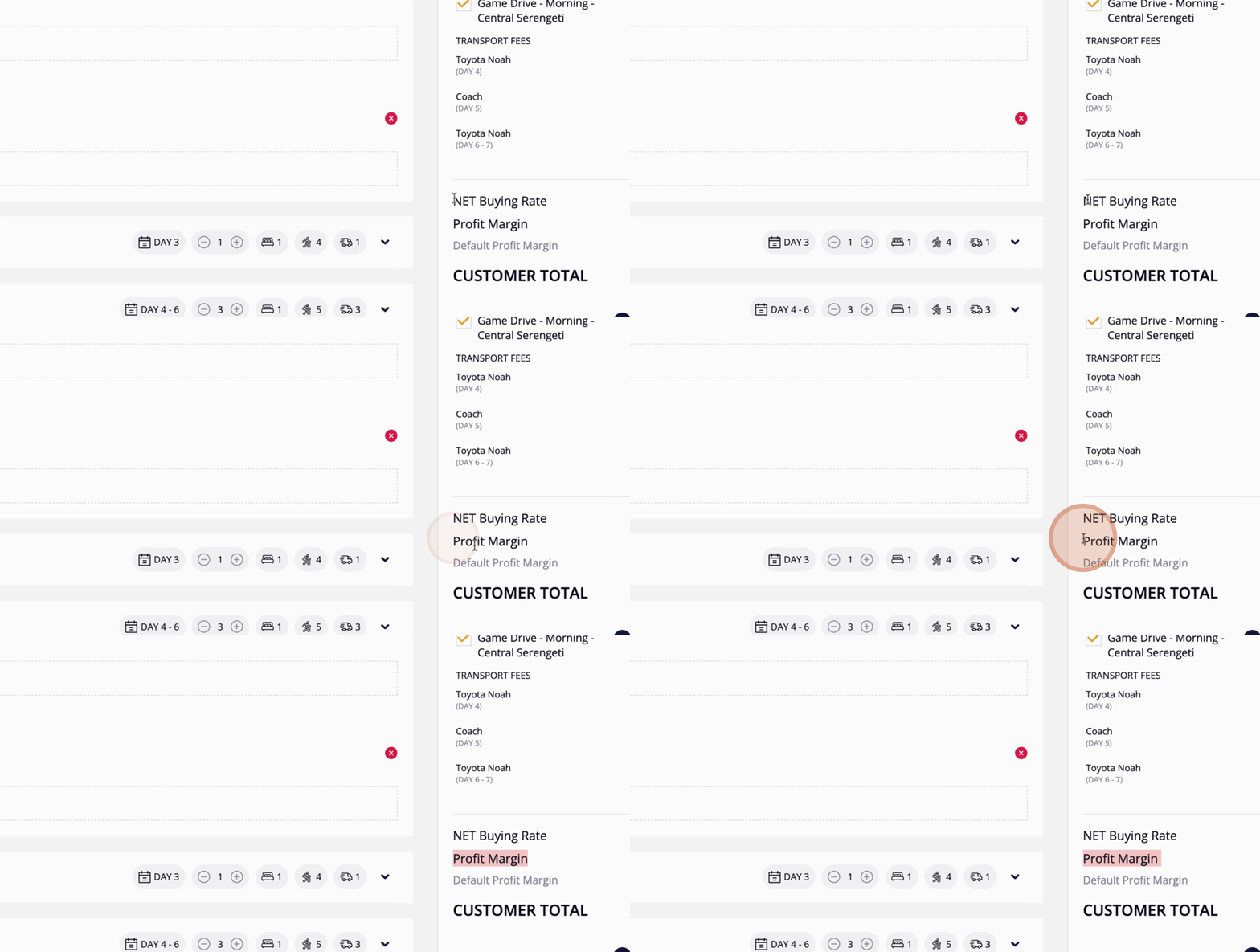
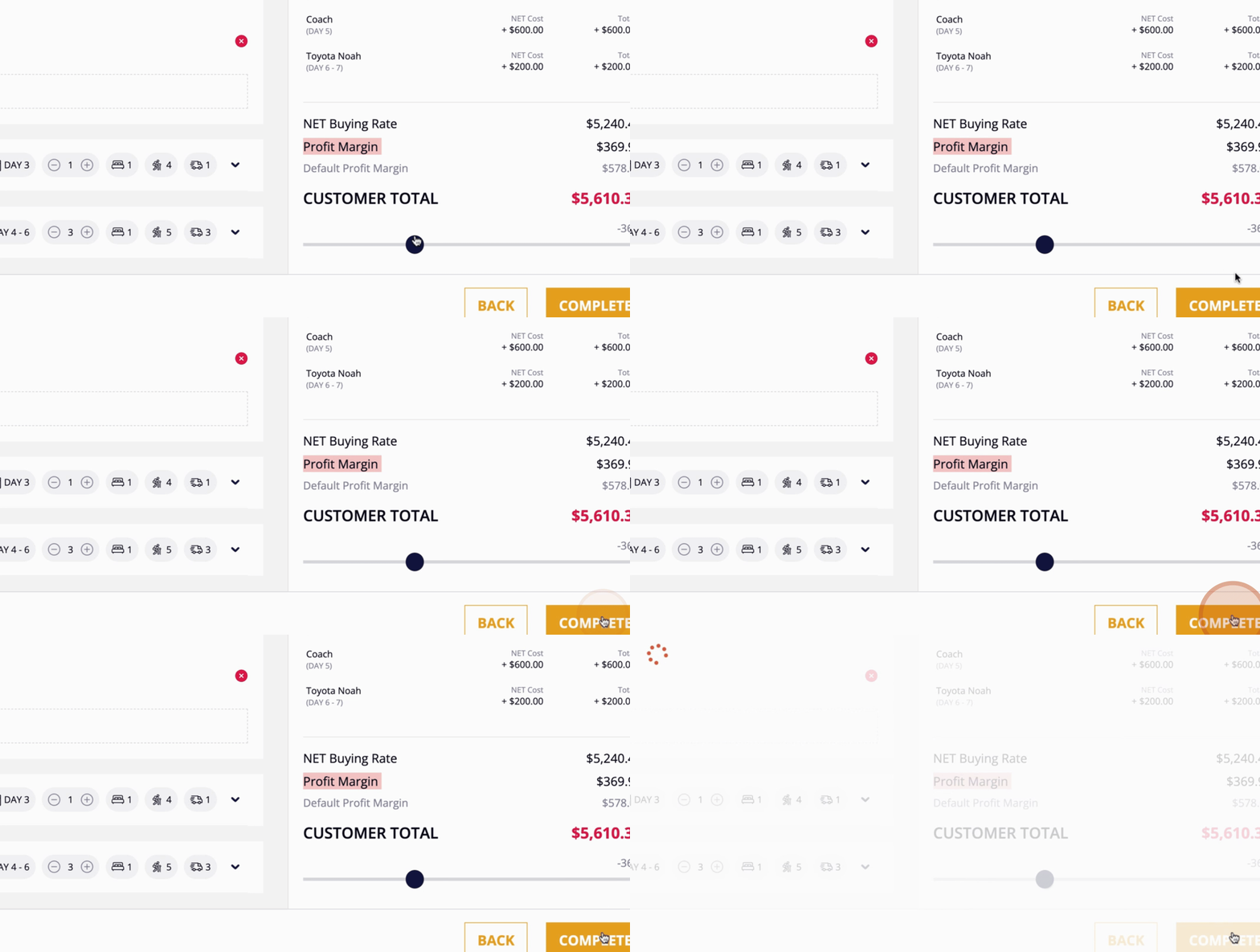
This tutorial will guide you through the process of creating an FIT package using the Easy OTA platform.

Last updated on 05 Aug, 2025

This tutorial will guide you through the process of creating an FIT package using the Easy OTA platform.

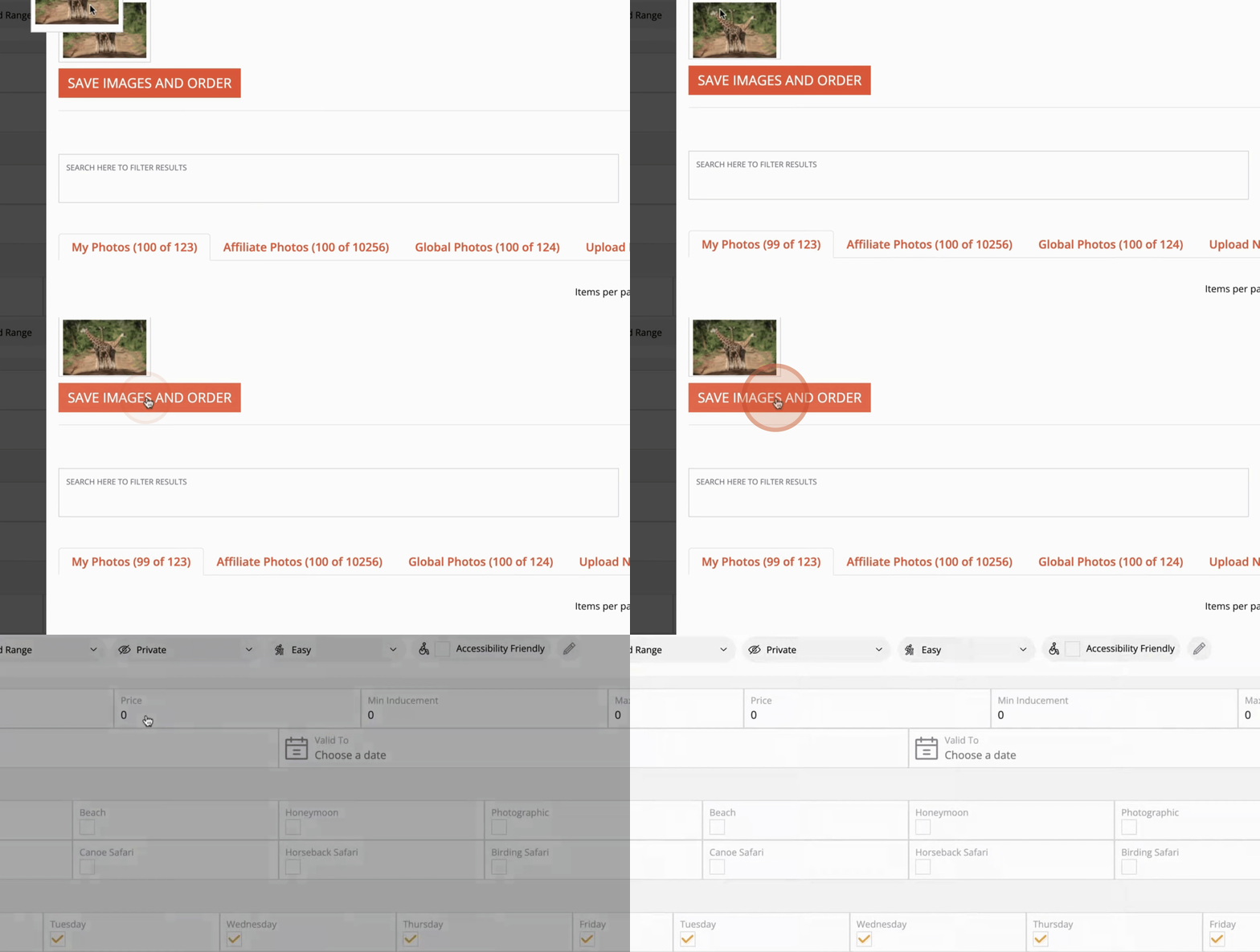
After naming, you will need to drag an image into the designated area.
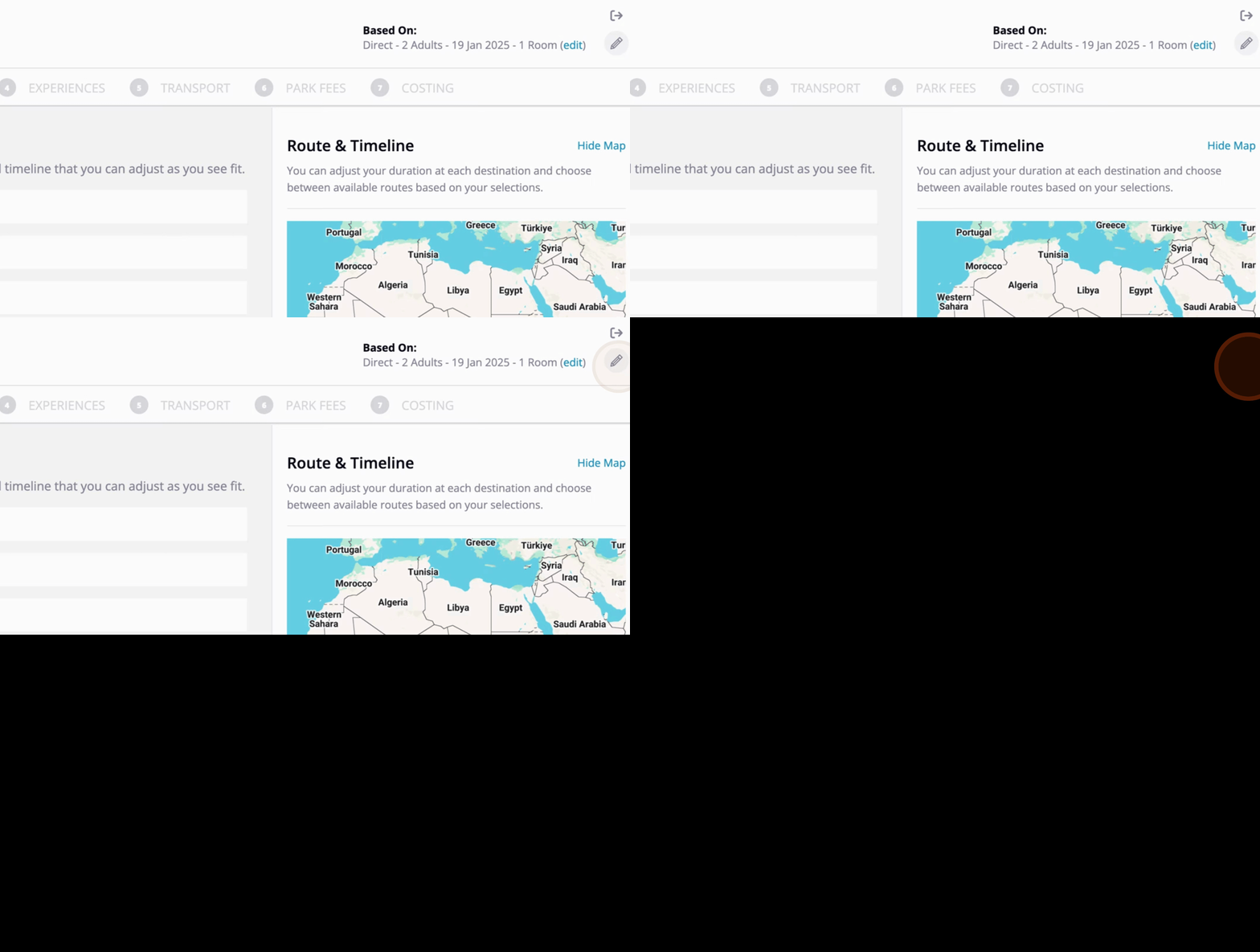
Snapshot


Snapshot


Snapshot


Snapshot


Snapshot


Snapshot


Snapshot


Snapshot


Snapshot


Snapshot


Snapshot


Snapshot


Snapshot


By following these steps, you will be able to create an FIT package in the Easy OTA platform efficiently.

Did you find this guide helpful?
Previous

How to customise the package

Next
InstantDocs Logo