
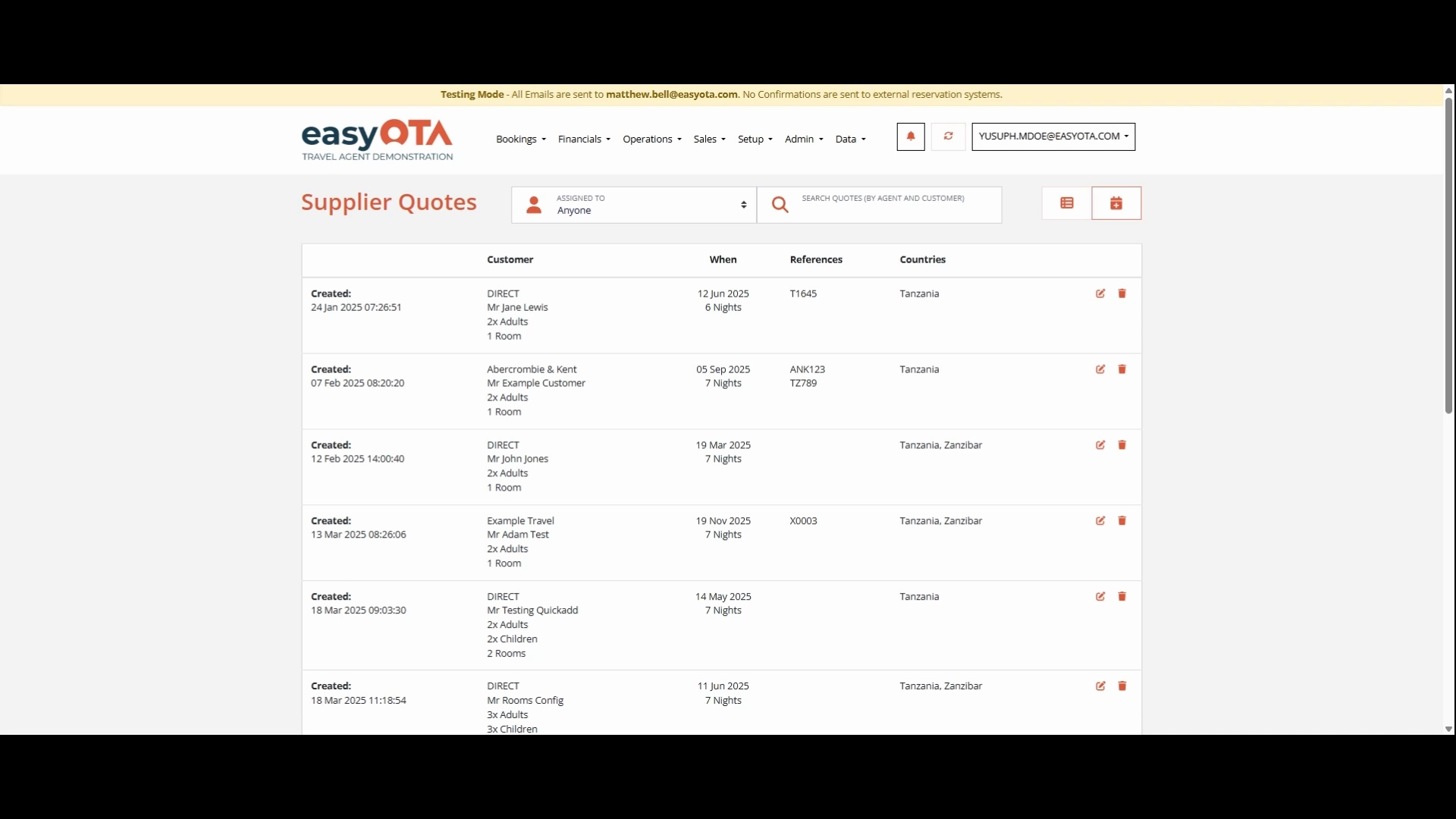
First, search for the quotation you have previously created by entering its name. Then, press Edit to modify it.
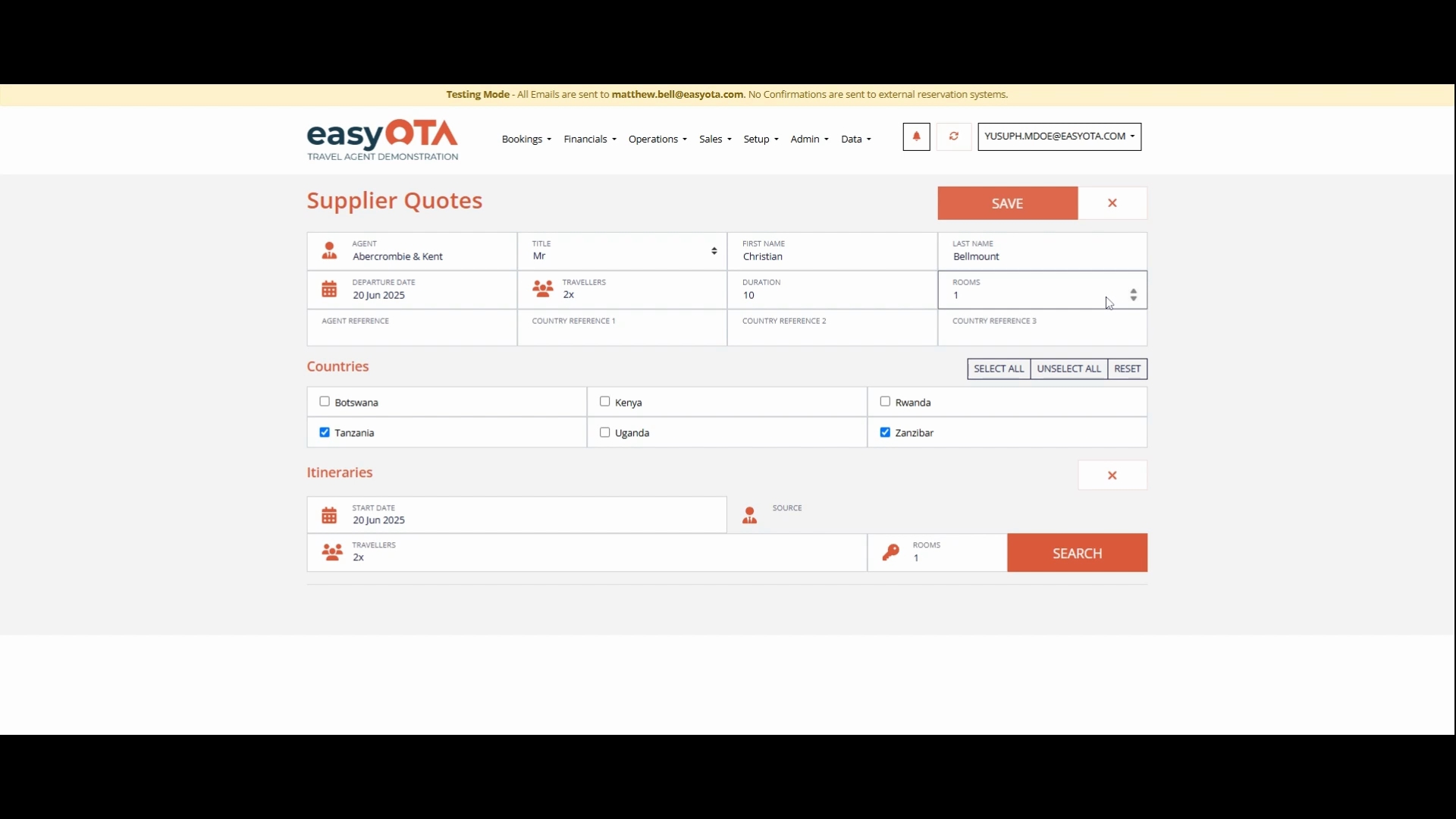
Next, in the itinerary section below, click on Search. This will provide you with a preview of the packages that were created earlier as the first step towards making your Safari.
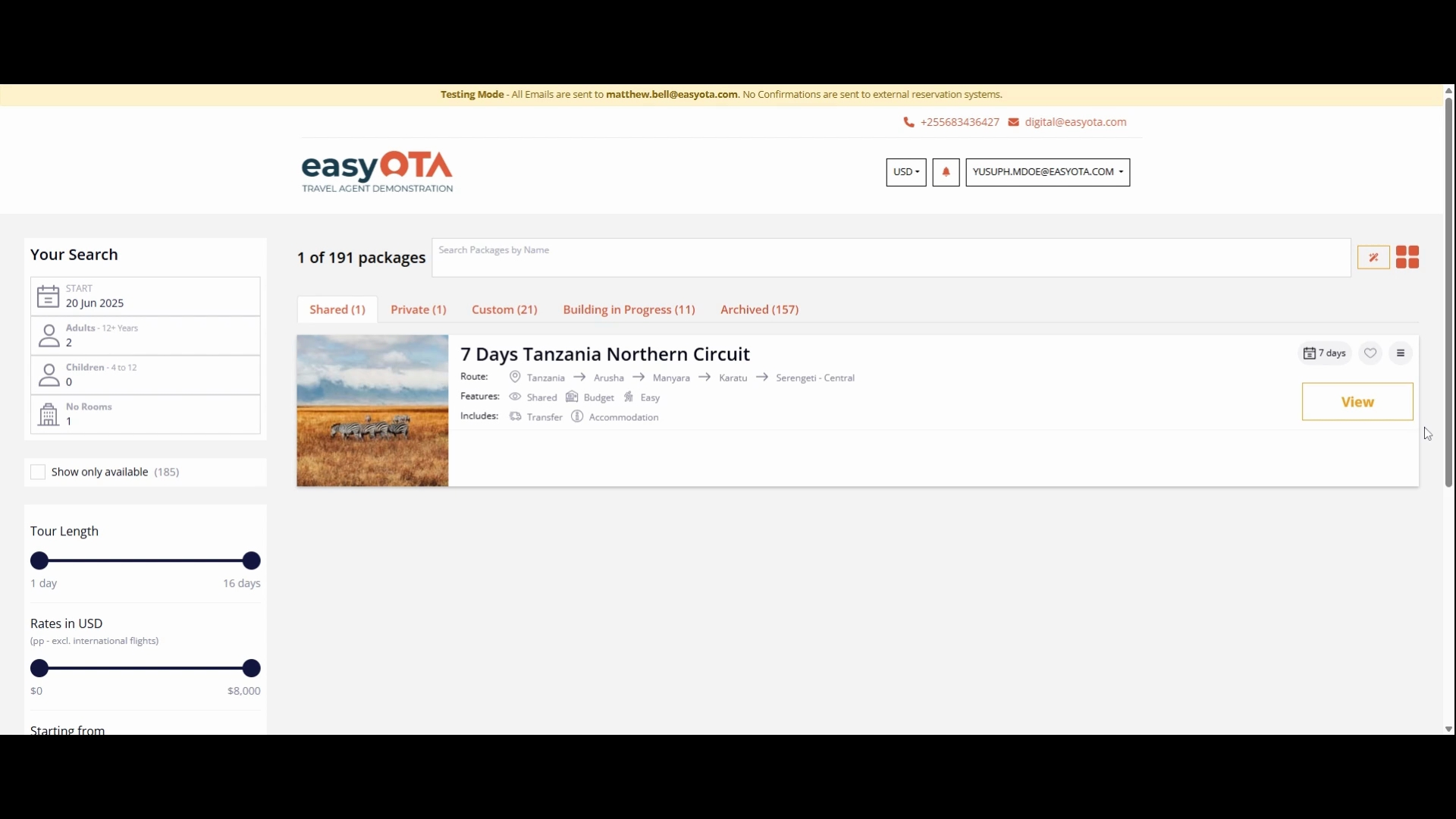
On the top left, click the wizard button, which will take you to the next tab where the itinerary is created.
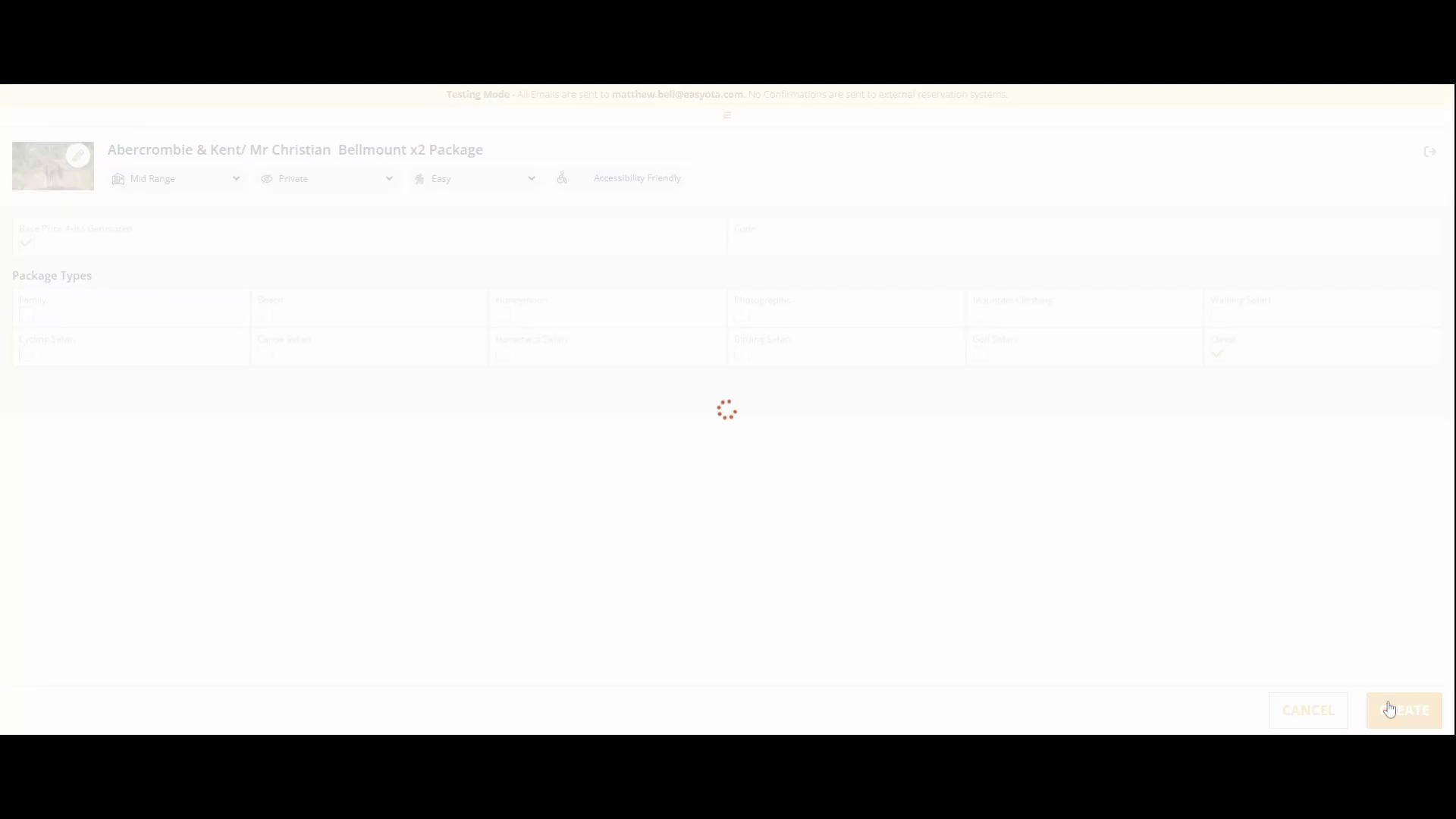
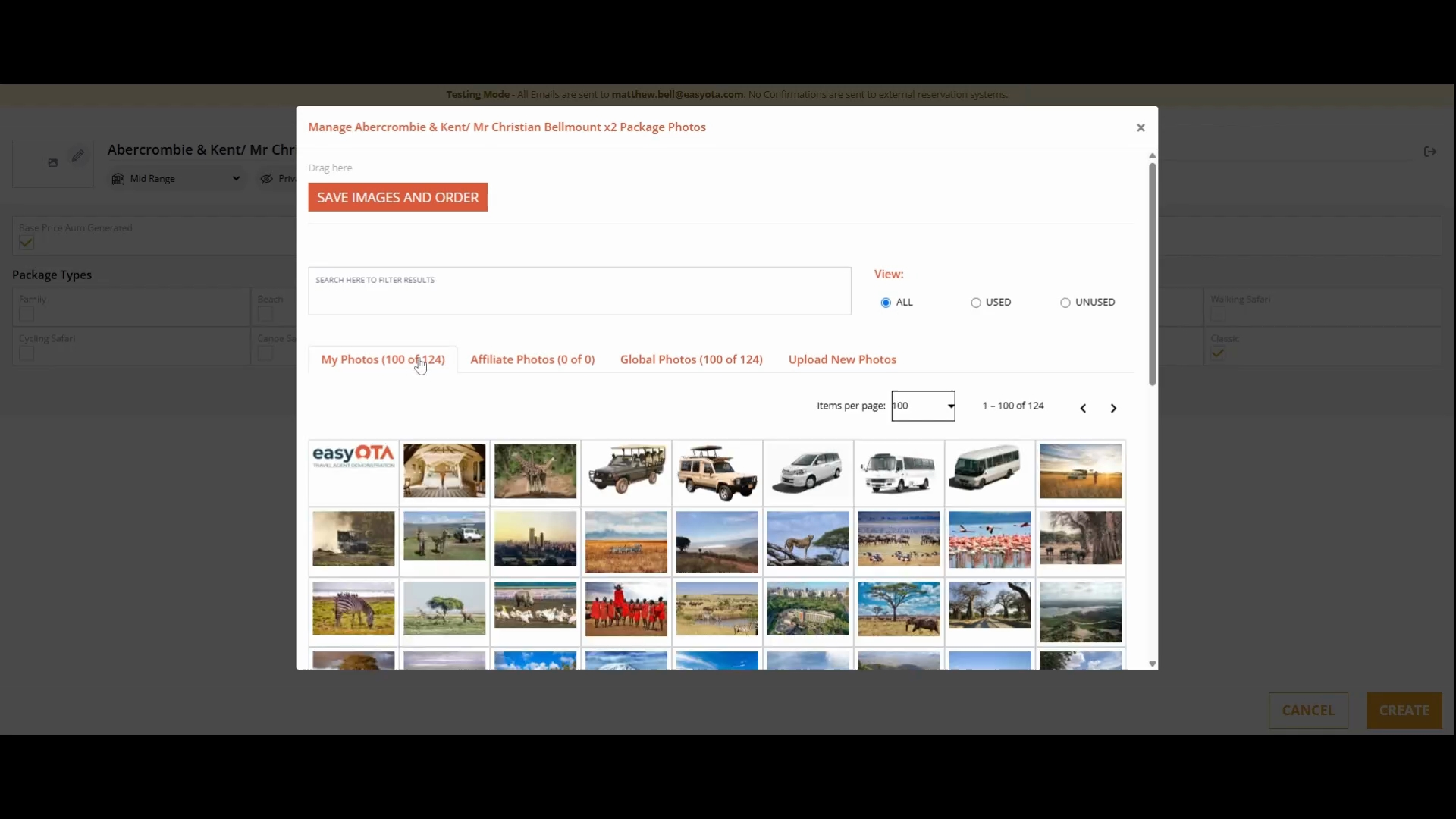
On the top right, you will see the names of the agent and the client. To add images, click on the pencil icon located on the top left.
You can add images by dragging and dropping them into the system. Once the image is created, click Create below to proceed.
This will lead you to the next stage, showing the countries or destinations you selected earlier. Click Next to view the destinations you will visit in both countries, including their regions.