

To start, we will search for our hotel, Amani Villa, located at the top of the page.
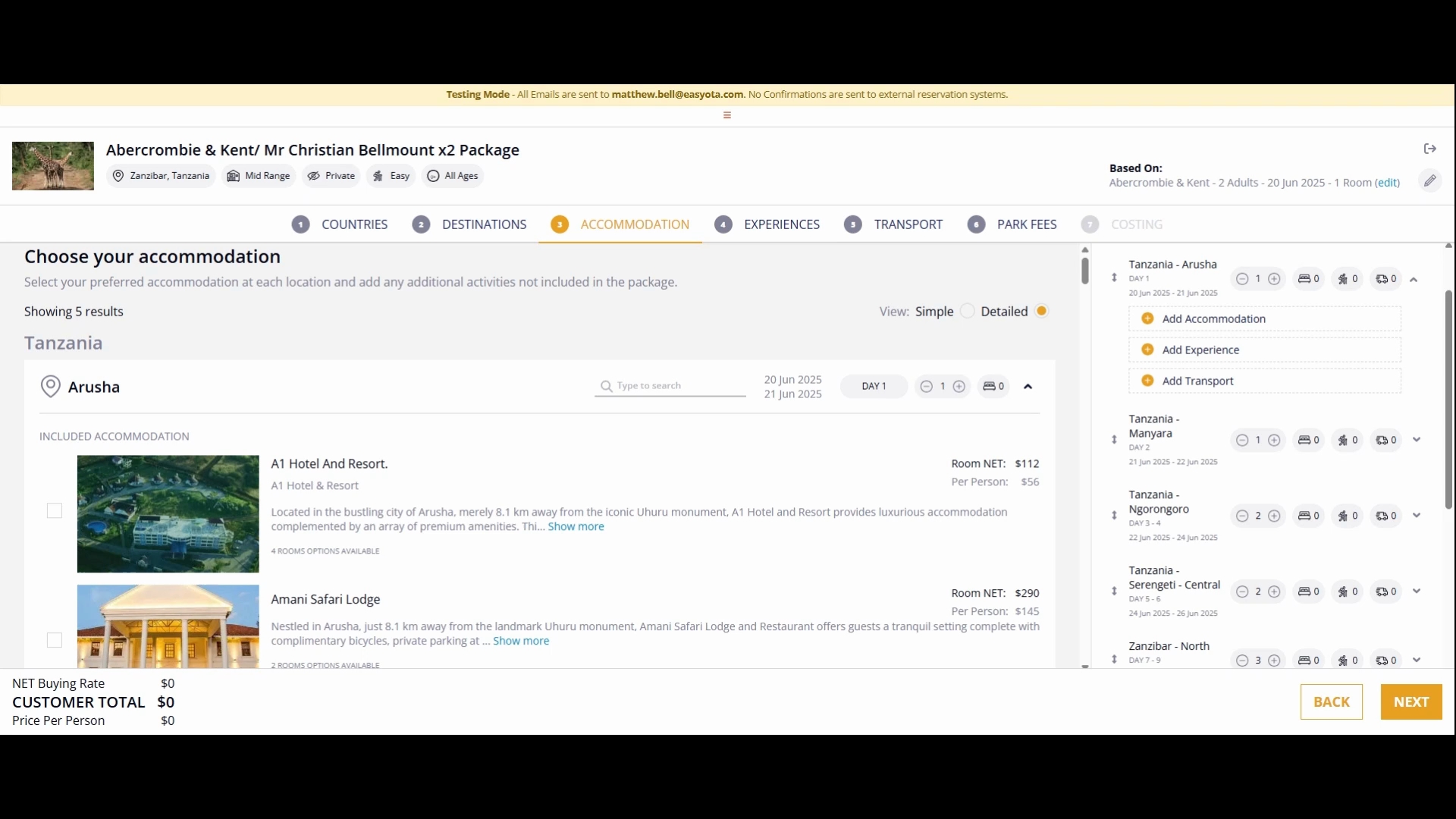
After selecting the hotel, click the search button to initiate the search process.
This will allow the system to gather relevant details such as meal plans, rate groups, and available options for your selected hotels.
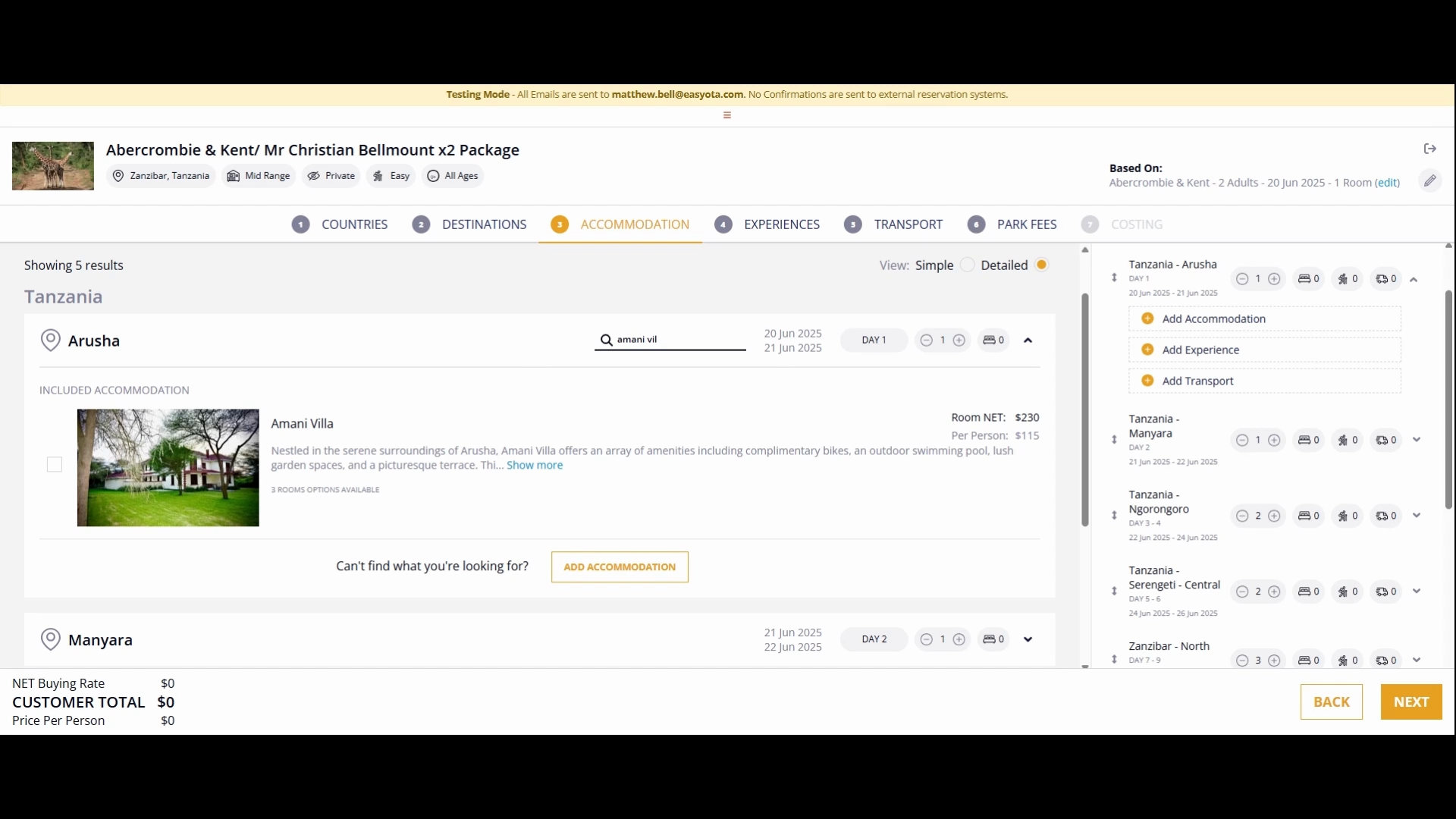
While choosing your destination, you can view various information and pictures related to the hotels, enhancing your booking experience.
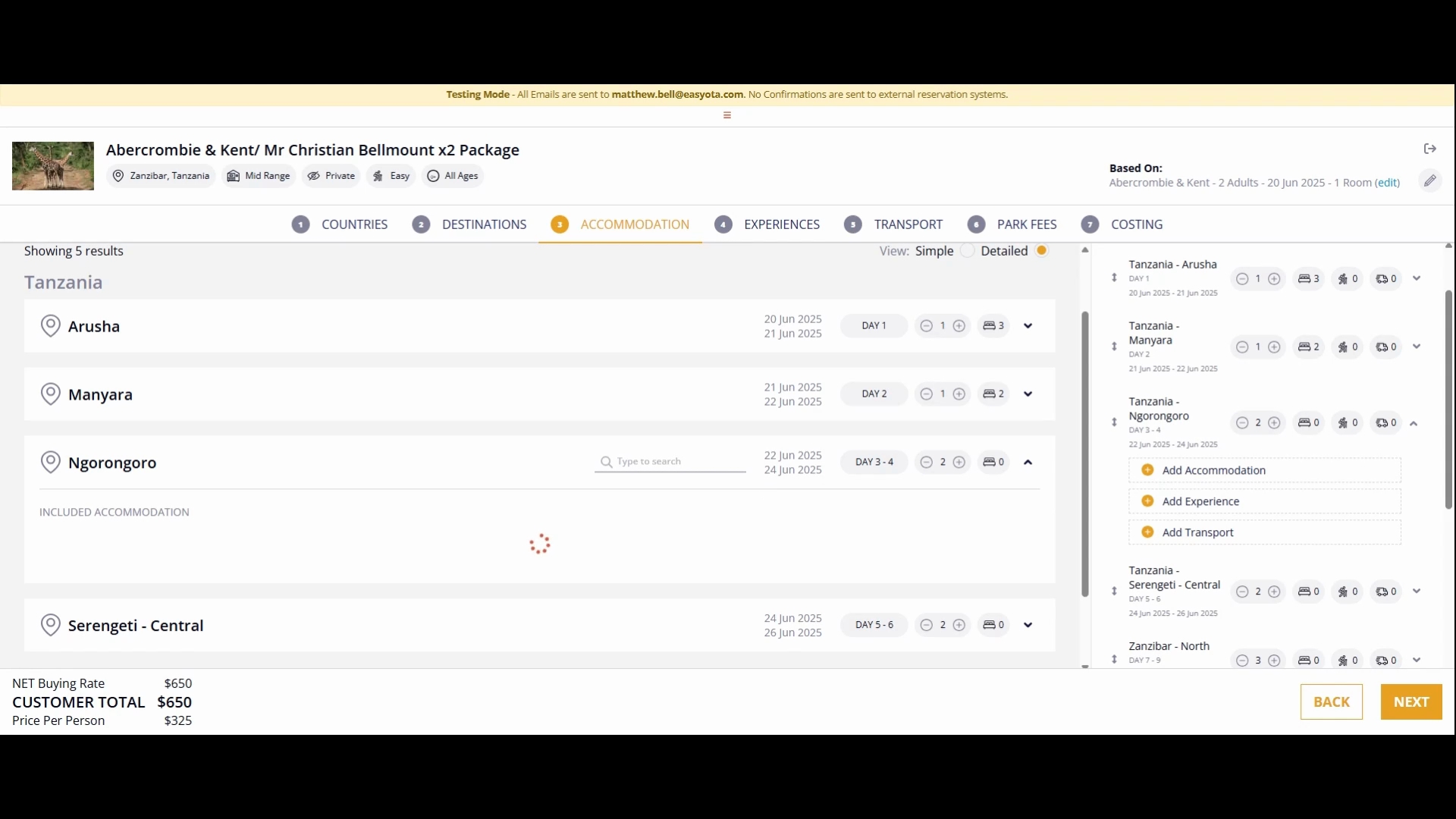
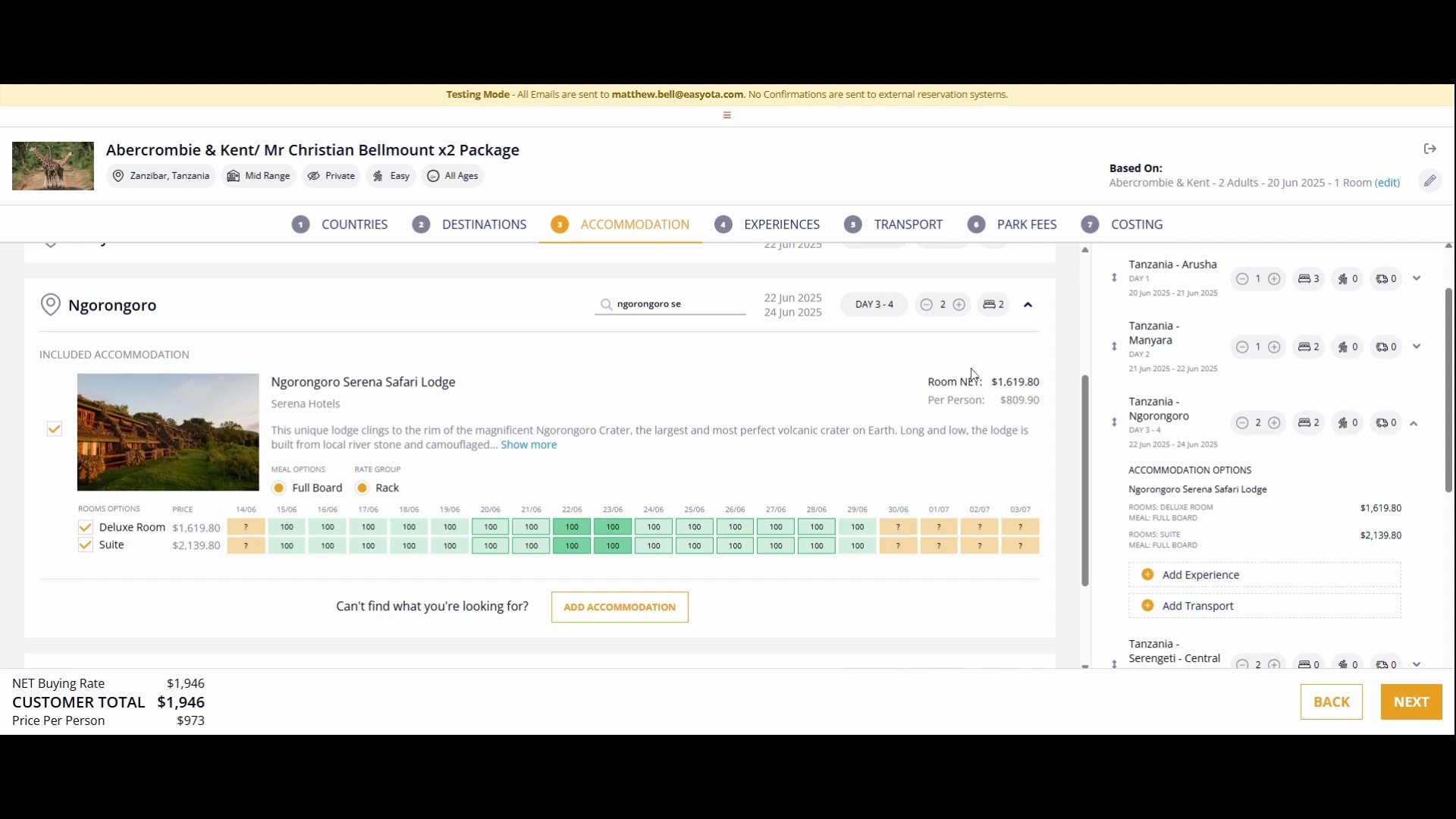
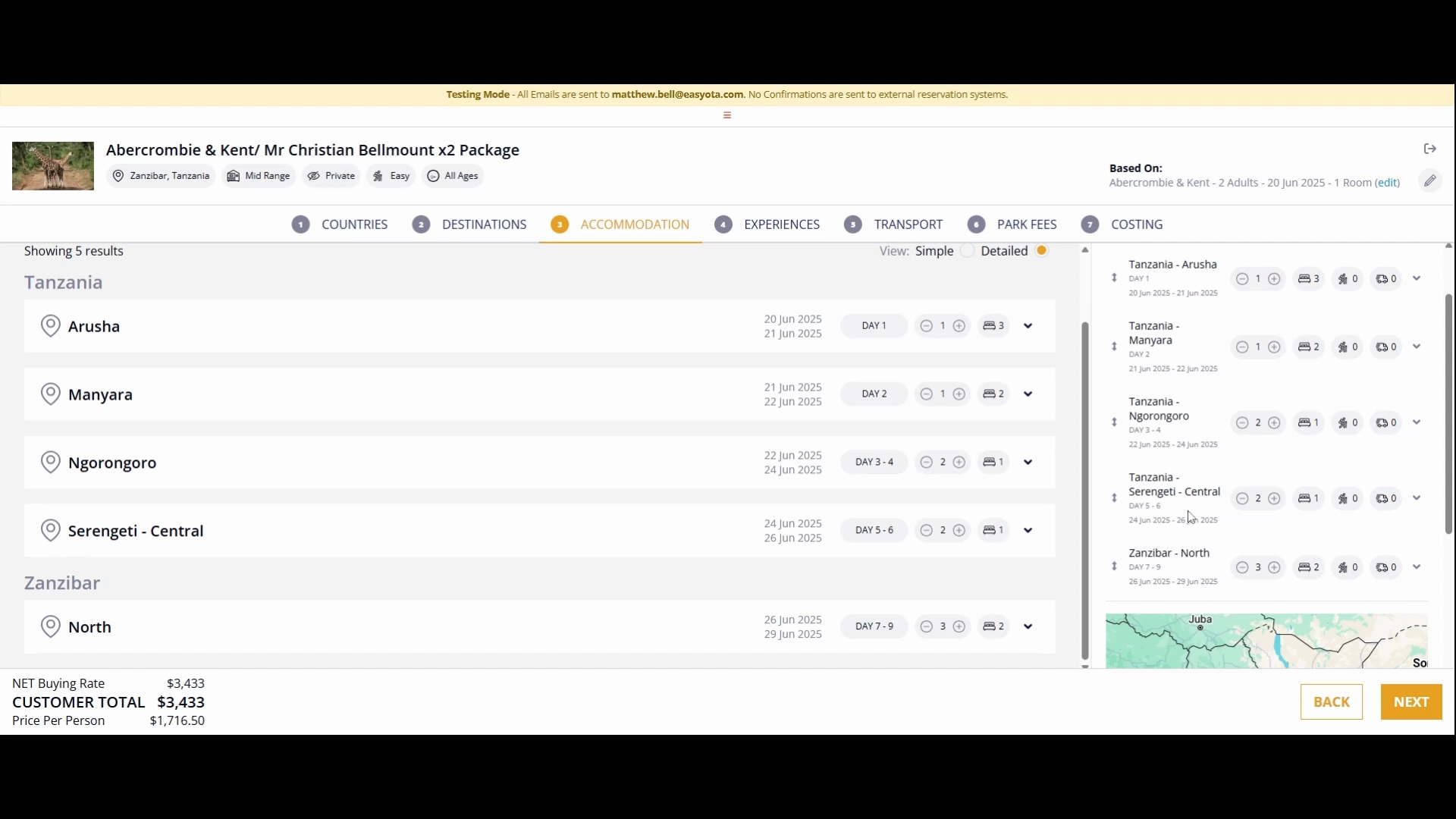
Once you have selected a hotel, you can choose the rooms according to your preference. You may opt for all available options or filter down to just the rooms you wish to select for your guests.
After finalizing your accommodation, the next step is to select your desired experiences. This process is quite similar to choosing your accommodation.
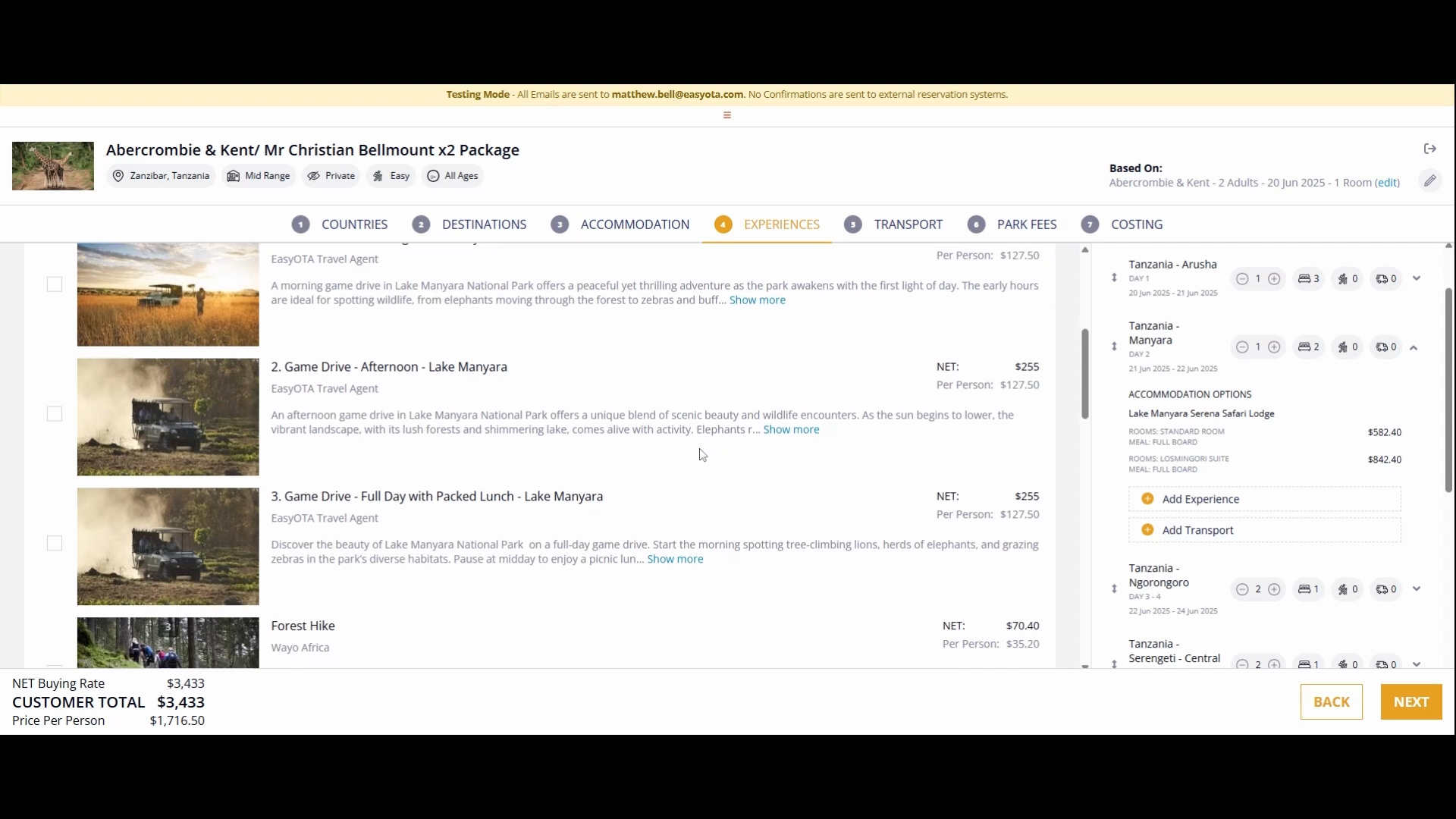
For instance, if you decide to include a game drive experience at Lake Manyara, simply tick the optional box to add it to your itinerary.
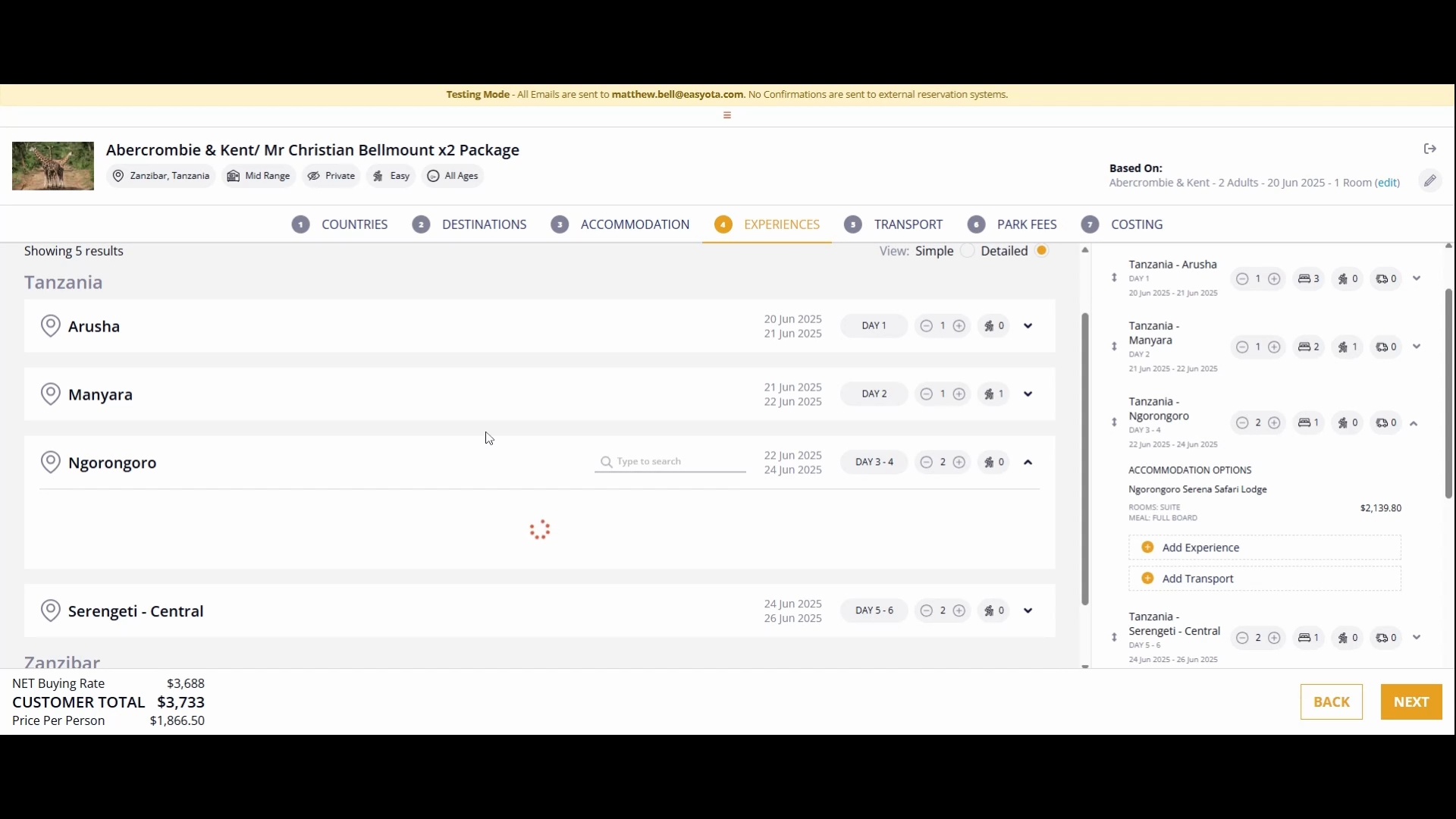
As you plan your itinerary, specify the duration for each destination. For example, confirm the plans for a full game drive during your stay at Ngorongoro on the designated days.
Lastly, for day five, consider including a morning game drive and a balloon safari in Serengeti Central.
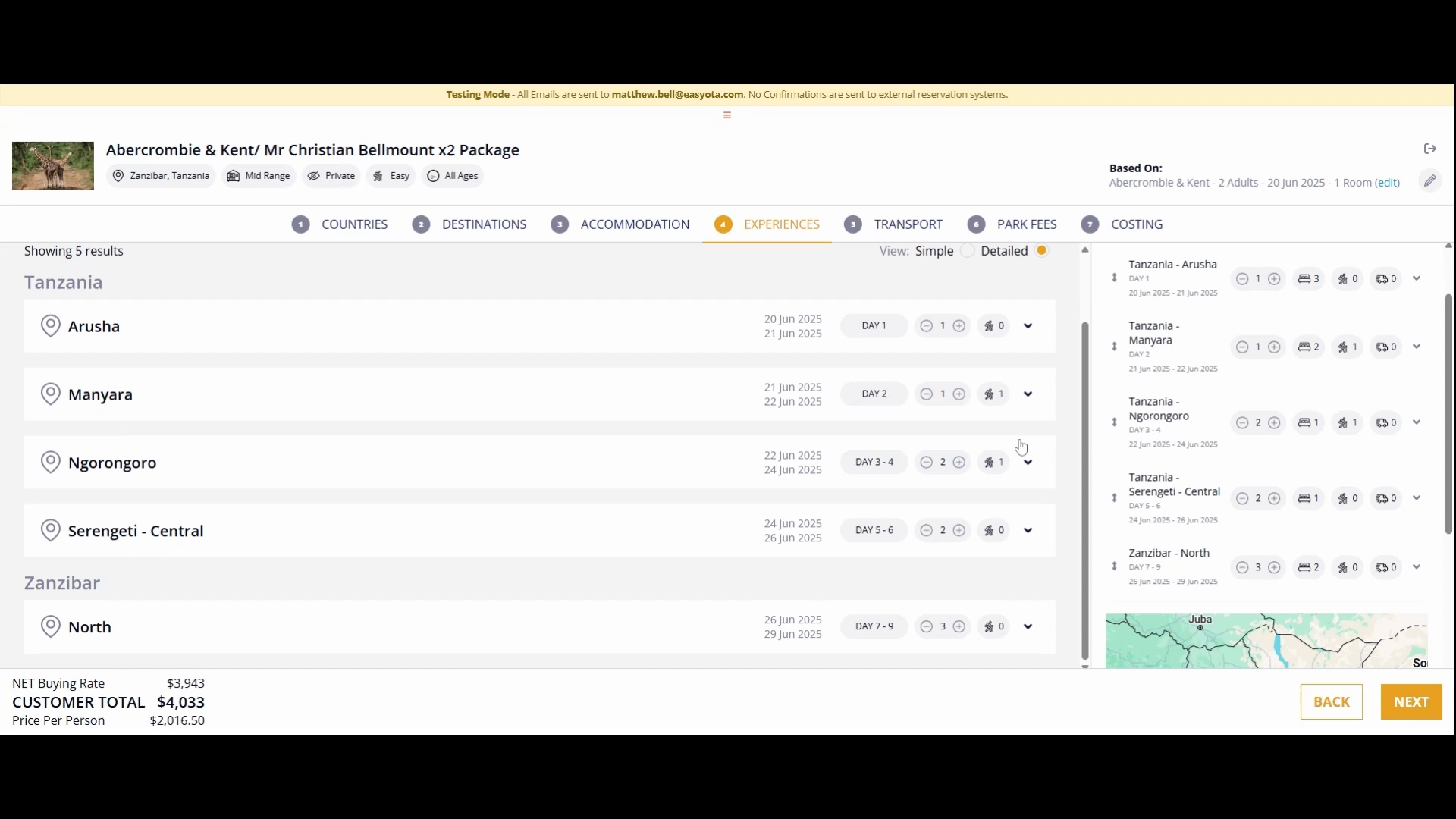
By following the steps outlined in this tutorial, you will be able to efficiently search for hotels and curate experiences tailored to your preferences, ensuring a memorable trip.
