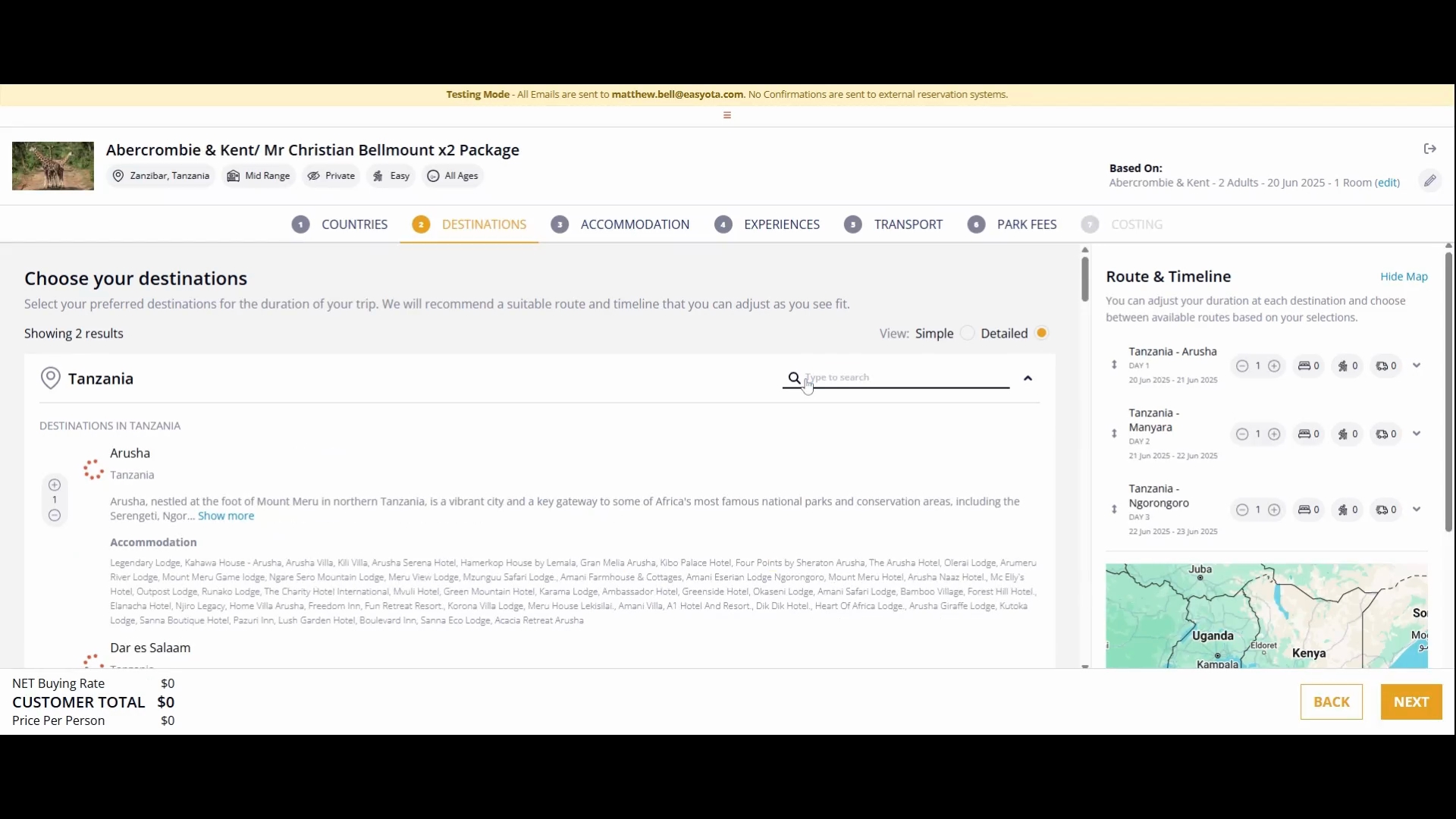


Here, we will plan our route and timeline from the beginning of our safari to the end.
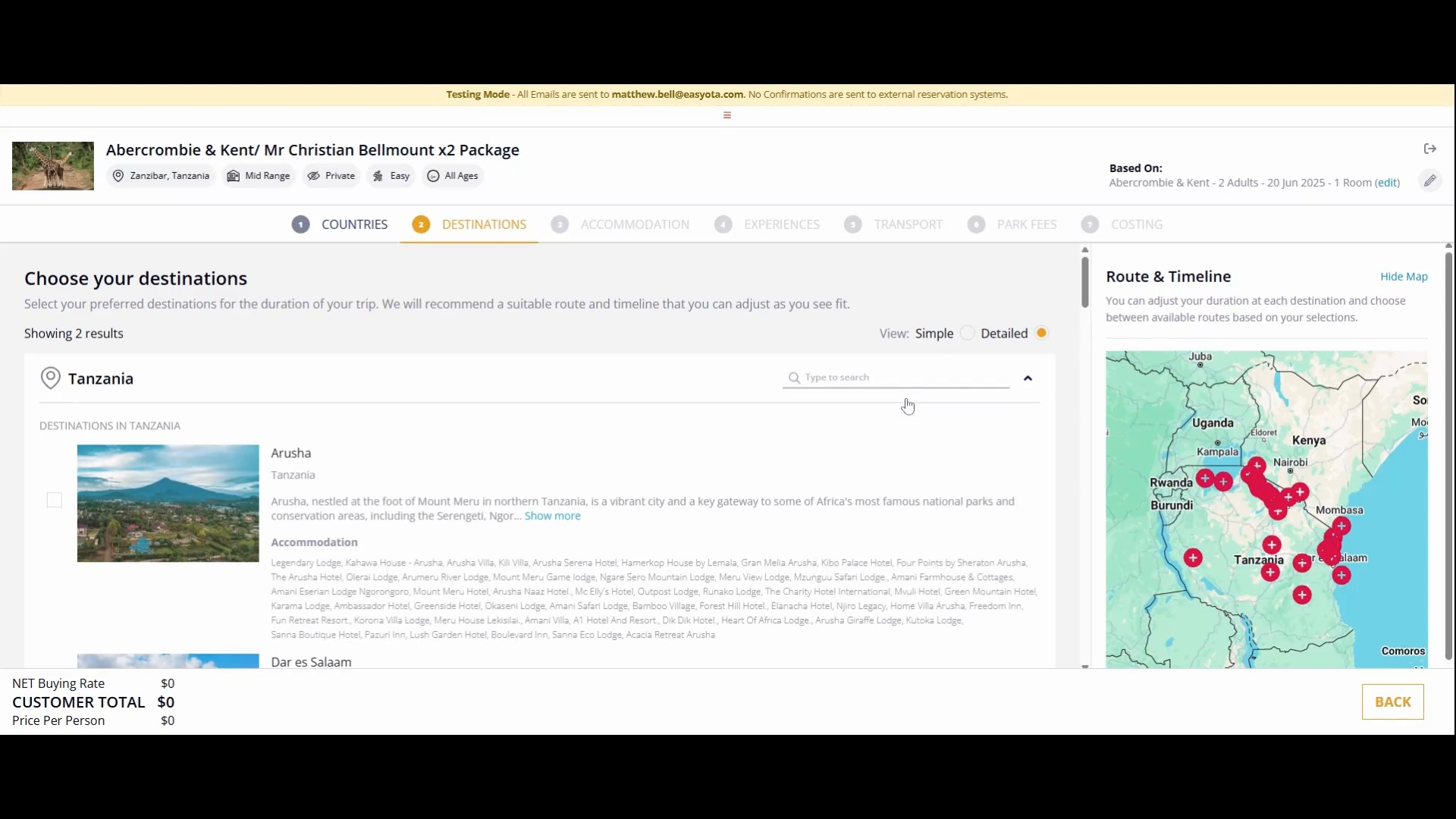
You can search for destinations by their name. If you are unsure of the destination names but know the accommodations or hotels where you will be staying, you can also search for hotel names.
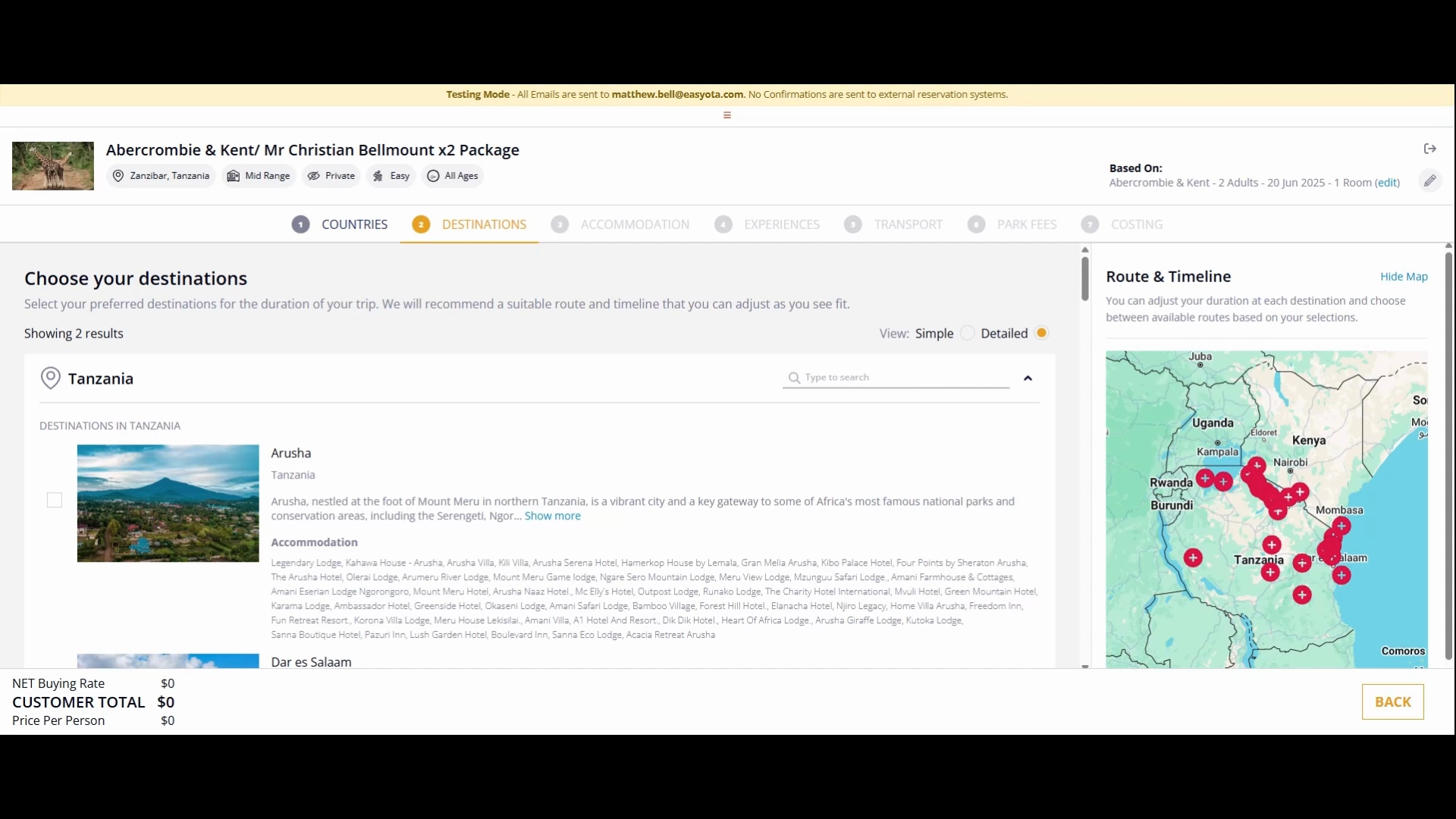
To demonstrate, I will first show you how to add destinations by clicking on them, as I already know my routes. Click the destination of Arusha.
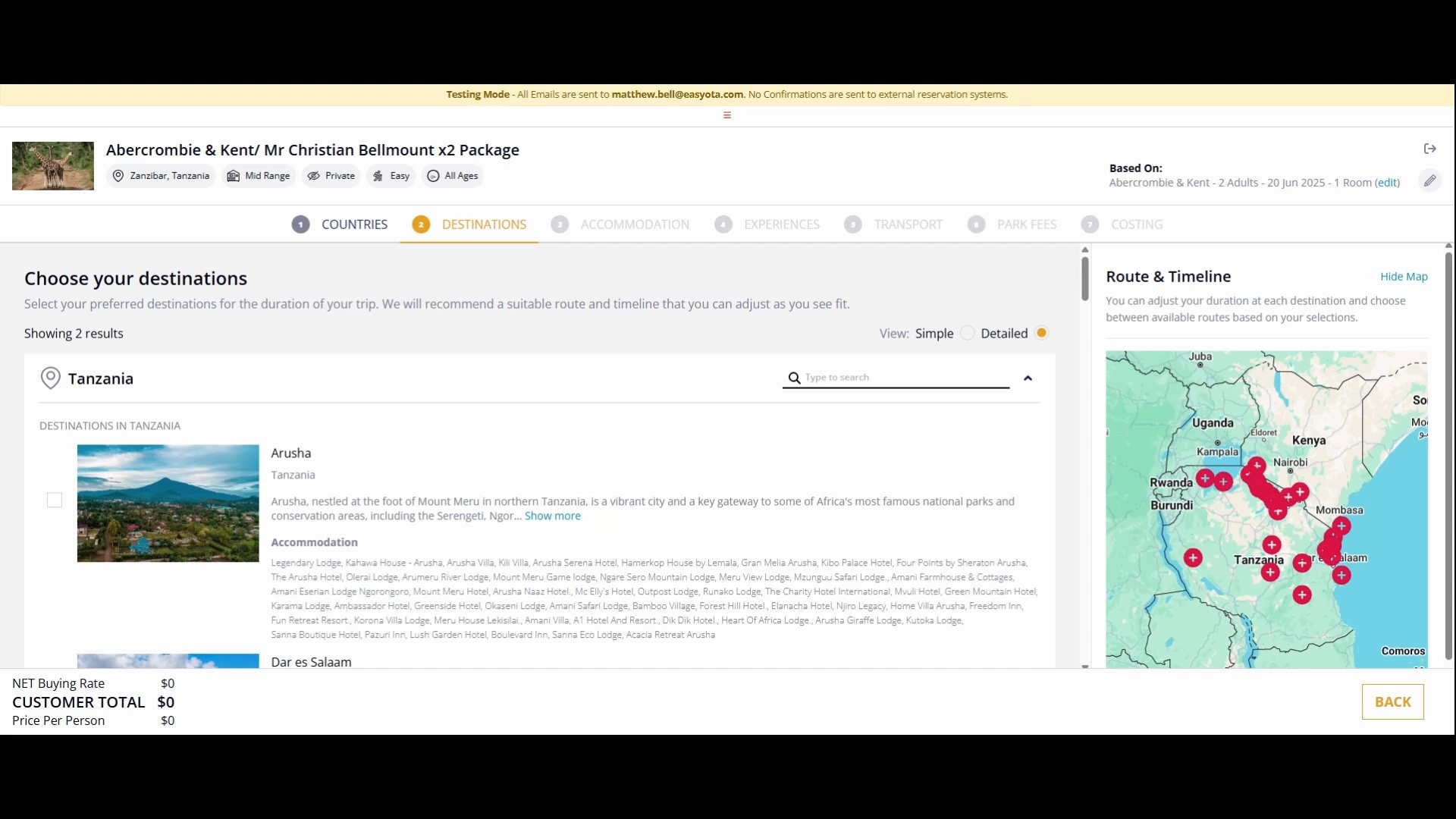
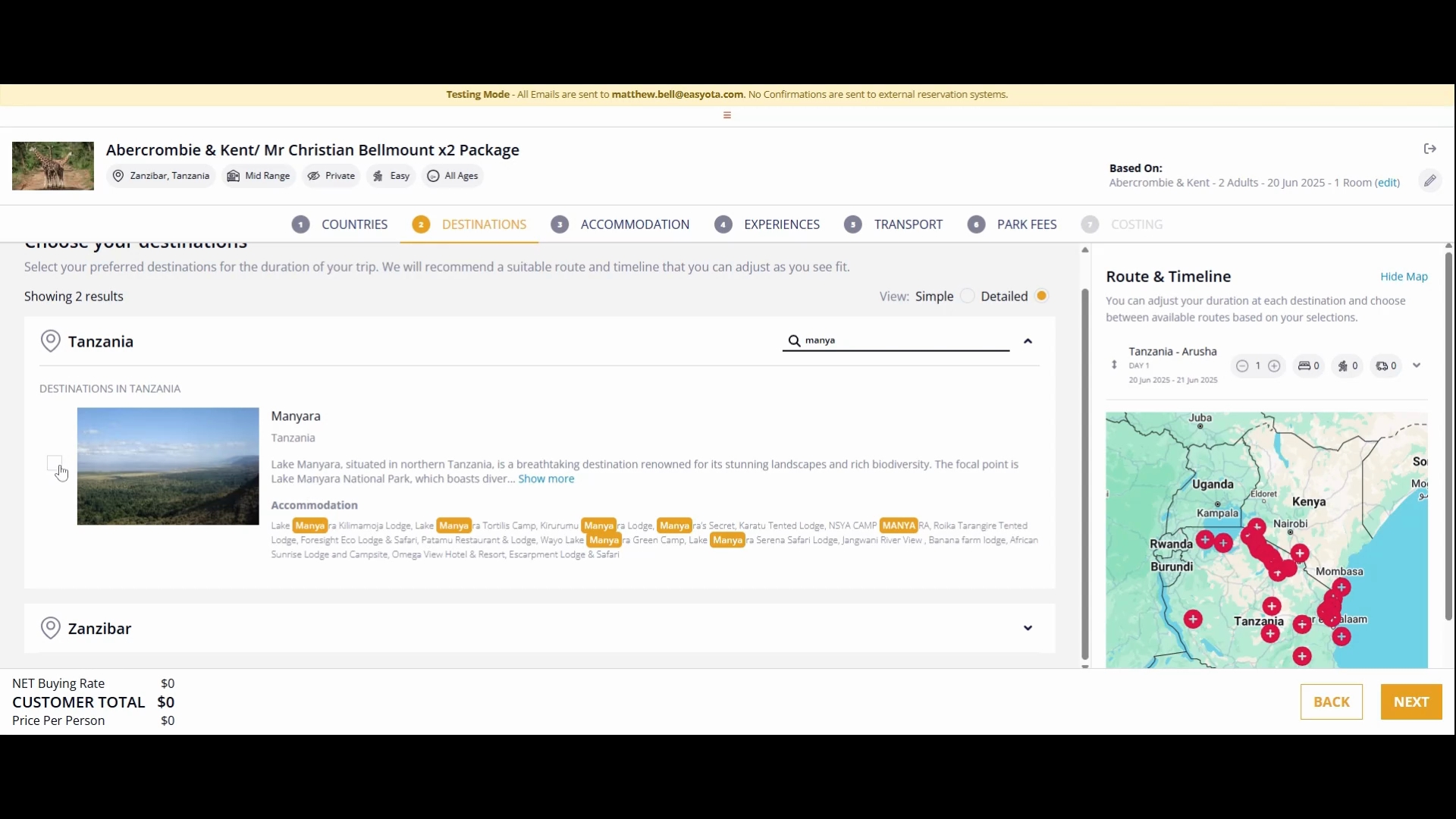
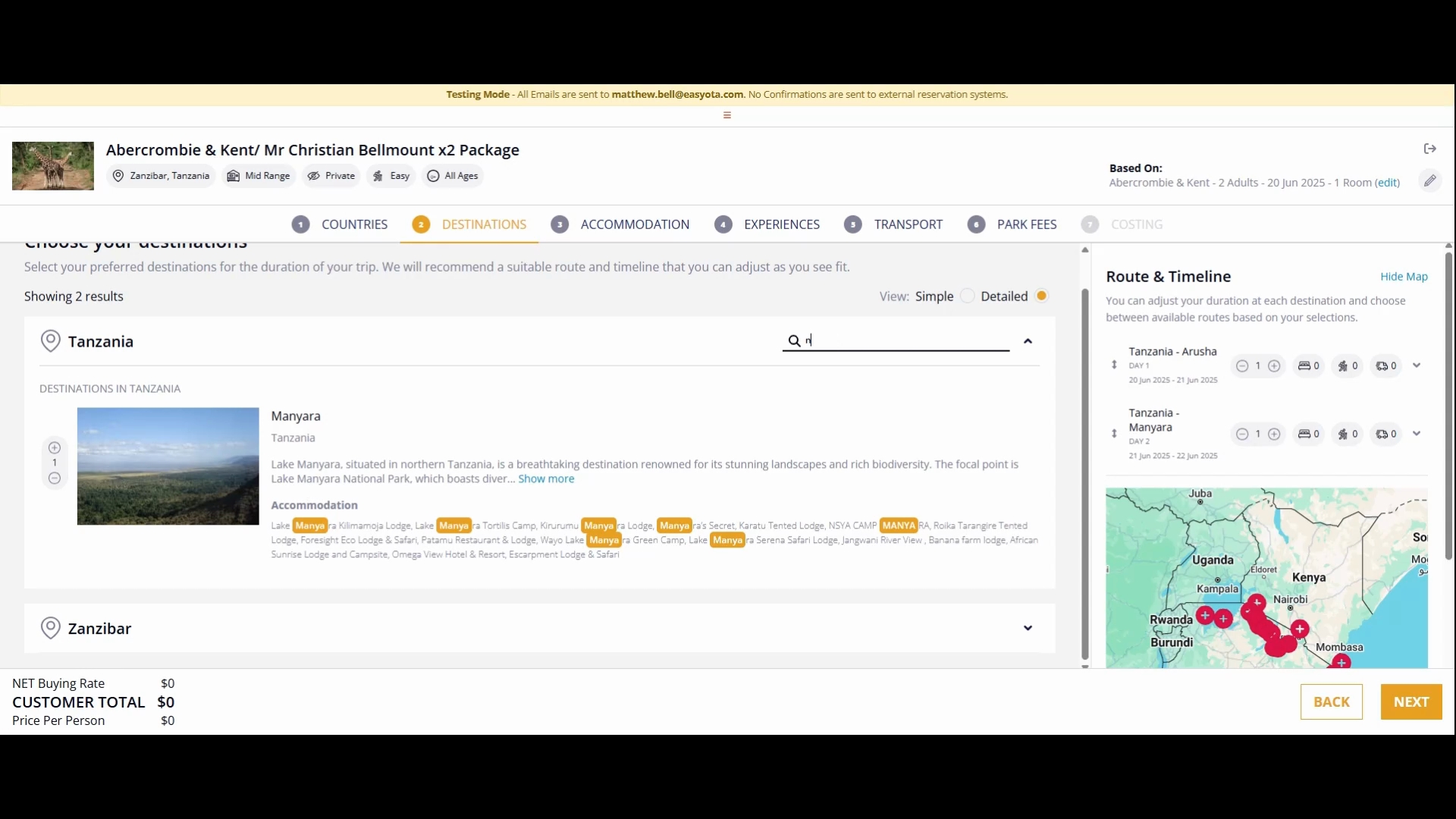
Next, I will click to search for another destination the same way. I will search for Manyara here at the top.
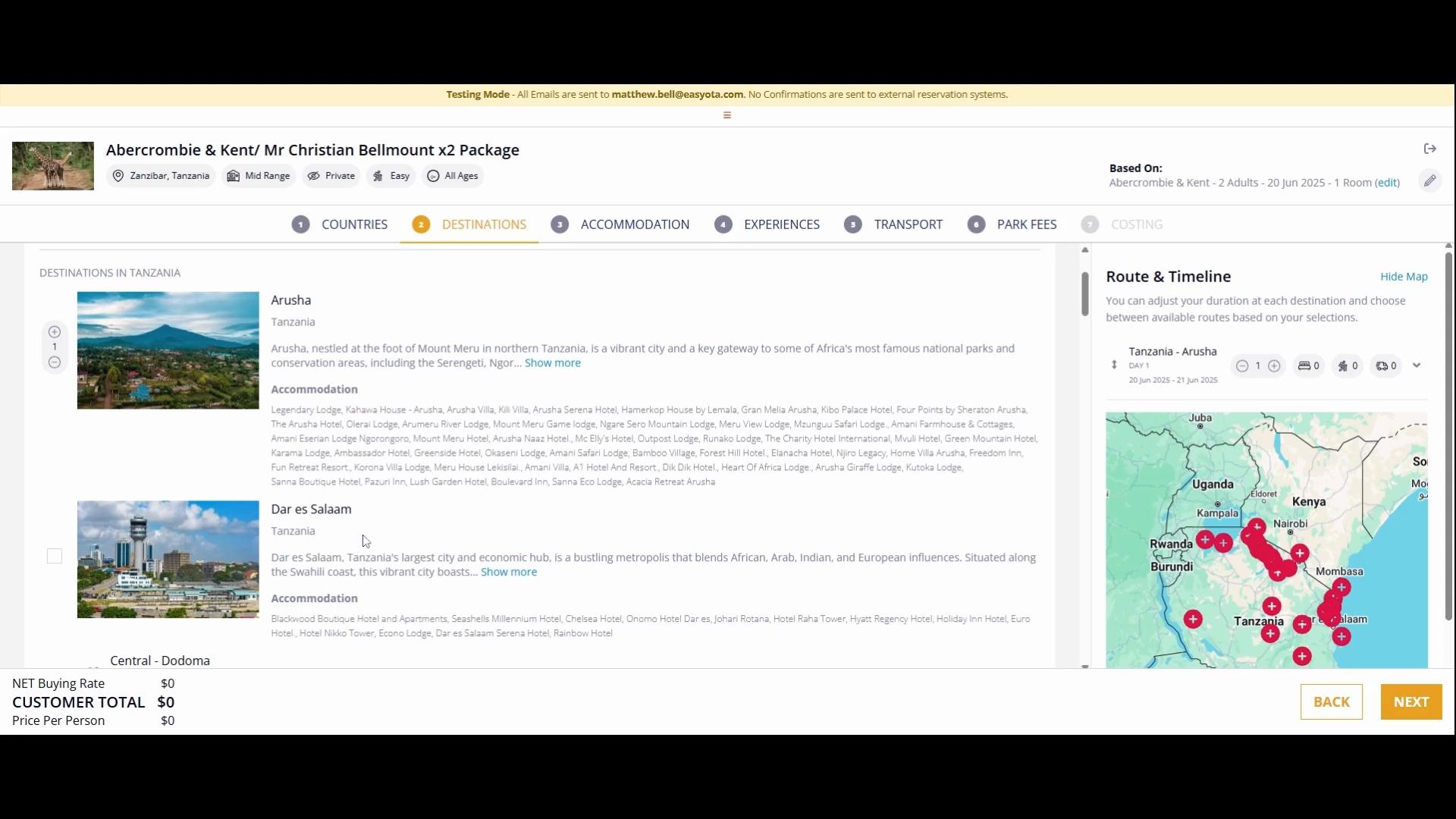
Notice that Manyara has appeared in the list. You can search by either the destination name or the hotel name.
Now, I will perform a search for the hotel Ngorongoro Serena. As you can see, both the hotel name and its corresponding destination have appeared.
I will now proceed to search for another destination, Serengeti, where I will be staying at Serengeti Central. Finally, I will choose Zanzibar as my last destination, specifically the area north of Zanzibar.